Procedure
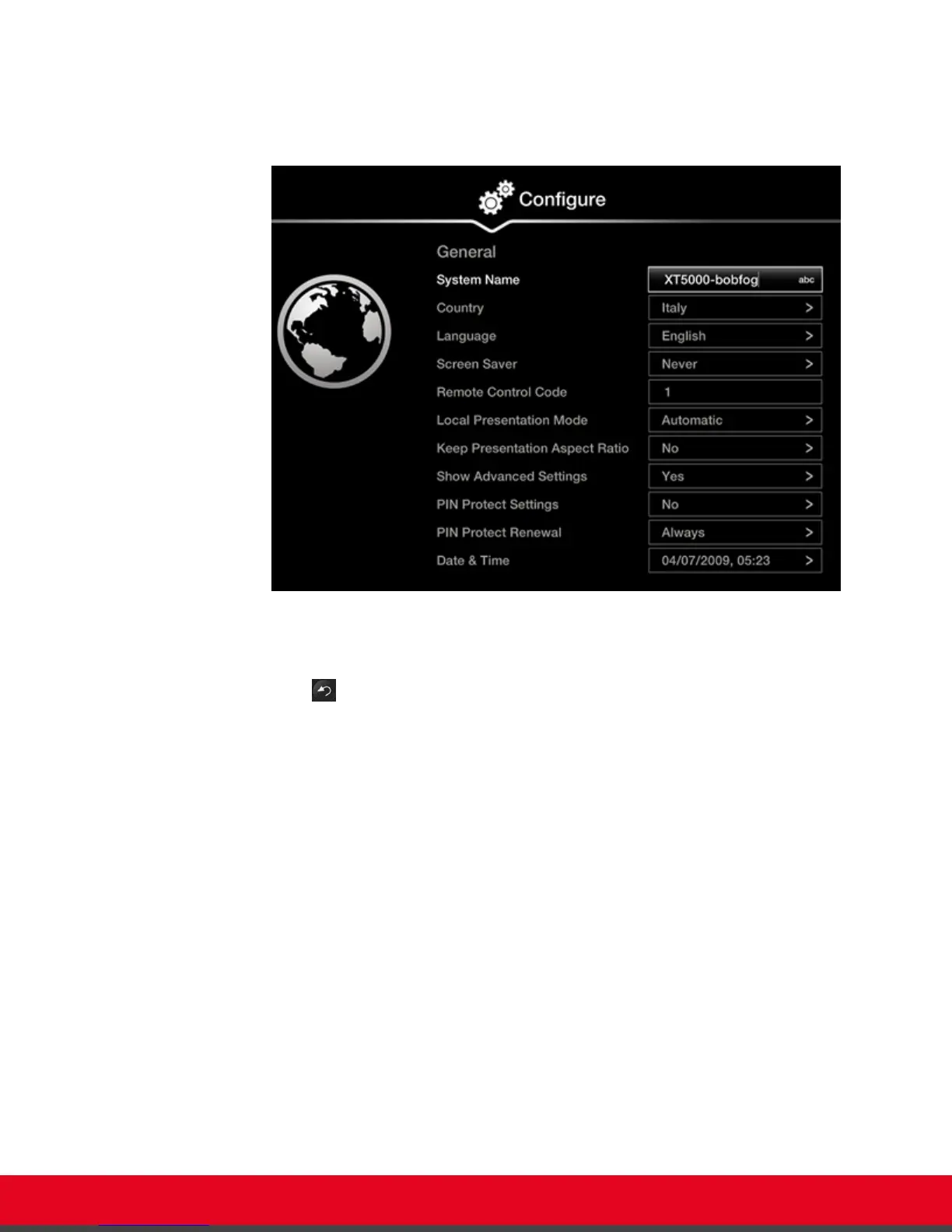
1. From the endpoint's main menu, select Configure > General.
Figure 71: Enabling advanced settings
2. Set Show Advanced Settings to Yes.
3.
Press the Back key on the XT Remote Control Unit.
4. Select Advanced.
5. Enter your four-digit PIN code, and press ok/menu. The default PIN code is 1234.
6. Select Utilities > Restore System > Factory Defaults.
User Guide for Scopia XT5000 Series Version 3.2 Troubleshooting the Scopia XT Series | 93



 To Next Page