Hardware Installation
PixelStor 5000 User Manual
Rev. 1, May 2013
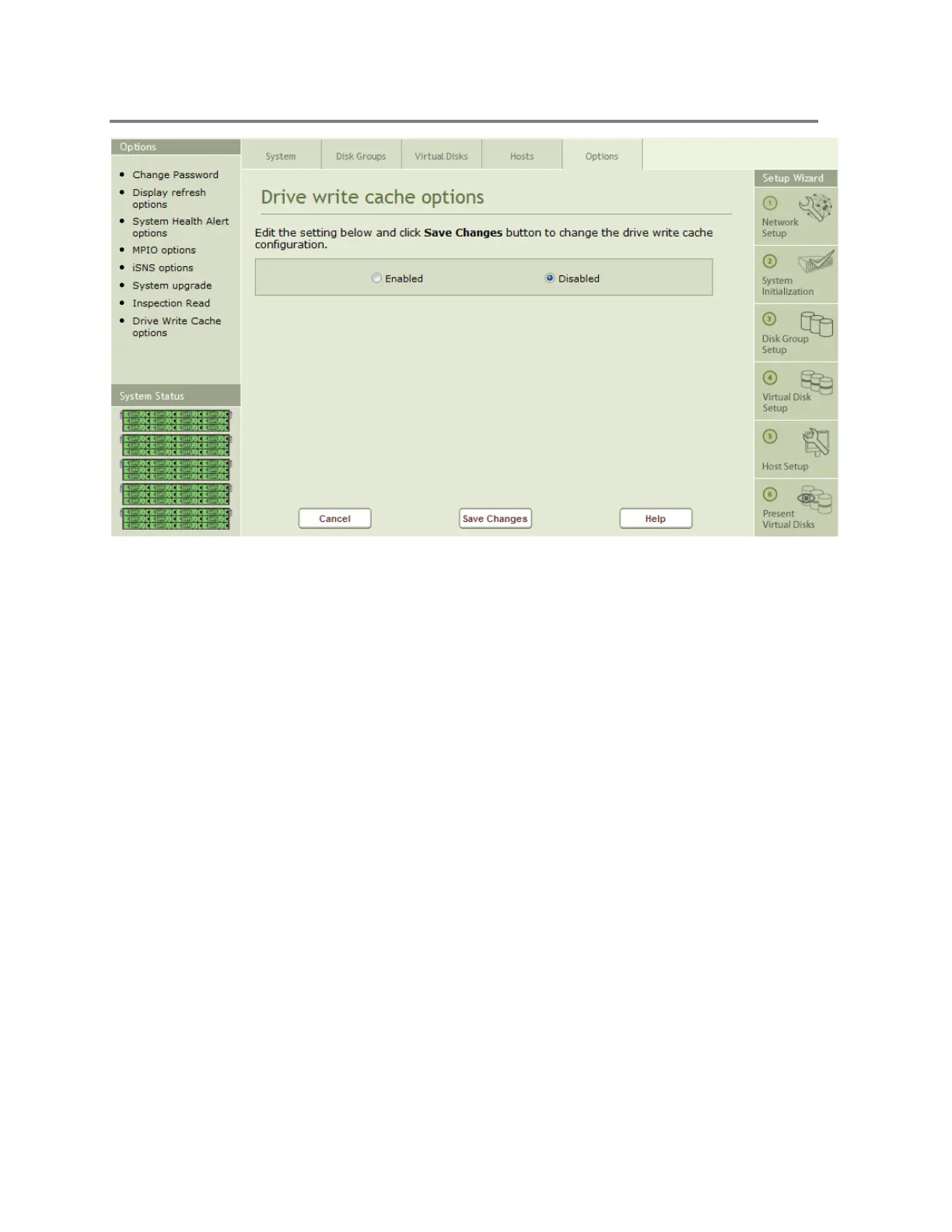
Figure 4-49 Drive Write Cache Options
To enable/disable drive cache:
1. Click on the Drive Write Cache Options icon in the Options page
2. Select the Enabled or Disabled button
3. Select the Save Changes button
4.3.9 System Beacon LED Options



 To Next Page