Hardware Installation
PixelStor 5000 User Manual
Rev. 1, May 2013
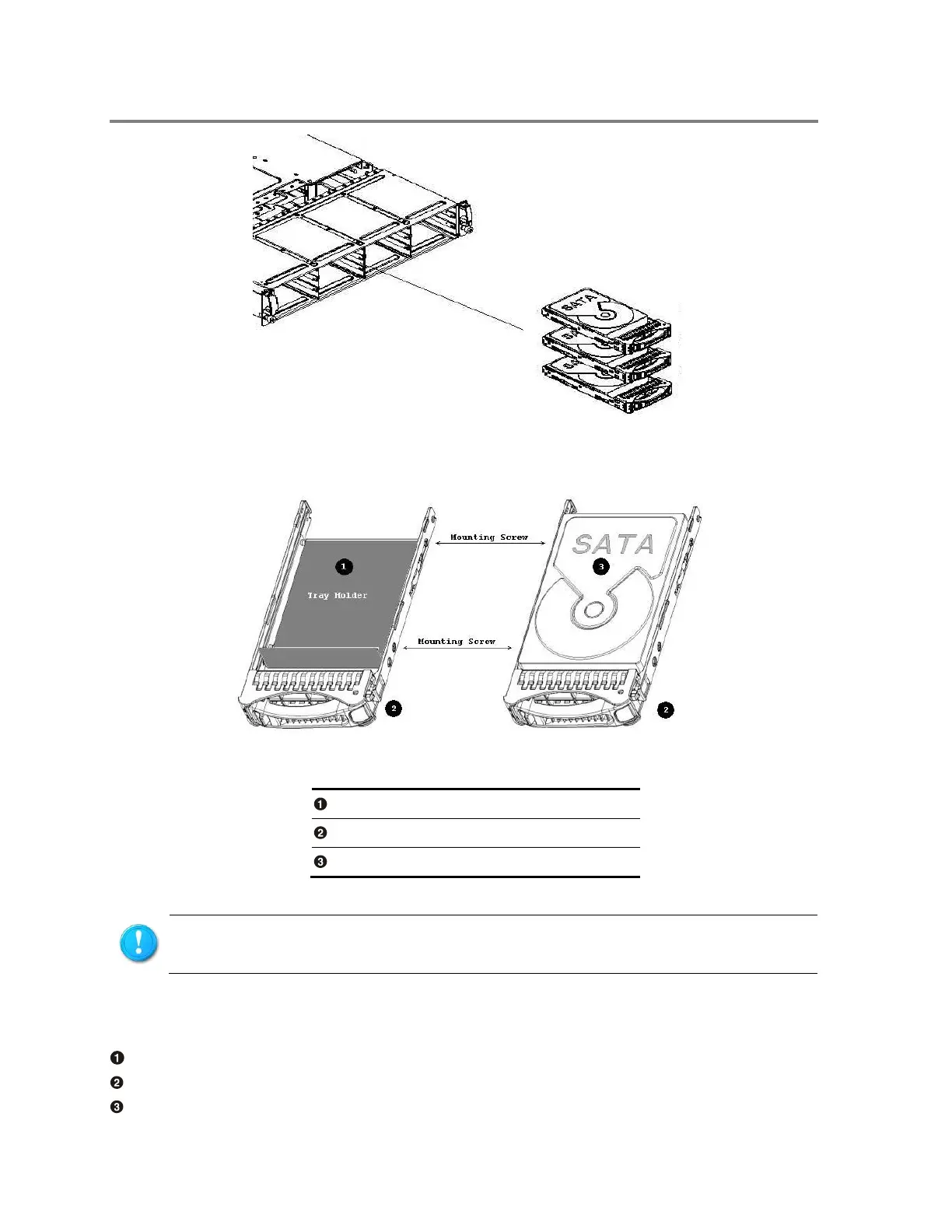
Figure 3-9 Hard Drive Module Location
The layout of hard drive modules is shown below:
Figure 3-10 Hard Drive Module Assembly
To install the hard drive module
Place Tray holder as shown in Figure 3-11
Position the hard drive into the carrier.
Secure the hard drive with four screws.
The drive must be inserted into the drive slot with the drive label facing up.



 To Next Page