Hardware Installation
PixelStor 5000 User Manual
Rev. 1, May 2013
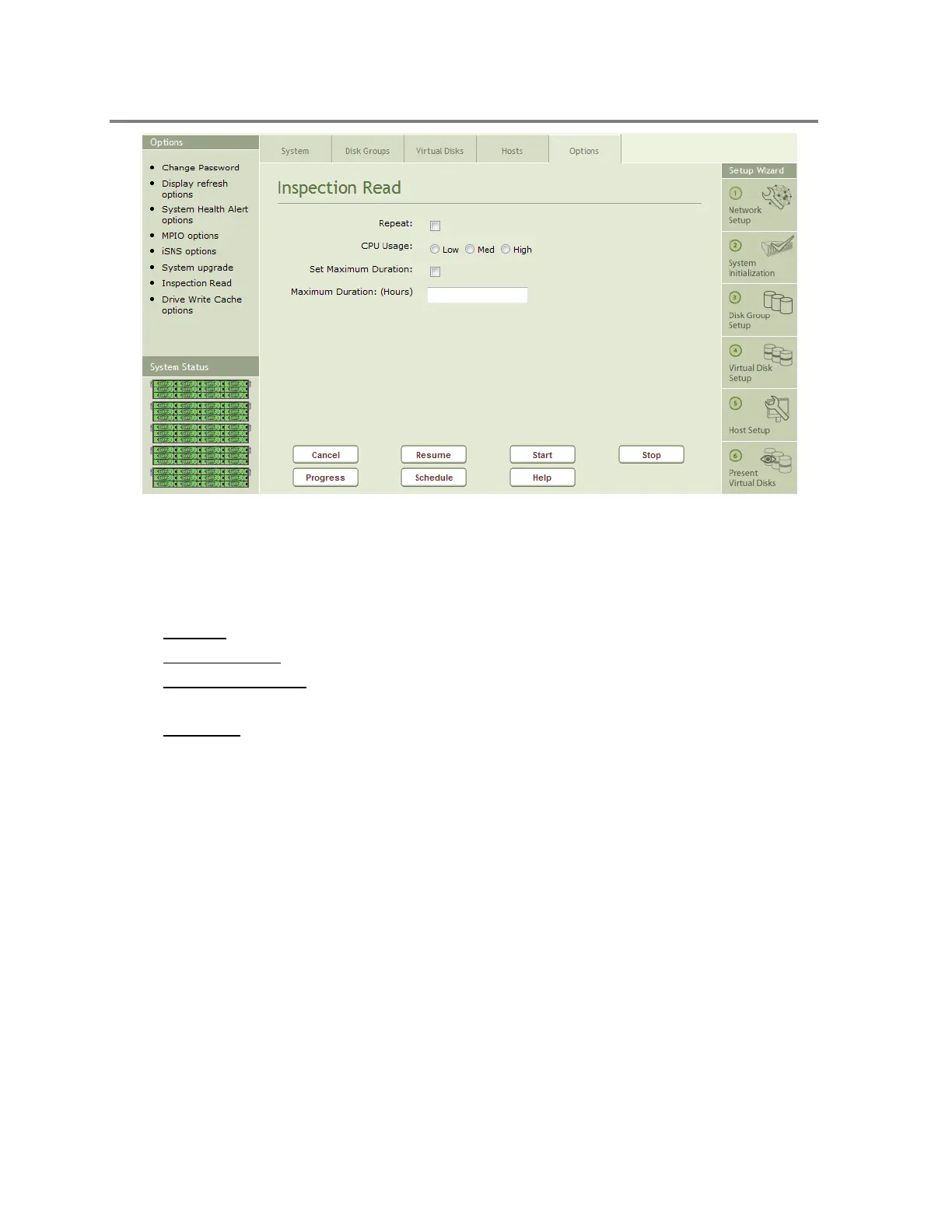
Figure 4-46 Inspection Read Interface
Inspection Read Progress
Figure 4-47 shows the Inspection Read progress pages. The display fields include:
Running – Shows yes if Inspection Read is currently running
Execution Time – Shows the amount of time that Inspection Read has been running
Maximum Duration – Shows the total time allocated to run Inspection Read when
Maximum duration has been set.
Device list – Shows the devices and slots for each device under inspection. The Number
of blocks inspected, total blocks to be inspected and percentage completed are listed for
each device.



 To Next Page