Hardware Installation
PixelStor 5000 User Manual
Rev. 1, May 2013
Figure 3-7 Inserting the Controller Fan Board
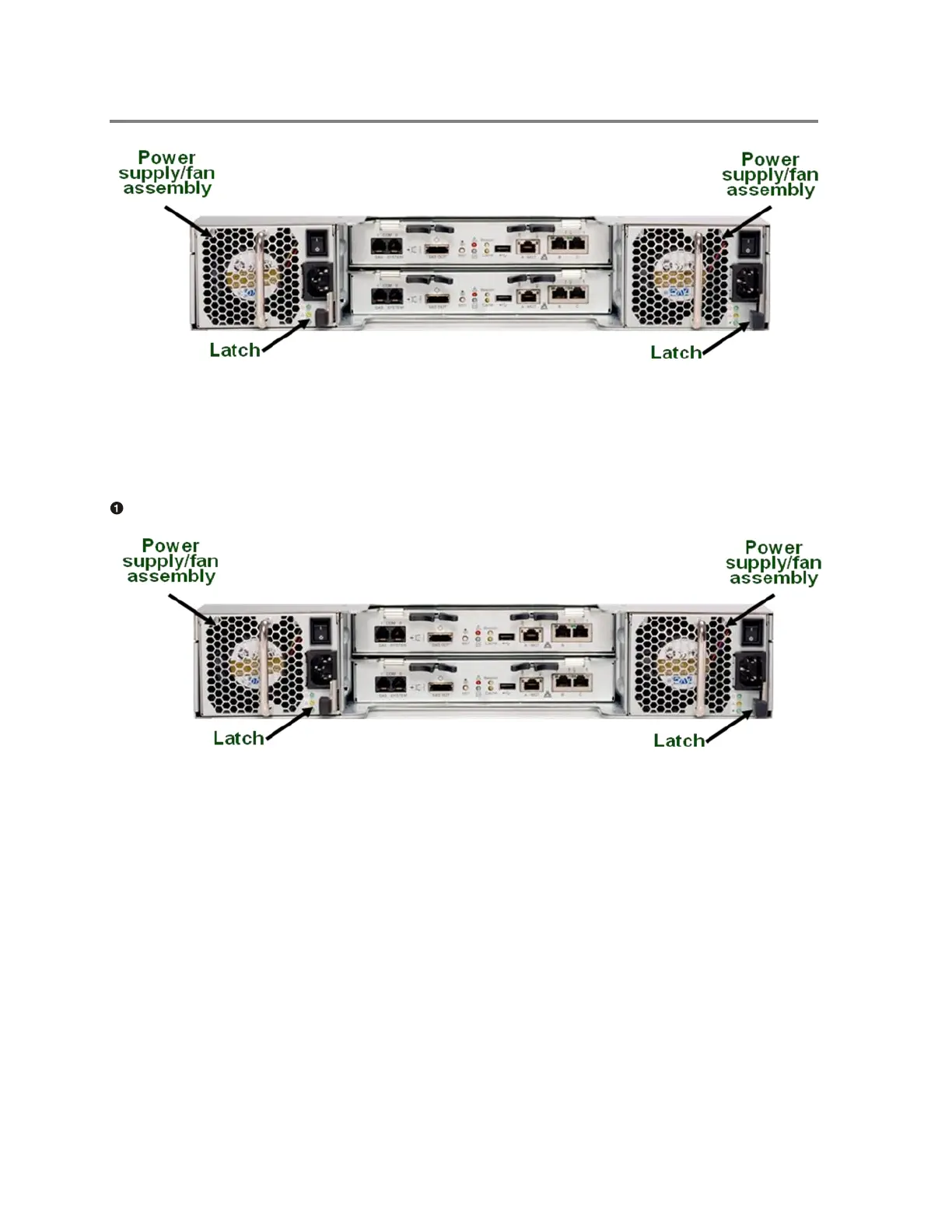
To remove the Power Supply/Fan assembly
Press the latch and pull the handle to remove the Power Supply/Fan assembly.
Figure 3-8 Pressing the Locking Button
3.3.3 Hard Drive Modules
This PixelStor 5000 system supports installation of 3.5” SATAII drives drives. The drives are
housed in SATA hot plug drive canister and can be installed in the following slots on the
PixelStor 5000:



 To Next Page