Hardware Installation
PixelStor 5000 User Manual
Rev. 1, May 2013
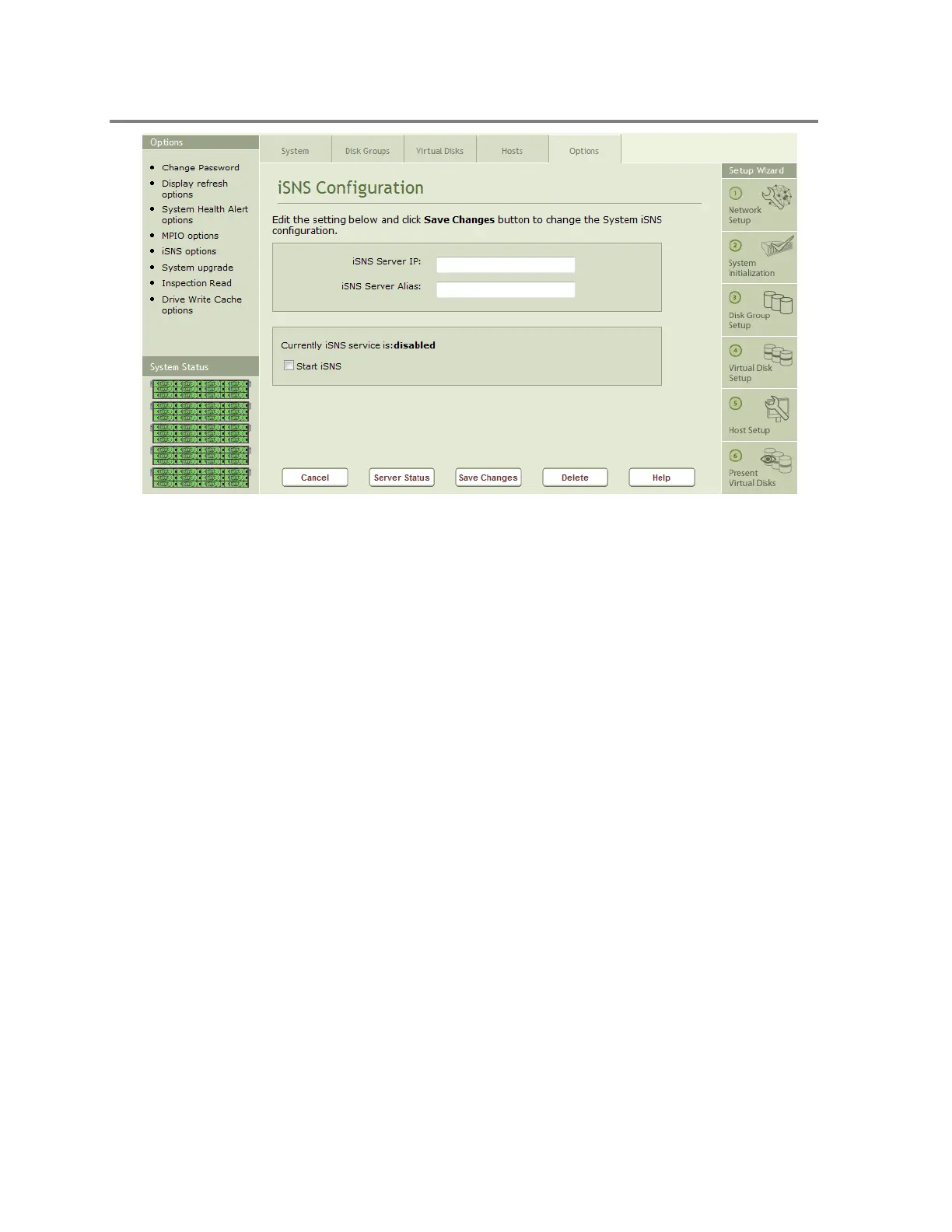
Figure 4-43 iSNS Configuration
To configure the iSNS client:
1. Click on the iSNS Options icon on the Options page
2. Enter the IP Address of the iSNS server
3. Enter the Server Alias of the iSNS Server
4. Select Start iSNS
5. Click on the Save Changes button
You can also determine the iSNS Server Status by Clicking on the Server Status button of the
iSNS Configuration page. This will open a pop up window that will indicate whether the iSNS
server you have defined is online or offline.
4.3.5 System Upgrade Options
The PixelStor 5000 supports a system upgrade from the Storage Manager (this is supported
after Kernel Downloadable Image (KDI) version 2.6.4). This feature allows you to select the new
KDI from your local machine or another system on the same subnet as the system.
The upgrade process is initiated through the Upgrade Manager shown in Figure 4-44. The
upgrade process executes the following actions.
Load a copy of the specified KDI into memory
Copy the KDI to the remote controller backup location (typically takes 3-4 minutes).



 To Next Page