Hardware Installation
PixelStor 5000 User Manual
Rev. 1, May 2013
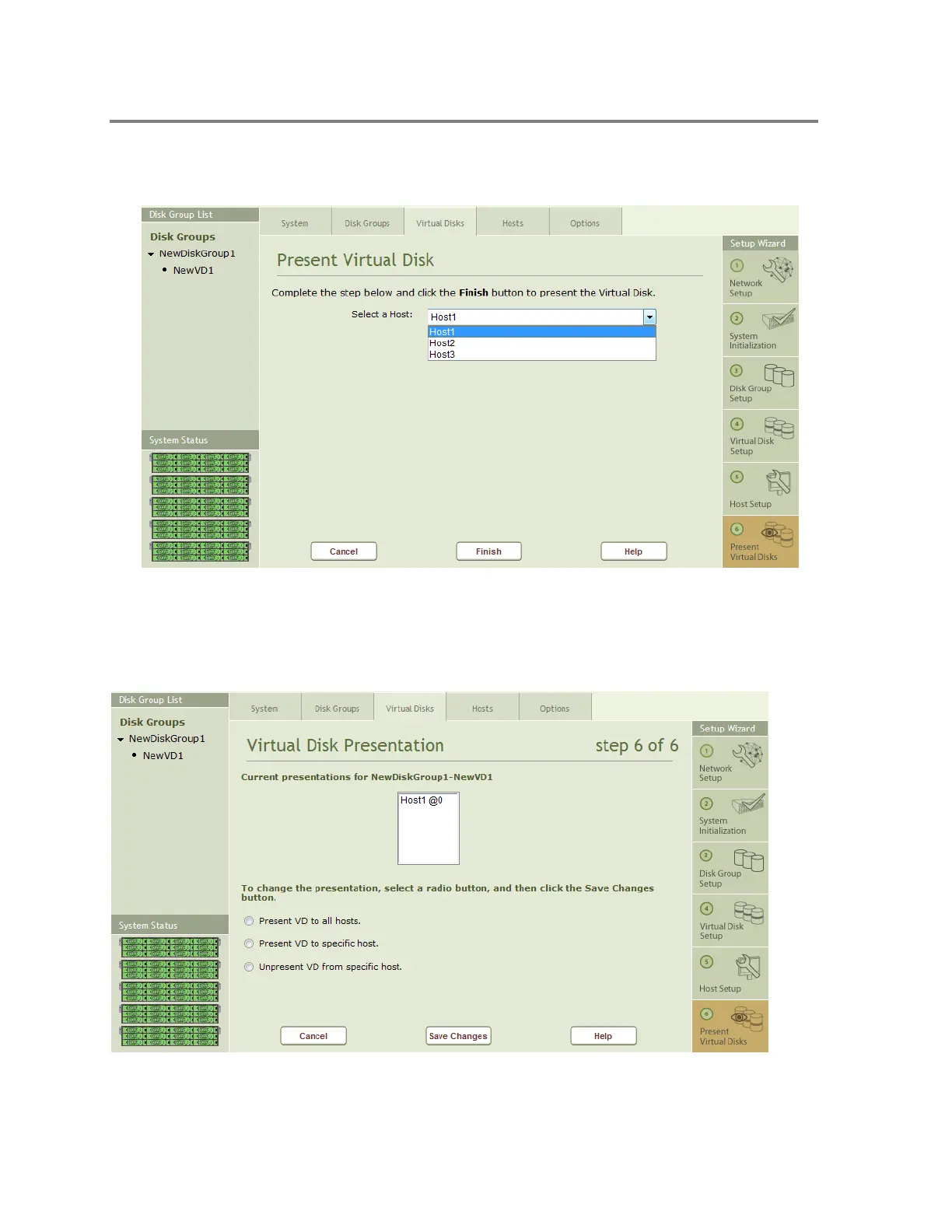
To Present the Virtual Disk to a specific host, select the Host from the pull down list as shown in Figure
4-36 and click on the “Finish” button.
Figure 4-36 Present Virtual Disk Page
After you hit the finish button, the current presentations for the selected VD are shown (see
Figure 4-37).
Figure 4-37 Current Presentations



 To Next Page