Hardware Installation
PixelStor 5000 User Manual
Rev. 1, May 2013
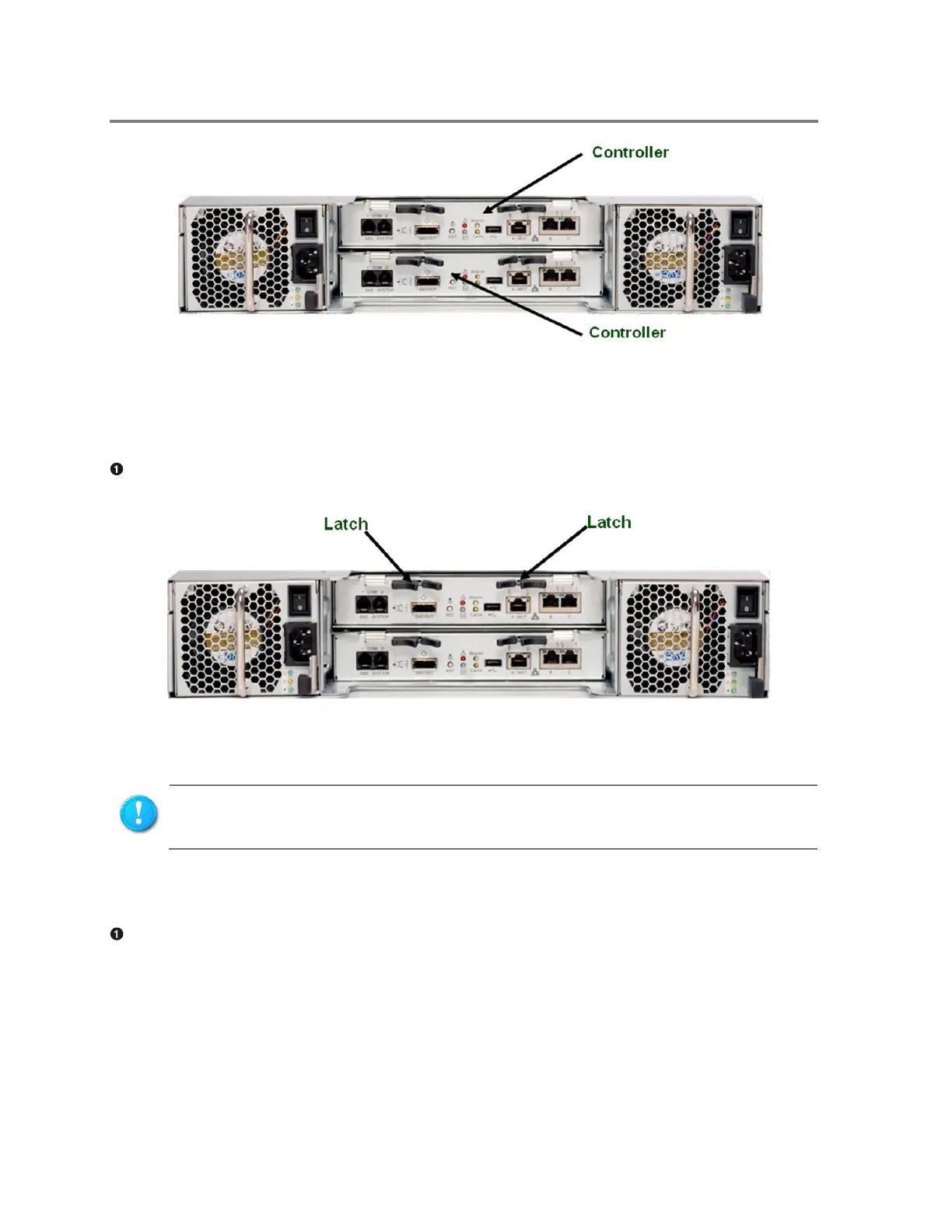
Figure 3-4 Location of Controller Modules
To install the controller module
Carefully insert the controller module into the bay until it completely enters the bay and the
latches engage.
Figure 3-5 Inserting the Controller Module
To remove the controller module
Pull latches to release controller
Make sure that the controller modules are fully inserted and the connectors firmly
seated to the backplane.



 To Next Page