Introduction
PixelStor 5000 User Manual
Rev. 1, May 2013
2.1.2 Rules for Adding Storage
PixelStor 5000 and PixelStor 100e/312e/324e expansion enclosures follow the concept of “disk
groups”. A “disk group” (DG) is composed of an associated group of disks with similar RAID
properties. All DGs must be assigned a RAID level. The system supports RAID 0, 1, 5, 6, 50, 60
10. The following rules must be followed when creating DGs for a PixelStor
5000/100e/312e/324e system:
A DG can span across interconnected PixelStor 5000 and PixelStor 100e/312e/324e
systems.
Drives within a DG can reside in any order across any of the enclosures in a system.
Capacity of a DG can be expanded by adding disks from the available pool of global spare
disks. (Adding disks to a disk group may require multiple disks.)
DGs can be accessed by either controller, but must be assigned a primary controller.
Drives not assigned to a disk group will be classified as “Global Spares”
Global spare(s) can reside on any of the interconnected chassis to protect any DG. A Global
Spare cannot be added to RAID 0 DG.
Failed disks or disks disassociated from their disk group will be classified as “Orphans” by
the system.
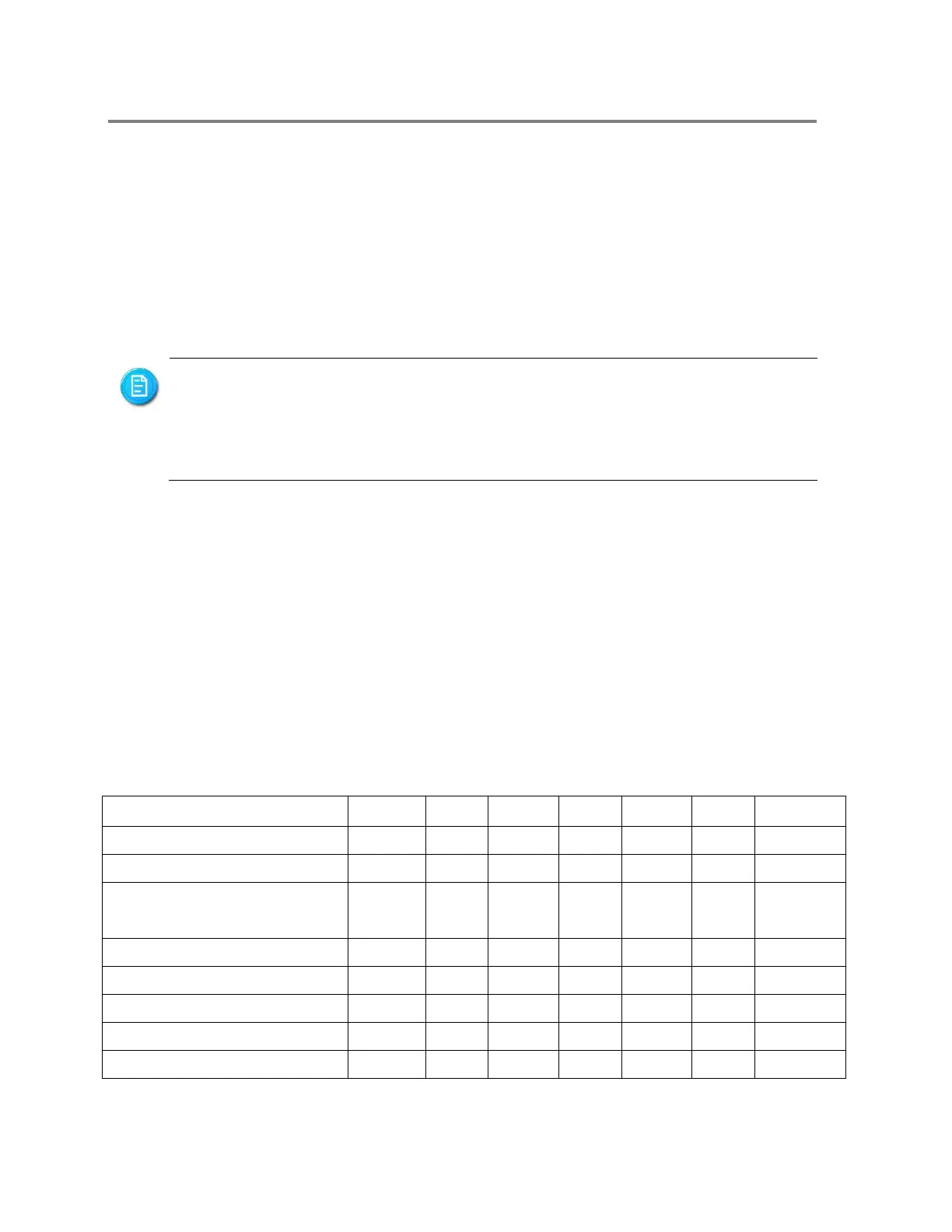
Table 2-2 Disk Group Parameters
Disk Group (DG) Parameters
Minimum # of Drives per DG
Maximum # of Drives per DG
Maximum # of Drives per
System (PixelStor 5000)
RAID Levels Allowed per DG
Access to DG by both
Controllers
To improve the utilization of the available storage capacity and ensure
reliability, it is recommended that all disk drive modules within a DG be the
same size and from the same manufacturer. This is because for each RAID
Group, the system scales down to the size of the smallest drive (except for
RAID 0).



 To Next Page