Hardware Installation
PixelStor 5000 User Manual
Rev. 1, May 2013
There are 6 primary sections within the Storage Manager (see Figure 4-3 Management
Console Layout)
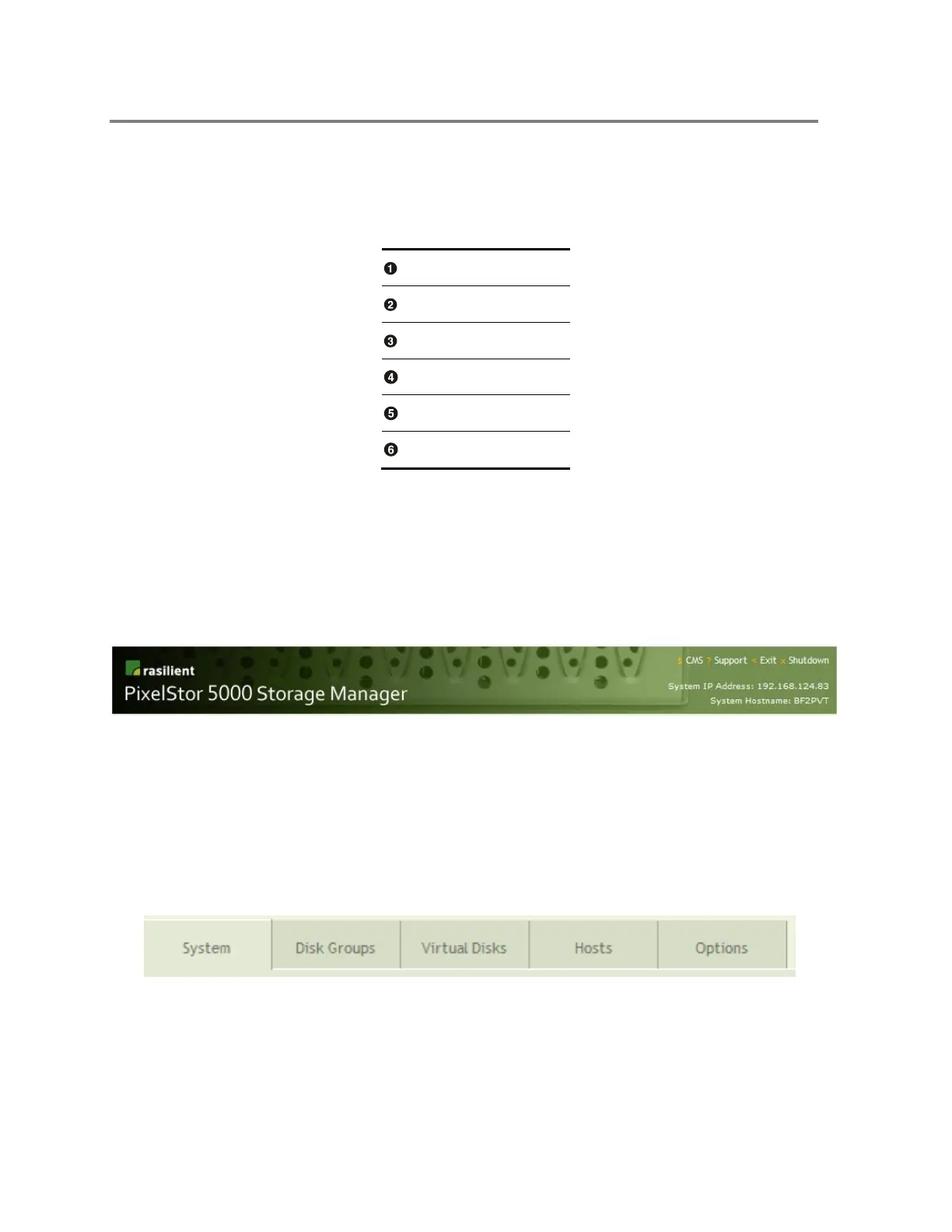
The Console Banner provides links to the support page, an exit link and a link to the Shutdown
page. For easy reference, the System IP address and the Storage System name are displayed
as shown in Figure 4-4.
Figure 4-4 Console Banner
The Navigation Tabs provide quick access to utilities that allow you to manage the PixelStor
5000 as shown in Figure 4-5. Each is discussed in greater detail in subsequent sections of this
document.
Figure 4-5 Navigation Tabs



 To Next Page