Hardware Installation
PixelStor 5000 User Manual
Rev. 1, May 2013
Figure 4-17 Create Disk Group - Advanced Features
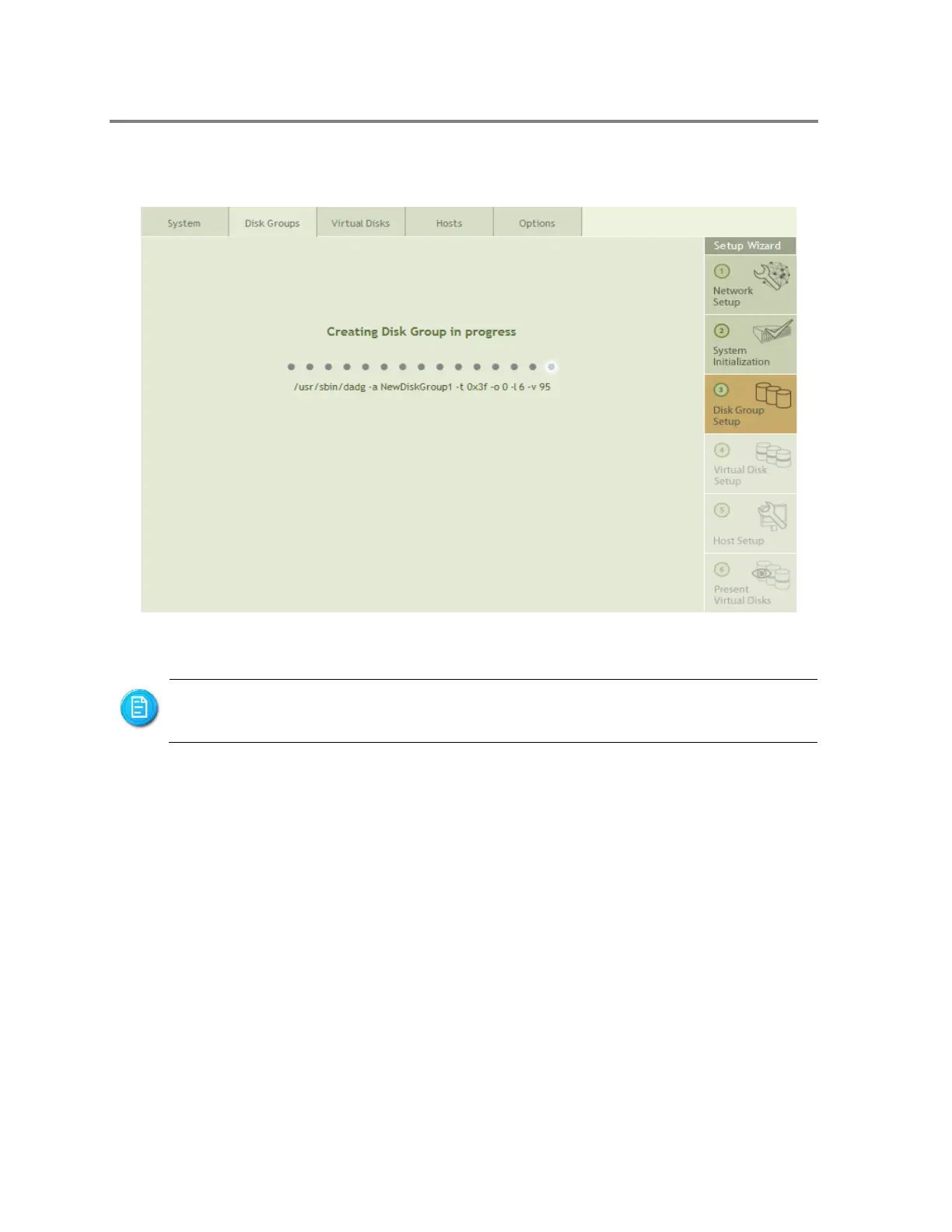
Once you click on Finish, a progress page will open, shown in Figure 4-18.
Figure 4-18 Create Disk Group – Progress Page
When the Disk Group has been created, a properties page for the newly created Disk Group is
opened. You can get to any specific Disk Group Properties page by selecting the Disk Group
you are interested in from the Disk Group List on the left hand side of the Management
Console. The currently selected Disk Group is highlighted in the Disk Group List as shown in
Figure 4-19.
You can continue to create additional Disk Groups or start using the Disk Group
while it is being created.



 To Next Page