Hardware Installation
PixelStor 5000 User Manual
Rev. 1, May 2013
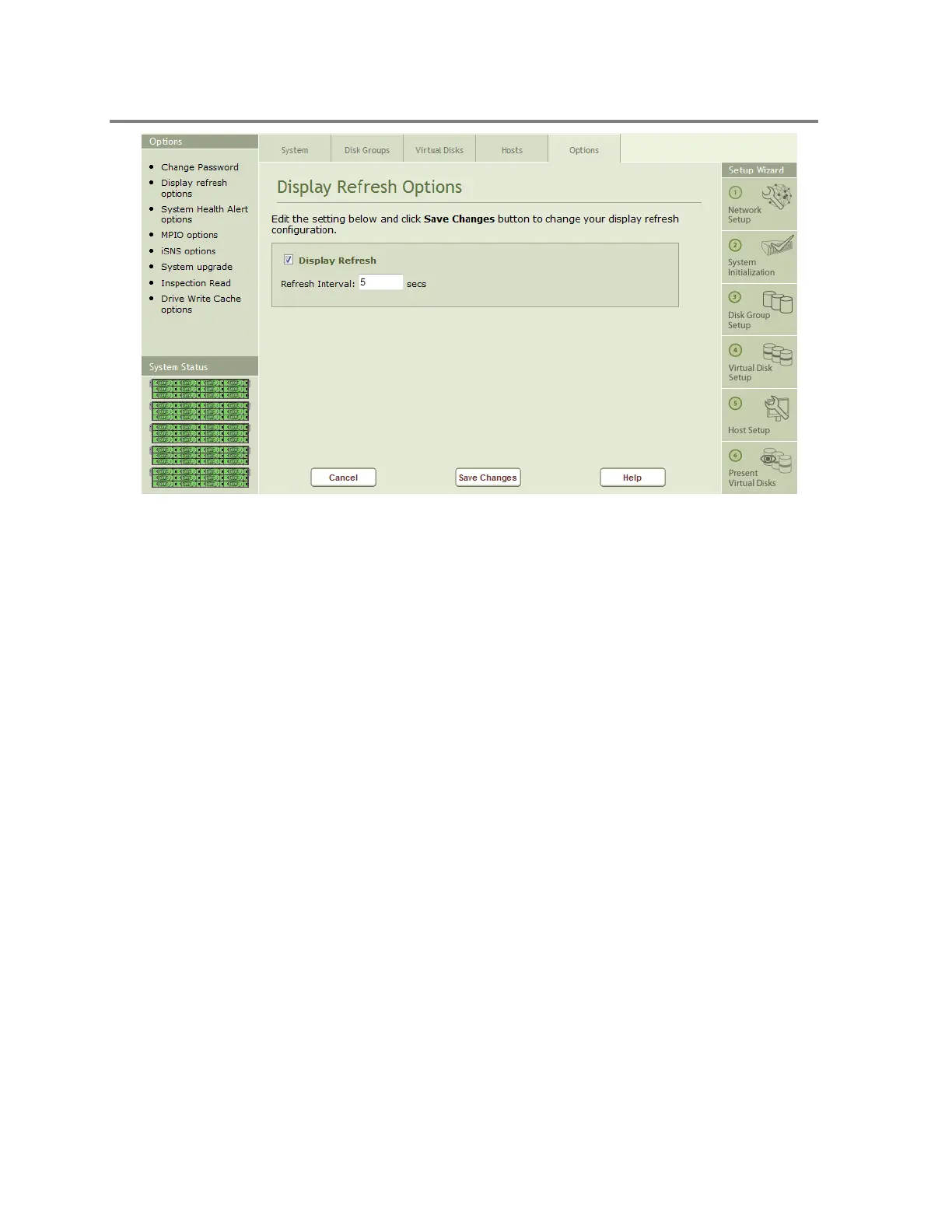
Figure 4-41 Display Refresh Options
To change the refresh interval:
1. Enter a new value in seconds
2. Click on the Save Changes button
4.3.3 Change System Health Alert Options
System Health Alert Options may be enabled or disabled through the System Health Alert
Options page. You can reset the alerts status by temporarily disabling them and enabling the
System Health Alerts. Click on the System Health Alert Option icon on the Options page to bring
up the System Health Alert page shown in Figure 4-42.



 To Next Page