Hardware Installation
PixelStor 5000 User Manual
Rev. 1, May 2013
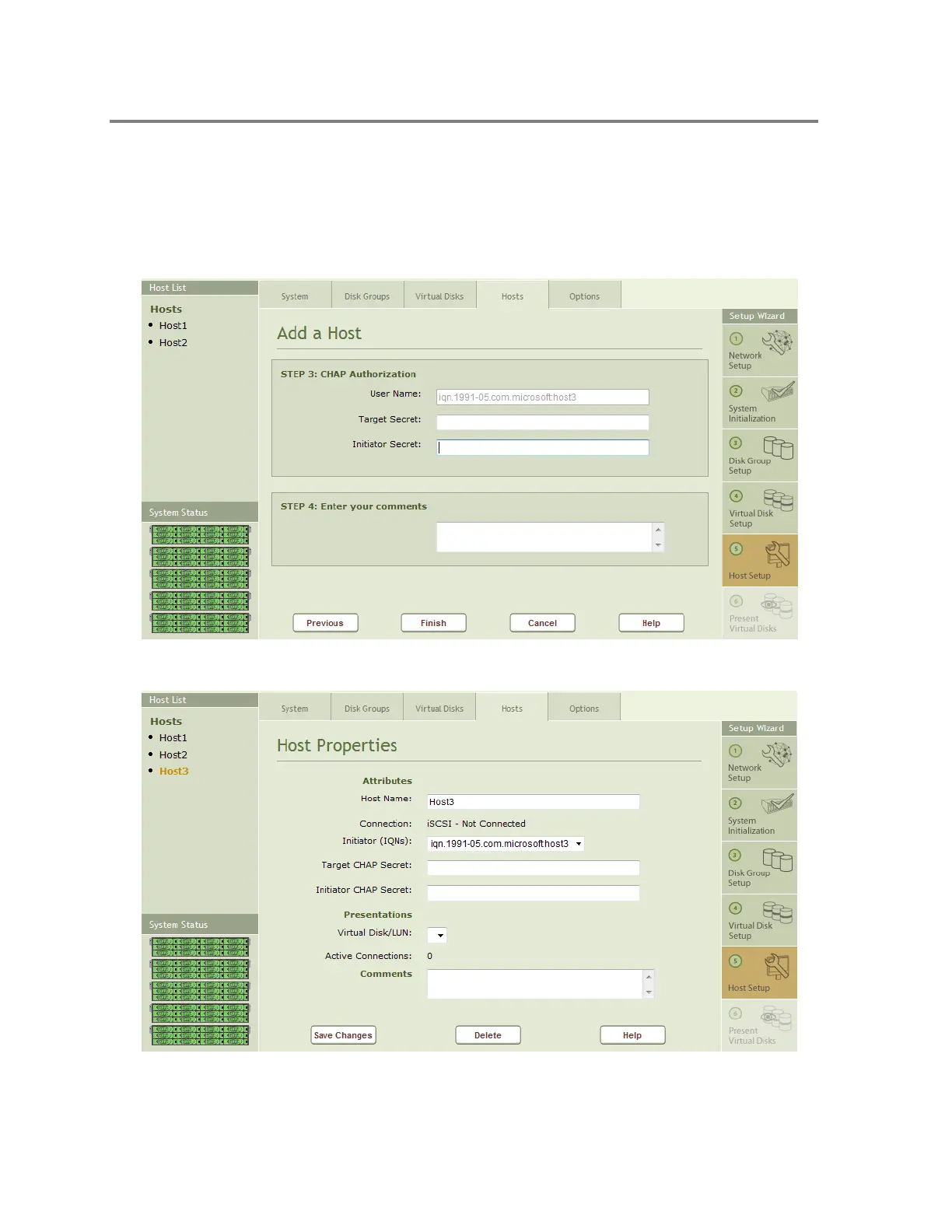
Figure 4-32 shows Steps 3 & 4 of adding a host. Use Step 3 to set up CHAP security. Enter the
Target Secret and the Initiator Secret in the associated fields. Use Step 4 to add any
comments about the Host that will be displayed when you select the host from the Host List.
Click on Finish to complete the process of describing a Host to the system.
Figure 4-32 Adding a Host - Step 3 & 4
Figure 4-33 Host Properties



 To Next Page