Hardware Installation
PixelStor 5000 User Manual
Rev. 1, May 2013
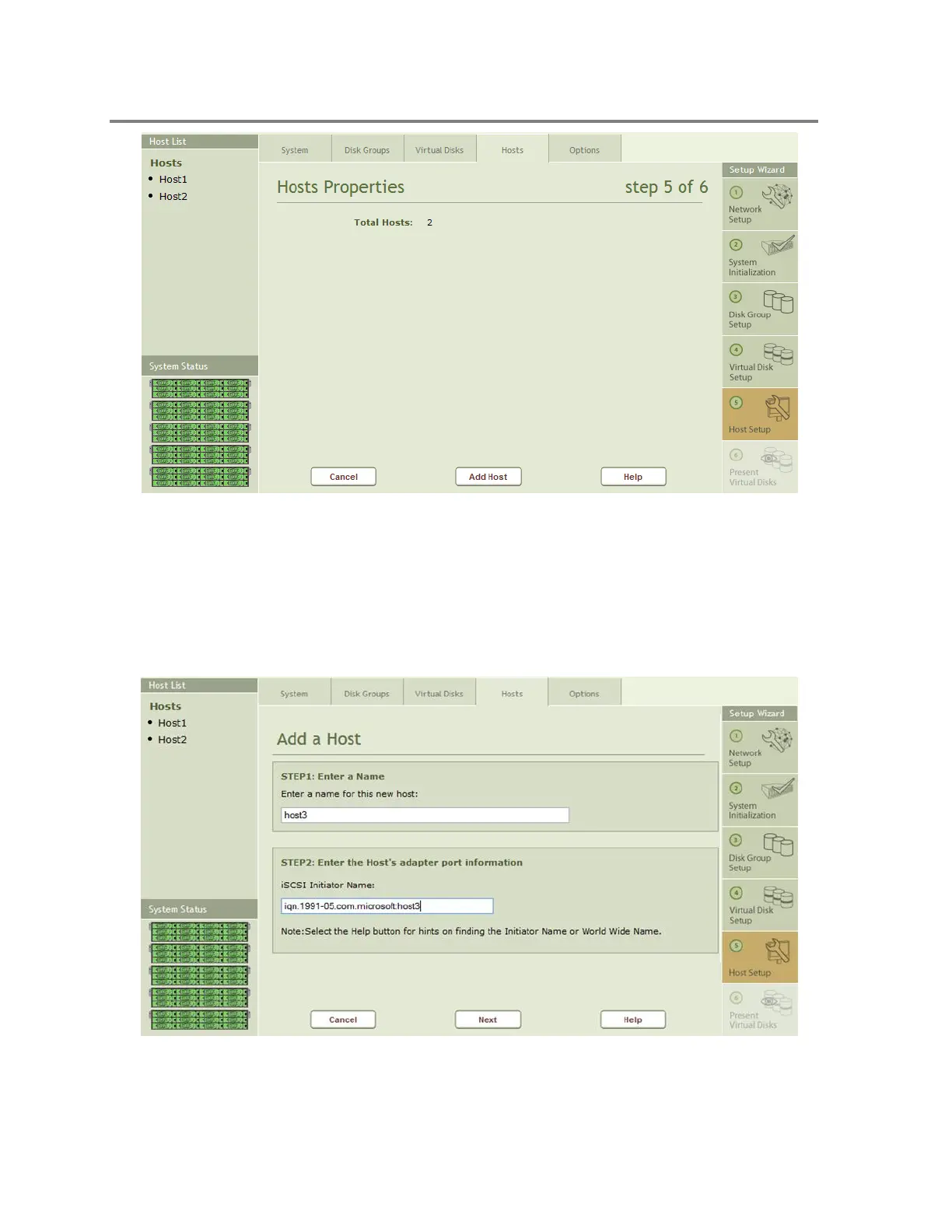
Figure 4-30 Host Properties Page
The left hand side of the screen shows any Hosts that have been defined in the system.
Clicking on the Add Host button will launch the Add Host wizard to guide you through the 4
simple steps to describe a Host to the system. Figure 4-31 shows the first 2 steps to add a host.
Enter a Name for the new host in Step 1. Then in Step 2, select the interface to the host and
enter the iqn name of the iSCSI initiator.
Figure 4-31 Adding a Host - Step 1 & 2



 To Next Page