38 | Gilat Satellite Networks | Confidential and Proprietary Information
5. Install the in-line fuse:
a. Locate the in-line fuse holder (included in the kit).
b. Lift the protective cap off and remove the 15 amp fuse.
c. Cut the fuse holder wire loop in half so that you have two equal length
ends.
d. Attach one end of the fuse holder as close as possible (within 45cm) to the
switched accessory wire that you located in Step 2), preferably by
soldering and taping.
e. Attach the other end of the fuse holder to the positive (red) side of the ACU
power cable, preferably by soldering and taping.
The ACU power cable should now have two in-line fuses, one at the power
source (12V switched accessory wire, within 45cm) and the other at the
ACU itself.
f. Once the fuse holder is installed to both the 12V accessory switched wire
and the ACU power cable, re-insert the 15 amp fuse into the fuse holder.
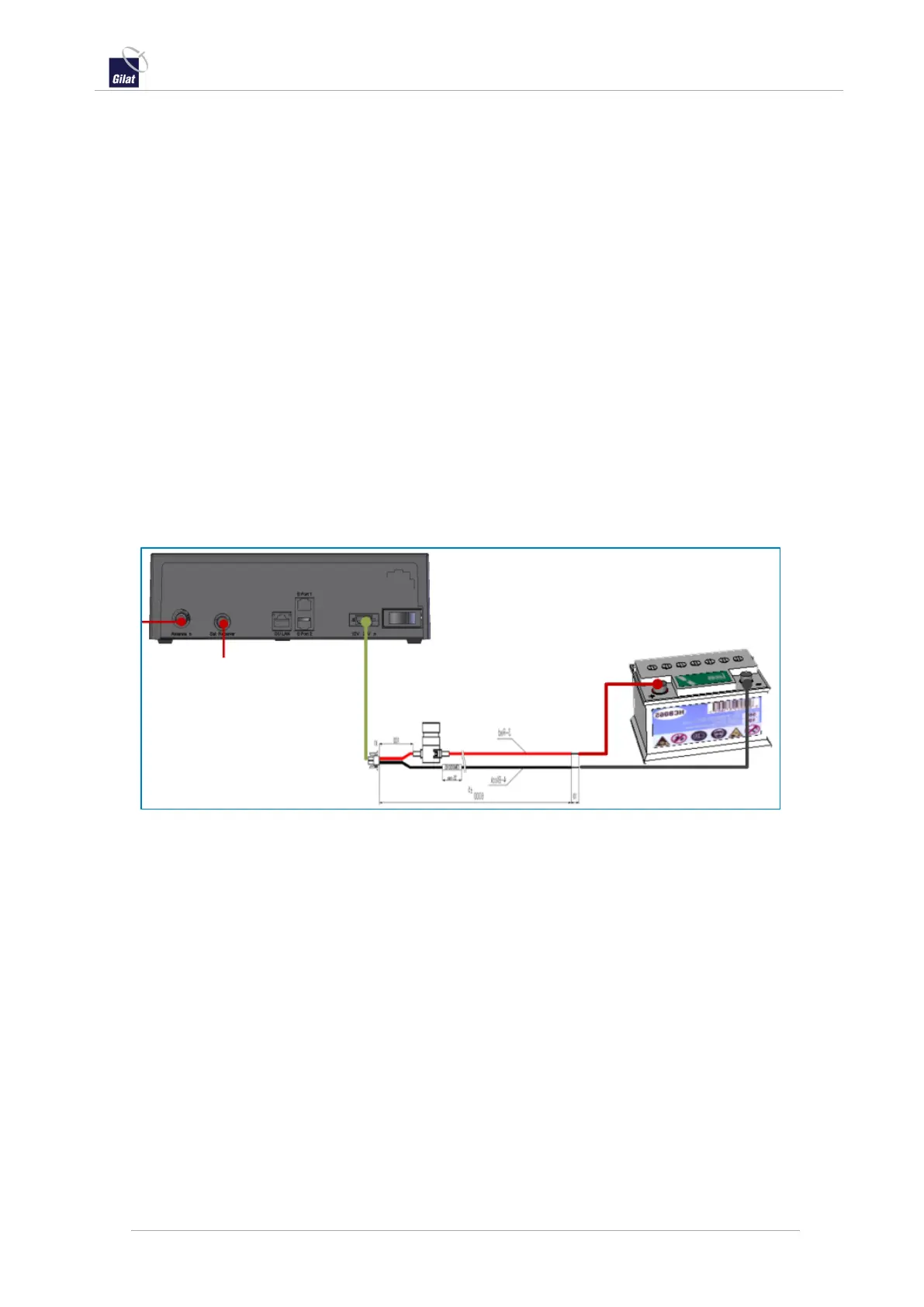
This picture shows the ACU 12-24VDC connection, with positive/negative leads
connected to the battery, and a 15Amp fuse installed on the positive lead within
45 cm of the ACU.
Figure 42: ACU to Battery lead installed with 15Amp fuse
6. Verify that the ACU power switch is in the OFF position and insert the power
plug into the ACU.
7. Reconnect the vehicle’s battery. Turn the vehicle to its accessory position and
turn on the ACU. The power switch will glow red and you will hear the antenna
moving as it attempts to acquire a signal.



 To Next Page