Gilat Satellite Networks | Confidential and Proprietary Information | 73
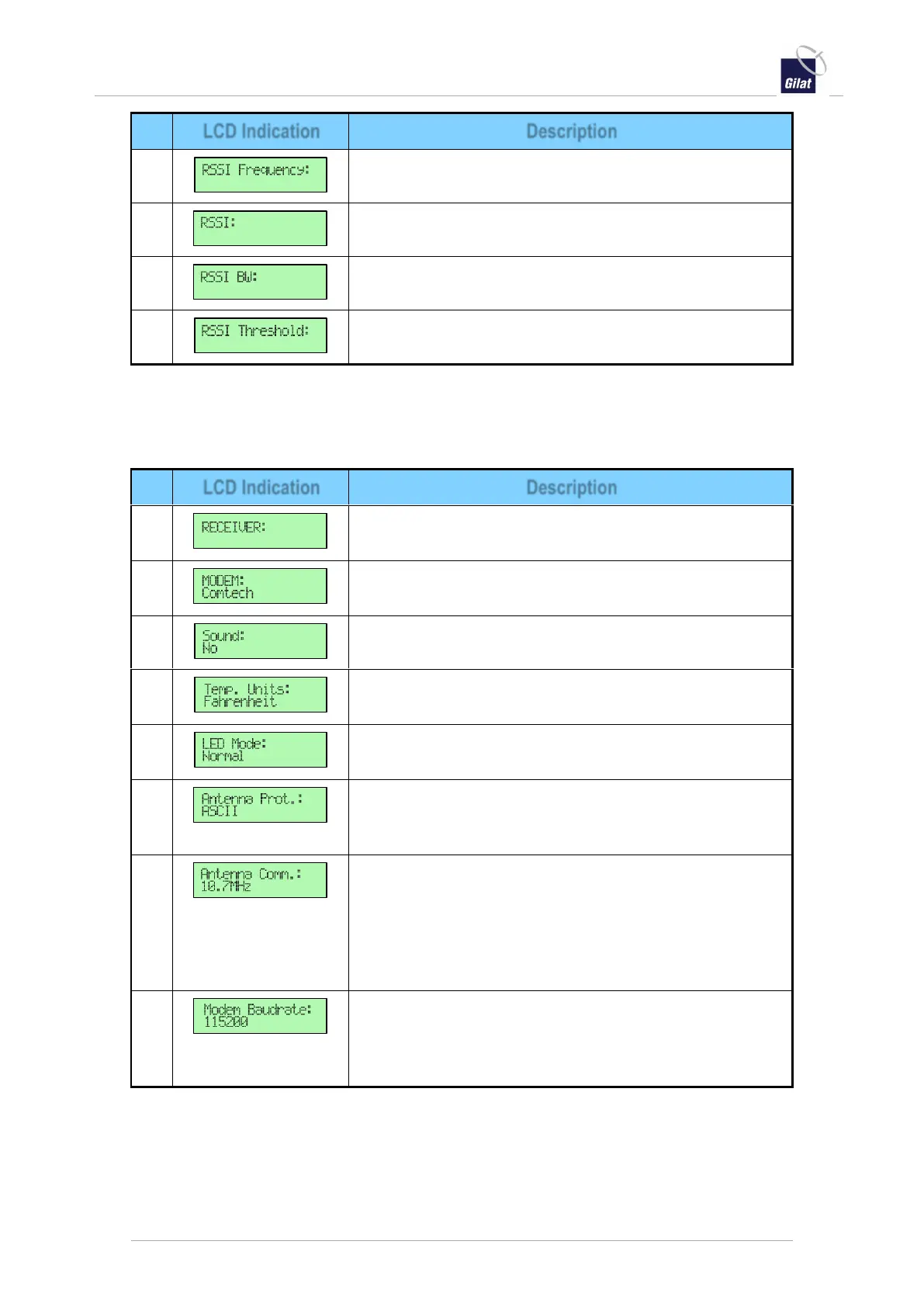
RSSI Frequency - Displays the antenna RSSI frequency.
RSSI - Displays the antenna RSSI level.
RSSI BW - Displays the antenna RSSI filter bandwidth.
RSSI Threshold - Displays the antenna RSSI threshold.
Setup LCD Parameters
Table 31: ACU LCD - Setup parameters
Receiver - Select the type of satellite TV receiver being
used. This is not used for two-way data communications.
Modem - Select the type of satellite modem being used for
data operations.
Sound - Used to turn the sound on/off.
Temperature Units - Change the units from Celsius to
Fahrenheit.
LED Mode - Change the mode from Normal (LEDs on) to
Stealth (LEDs off).
Antenna Protocol - Changes the protocol of
communication between the ACU and ODU. The options
are: ASCII messages of exchange or Binary.
Antenna Communication with the ACU - Changes the
physical protocol of communication between ACU and
ODU. The protocol options for the internal ACU-ODU
modem are: 10.7MHz, RS485 and 333MHz. Each ODU
model operates at specific communication protocol
defined in the system specifications.
Modem Baudrate - Defines the physical protocol
communication speed of the internal ACU-ODU modem
(see Antenna Communication with the ACU). The
default rate is 115200 bauds.


 To Next Page