Gilat Satellite Networks | Confidential and Proprietary Information | 51
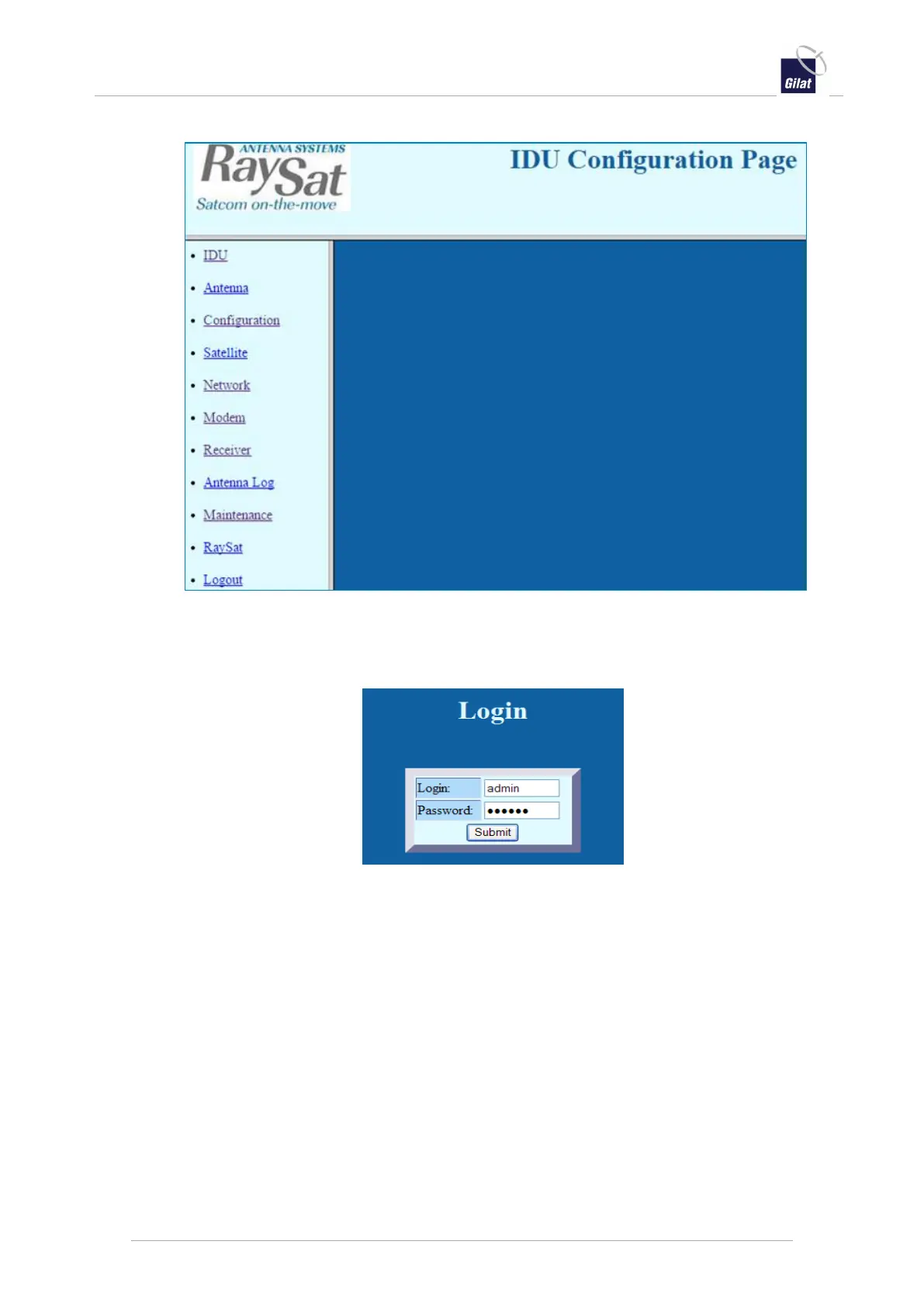
The IDU Configuration page is displayed in the Non-authenticated User mode.
Figure 53: ACU web interface – IDU Configuration Page
4. Click any link on the left-panel menu, for example Monitor.
The Login page is displayed when a first link in a session is selected.
Figure 54: ACU web interface – Login
5. Enter the login credentials:
o In the Login field, type admin.
o In the Password field, type raysat.
o Click Submit.
The IDU Configuration page is now displayed in the Authenticated User mode.
It show the page corresponding to the link that you selected, or links to navigate
to other pages.
In some cases, sub links appear, from which you can navigate to special-purpose
pages. For example, the Monitor link shows IDU, Antenna and BUC sub links,
which access pages for monitoring parameters of these entities.


 To Next Page