Beijing RichAuto S&T Co., Ltd.
Forging ahead and determined to win 28
2. Del File(Delete File)
Delete files of inner.
3. View File
View the files and G codes of U disk or inner.
4. Pro Info(Processing Information)
System power on,it will statistical the times of successful processing by file name,if system
power off,the data will disappear.
5. Check Pro Time(Check Processing Time)
Calculate processing time by system work speed,after reading G code,the screen will display
the processing time,different work speed corresponding to different processing time.
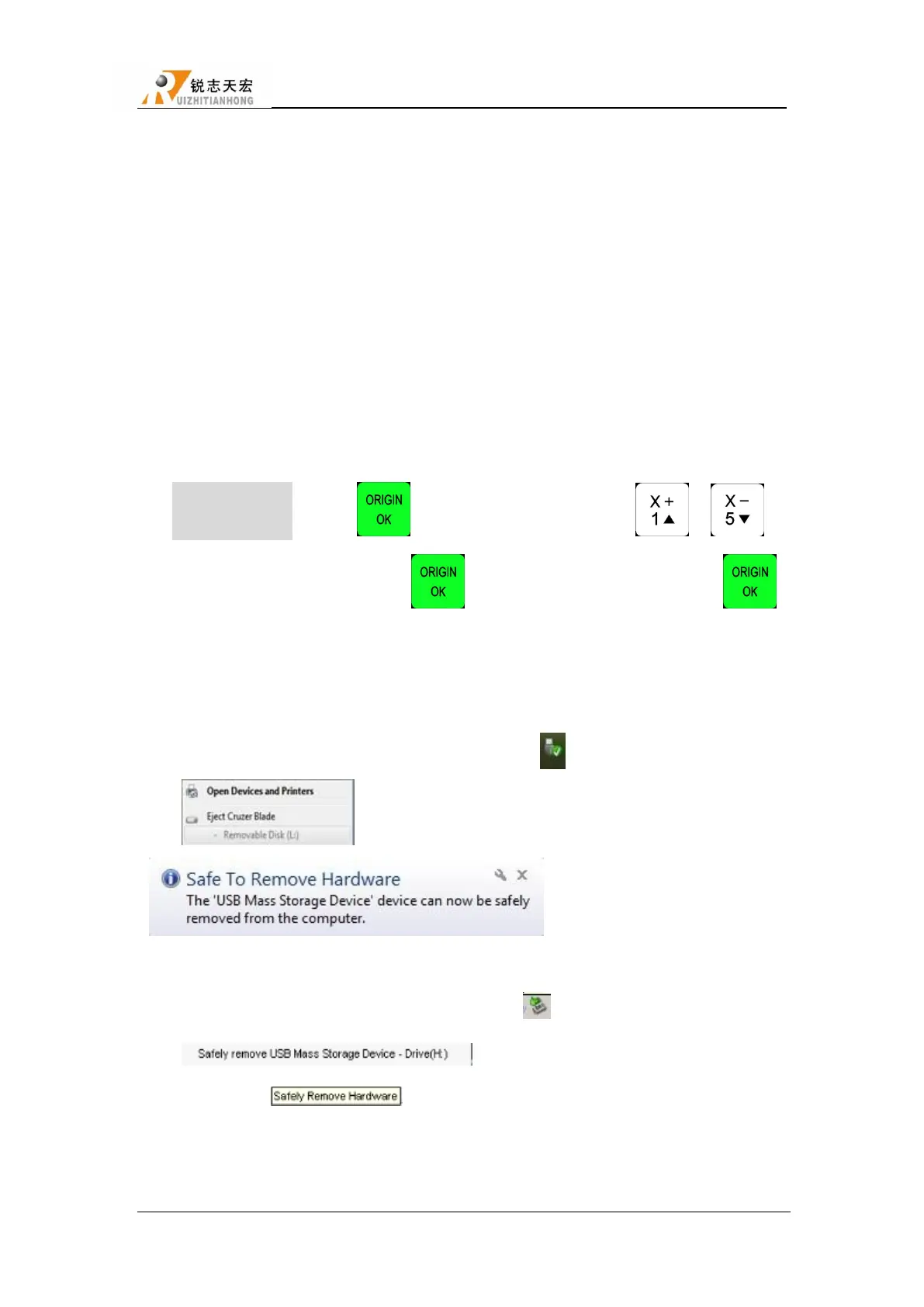
Operation Method:Press ― ‖, enter ―Check Pro Time‖ ,press― ‖/― ‖to
select―Udisk/Internal/Recent File‖,press― ‖to enter,and then select the file,press― ‖,
after reading G code,the screen will display the processing time.
CAUTION:Plesae pull out the U disk correctly after copying files from computer,if not,the
controller may not recognize the U disk.
1) Win7(32 bit) system:after copying files,please press― ‖,and then the display will show
― ‖,choose the device to be shut down.when the display shows:
― ‖,the U disk pull out from computer
successfully.
2) Win XP system:after copying files,please press― ‖,and then the display will show
― ‖,choose the device to be shut down.when the
display show ― ‖,the U disk pull out from computer successfully.
4.2.5 VERSION VIEW
Users can view information about the system hardware and software,including:



 To Next Page