Beijing RichAuto S&T Co., Ltd.
Forging ahead and determined to win 38
Press― ‖to continue unfinished processing, it will display stop line No, and the line
number can be chosen. Press― ‖ cancel the power off protection.
5.6 Advanced Processing
Advanced processing is designed for some special requests, it contains: Array work, Resume
work, Tool changing, Part work, Calculate bound, Mill plane, step work file, Calculate work time,
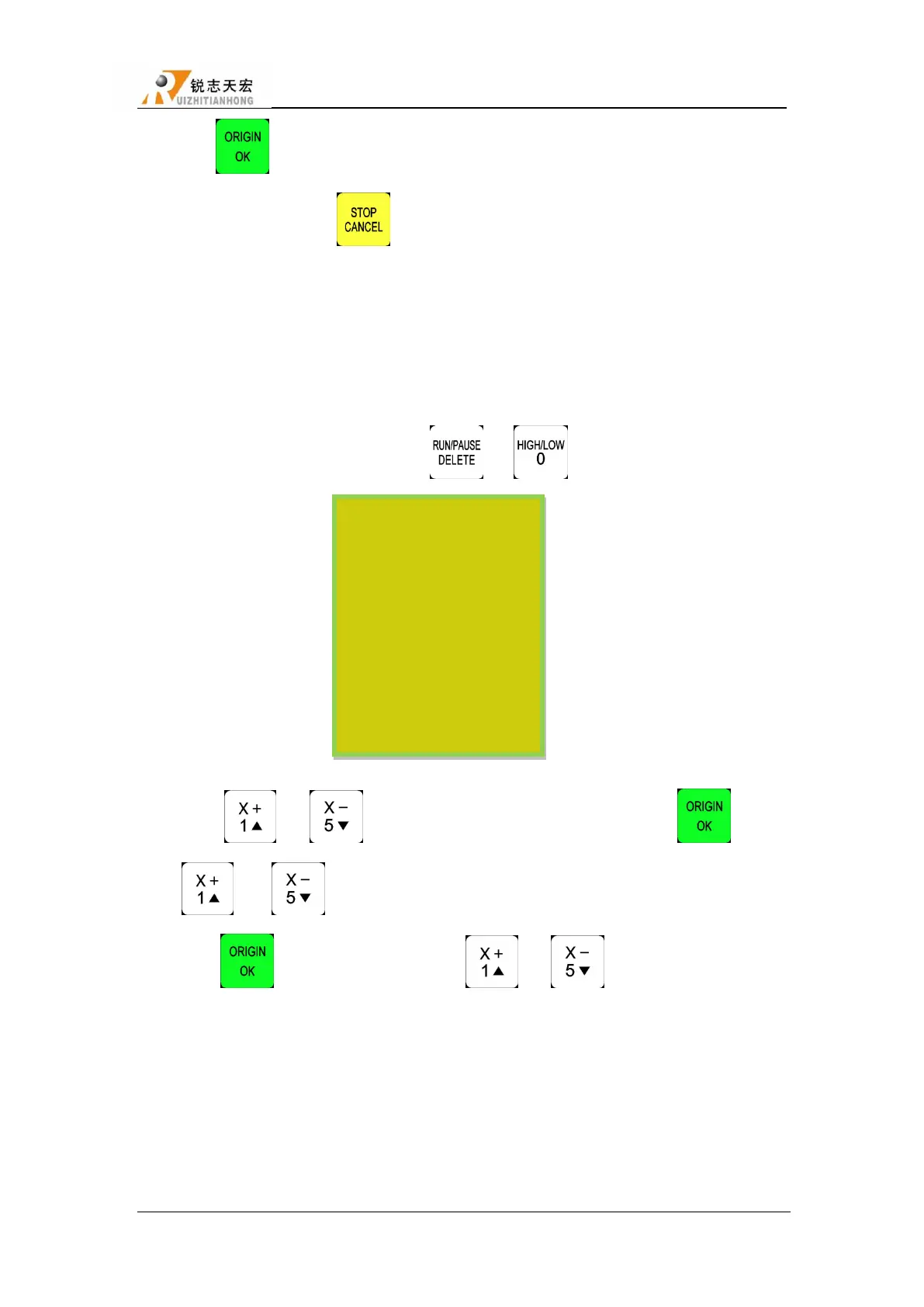
Find break NO. The combination button is ― ‖+ ― ‖, shown below:
5.6.1 Array work
Steps as below:
1) Press ― ‖、― ‖to move cursor to the Array work, press ― ‖, press
― ‖ or ― ‖to select different files list.
2) Press ― ‖ to enter file list, then ress ― ‖、― ‖move the cursor to choose
object file.
3) Set processing parameters, also can modify the array parameters in this step, or you can go to
―AUTO PRO SETUP‖, choose ―Work Array‖ and modify the array parameters. The rest steps
are similar to the normal processing. System will start to work according to the user’s setting.
4) In the processing of array work, you can view current row number, volume number etc. by
Advanced Work
Array work
Resume work
Tool changing
Part work
Calc bound
Mill plane
Cale work time
Find break no
Scale work



 To Next Page