Beijing RichAuto S&T Co., Ltd.
Forging ahead and determined to win 39
pressing ― ‖.
CAUTION:Set interval to a negative value if users want a manual control during array
processing.
5.6.2 Resume work
Steps as follows:
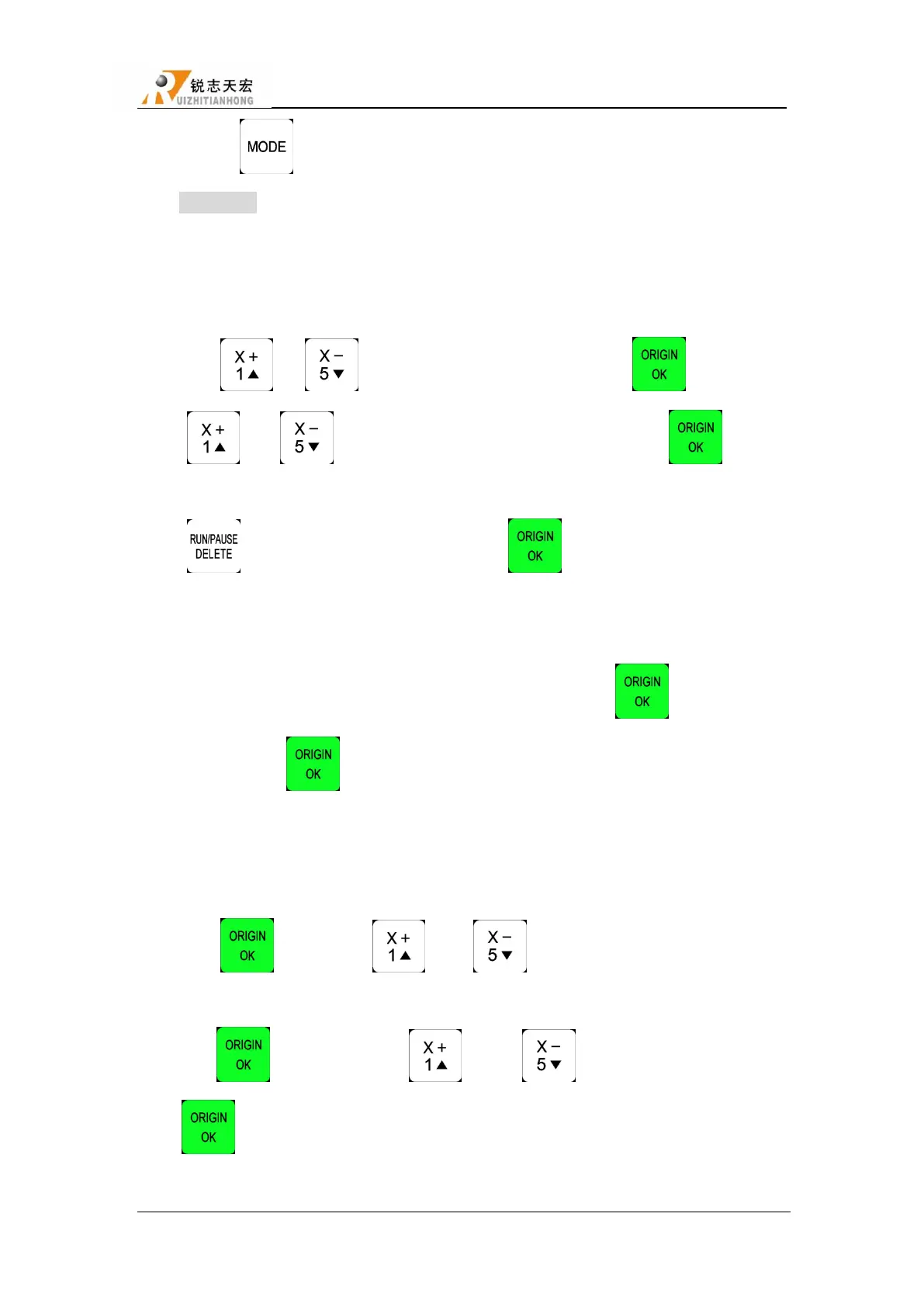
Press ― ‖、― ‖ to move cursor to resume work, press ― ‖ to enter, then
press ― ‖ or ― ‖ to select different break points, and then press ― ‖, system
will restore processing from the break point. If you want to go backwards from this breakpoint,
press ― ‖and input the line No., and then press ― ‖, system will work from the new
line number. Specific operation steps in 5.5.3 breakpoint processing & power down protection.
5.6.3 Tool changing
It achieve manually change the tools at the position you set. Press ― ‖ to enter into the
setup, and also press ― ‖ back to work origin.
5.6.4 Part work
Park work means user can select start line and stop line, so part of the processing file can be
processed. Steps as follows:
1) Press ― ‖to set, press ― ‖ and ― ‖ to move the cursor to select defferent
file list;
2) Press― ‖ to enter, press ― ‖ and ― ‖ to select a file, then press
― ‖, system start to read the file.



 To Next Page