Beijing RichAuto S&T Co., Ltd.
Forging ahead and determined to win 33
coordinate system is a fixed point relative to the workpiece, but relative to the origin of machine
coordinate system is floating.
RichAuto-A1X provide a machine coordinate system and nine work coordinates system,
press“ ”+“ ”can switch machine coordinate system and work coordinate system,
“ ”+“NO.button1-9”can switch machine coordinate system and eight work coordinates
system.
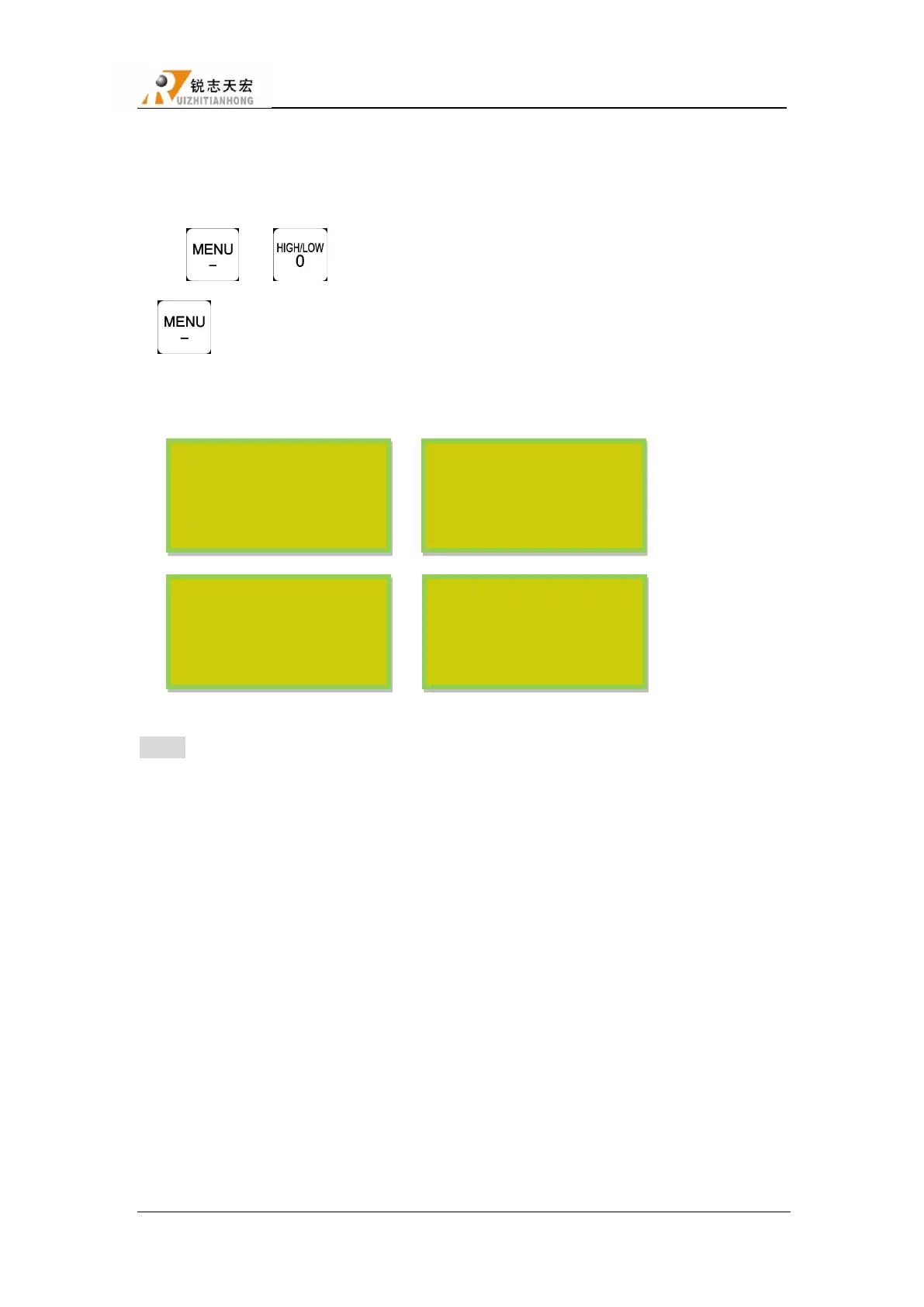
Coordinates system:
Machine coordinate system Work coordinate system1
„
Work coordinate system2 „ Work coordinate system9
NOTE:You can not set work origin under machine coordinate system,switch to work coordinate
system to set work origin.
5.4 Automatic processing operation
Auto processing refers to the system runs the file in U disk or inner storage space according
to the instruction, it also called file processing. Before auto processing, user must set the machine
tool parameters and all of the system parameters correctly.
Auto processing steps as follow:
5.4.1 Set workpiece origin
The origin coordinates of X, Y and Z in the processing program is the origin of the workpiece .
Before operation, we should pay attention to this position as well as the real position. Operation is as
AX 0.000 MAUN
AY 0.000 S 2
AZ 0.000 L SP
Continous
1X 0.000 MAUN
1Y 0.000 S 2
1Z 0.000 L SP
Continous
2X 0.000 MAUN
2Y 0.000 S 2
2Z 0.000 L SP
Continous
9X 0.000 MAUN
9Y 0.000 S 2
9Z 0.000 L SP
Continous



 To Next Page