Beijing RichAuto S&T Co., Ltd.
Forging ahead and determined to win 76
9.7 Common problems and troubleshooting
9.7.1 Solutions of the faults display on the screen
1. Screen flicker or automatically restart
1) Power supply is insufficient. Check power supply if there are problems, and change
high-quality power supply to solve the problems.
2) The local power grid unstable. Check local grid voltage stability,or increase the the regulator
filter device.
3) There are something wrong with the power chip of the handle. This phenomenon also
appears when the handle is powered through the USB cable to the computer,please return
back the handle to our company.
4) Temporary solution, using standard 5V mobile phone charger, power supply through the USB
cable to handle. Dual power supply, can temporary emergency use.
2. Fail to set work origin
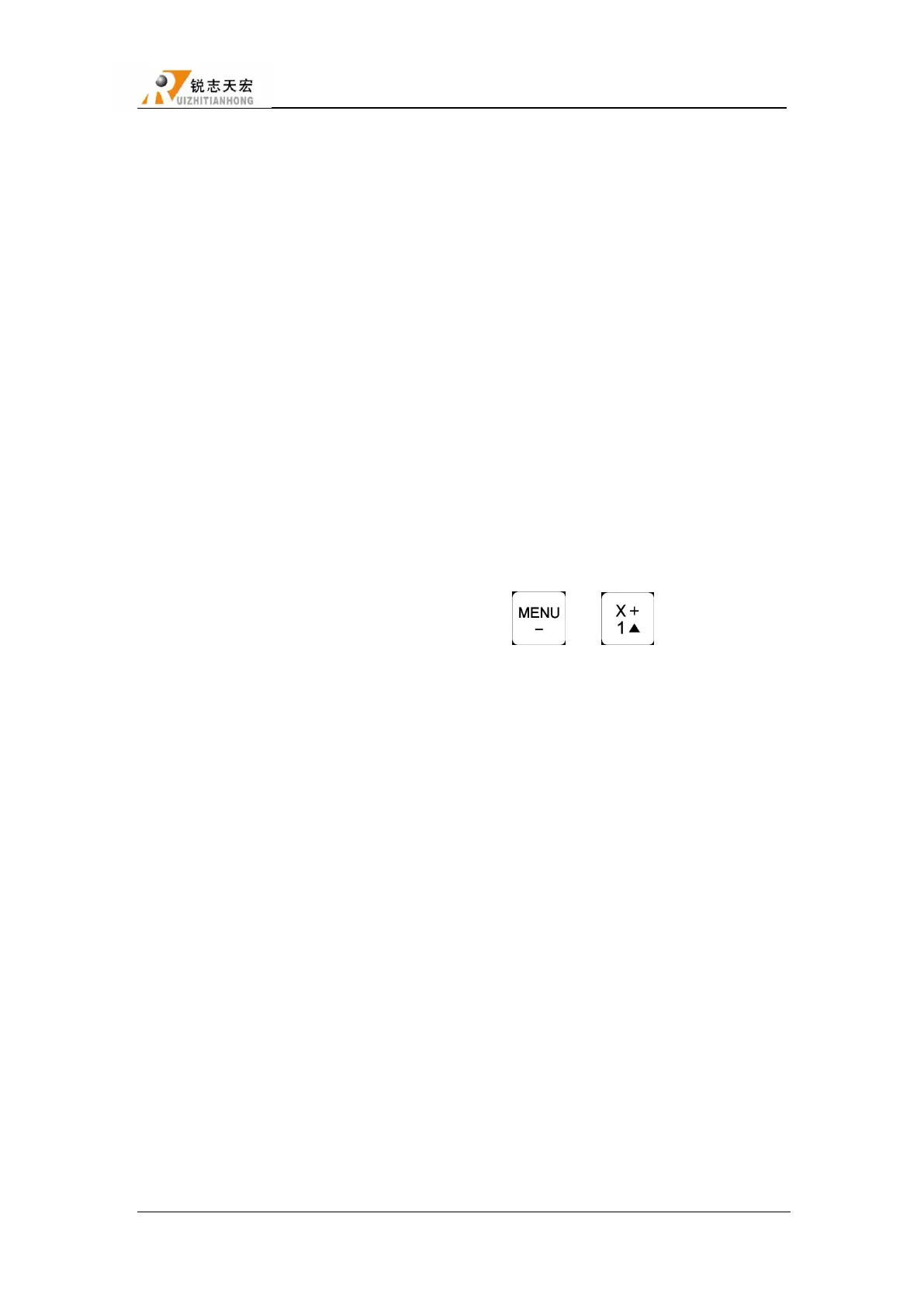
1) Get into the mechanical coordinate system. Press " " + " " to switch to work
coordinate system.
2) The buttons are broken. SYSTEM SETUP-Buttons Check,to check the buttons are normal or
not.
3. Assertion error
Assertion error occurred during the processing or after starting, Is generally a
software problem, you can boot assertion emergency recovery, or re-upgrade, if you
need to or can not recover Depot Repair
4. Do not read U-disk or errors occurred
1) Processing by U-disk, screen shows―There is no item in this direction‖.Format U-disk to
FAT32, allocation unit change to the default configuration size.
2) Recommend U-disks of 2G 、4G、 8G
3) There is something wrong with U-disk interface or U-disk is broken,change new U-disk or
interface.
4) If the connection to U-disk interface is intermittent,users can copy files into inner.
5) Program containing the non-standard G code, or some illegal characters, the system read here,



 To Next Page