Beijing RichAuto S&T Co., Ltd.
Forging ahead and determined to win 54
9. Appendix
9.1 System upgrade
Copy upgrade file to U disk,and insert U disk into handle,file format:extension ******.
PKG & shown as rz-xxxx.
U Disk Upgrade Method 1
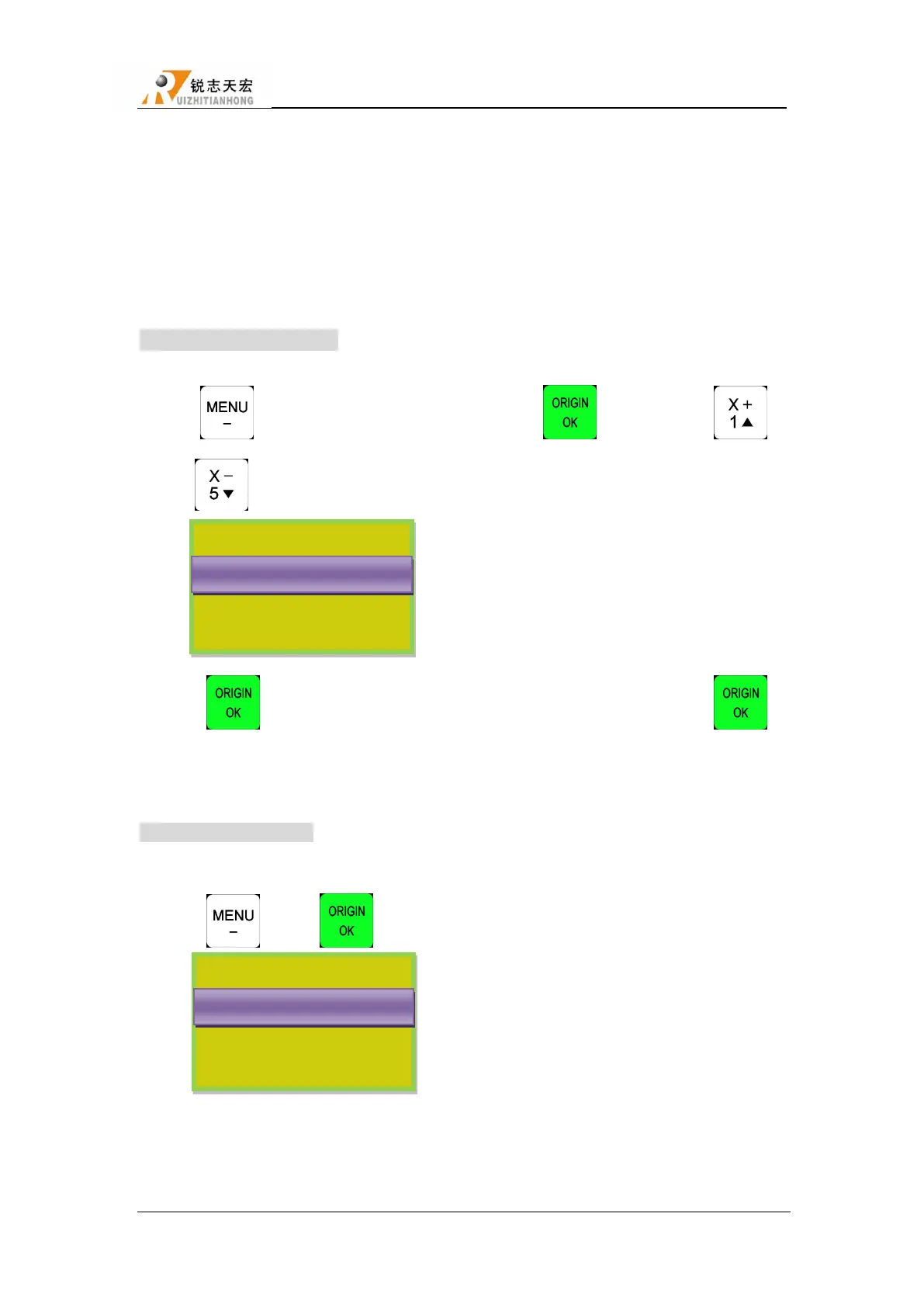
1. Press“ ”, and then select “System Setup”, press“ ”to enter,press“ ”
/“ ”, select“Auto Upgrade”.The screen displays:
2. Press“ ”to enter,select“Udisk File”, then select upgrade file,press“ ”,
system will auto upgrade.
3. After upgrade completed,restart the handle.
U Disk Upgrade Method 2
1. Copy upgrade file to U disk,and insert U disk into handle.
2. Press“ ” + “ ”, screen display:
3. Repeat Method 2 operation 1.2&1.3.
Select Update File
选择 U 盘文件
Internal File
Recent File
UDisk File
U 盘文件件 WENJIAN
Select Update File
选择 U 盘文件
Internal File
Recent File
Udisk File
U 盘文件件 WENJIAN



 To Next Page