Beijing RichAuto S&T Co., Ltd.
Forging ahead and determined to win 55
9.2 U-disk Function
Users can copy file from computer to handle after “Product ID:A010XXXX & Update
Version rz-1967” version. Connect handle and computer by USB cable, users can find
portable storage device on the computer , and then copy processing files from computer to
handle inner. This function can insure that if USB port of the handle is broken or there is no U
disk , the machine can still work normally.
Steps:
4. Press any two buttons at the same time(for example: “ ”+“ ”) .
5. Connect handle and computer by USB cable,it means that the handle is powered by computer,
loosen the buttons after the power supply.
6. Handle screen displays:
Connect successfully.
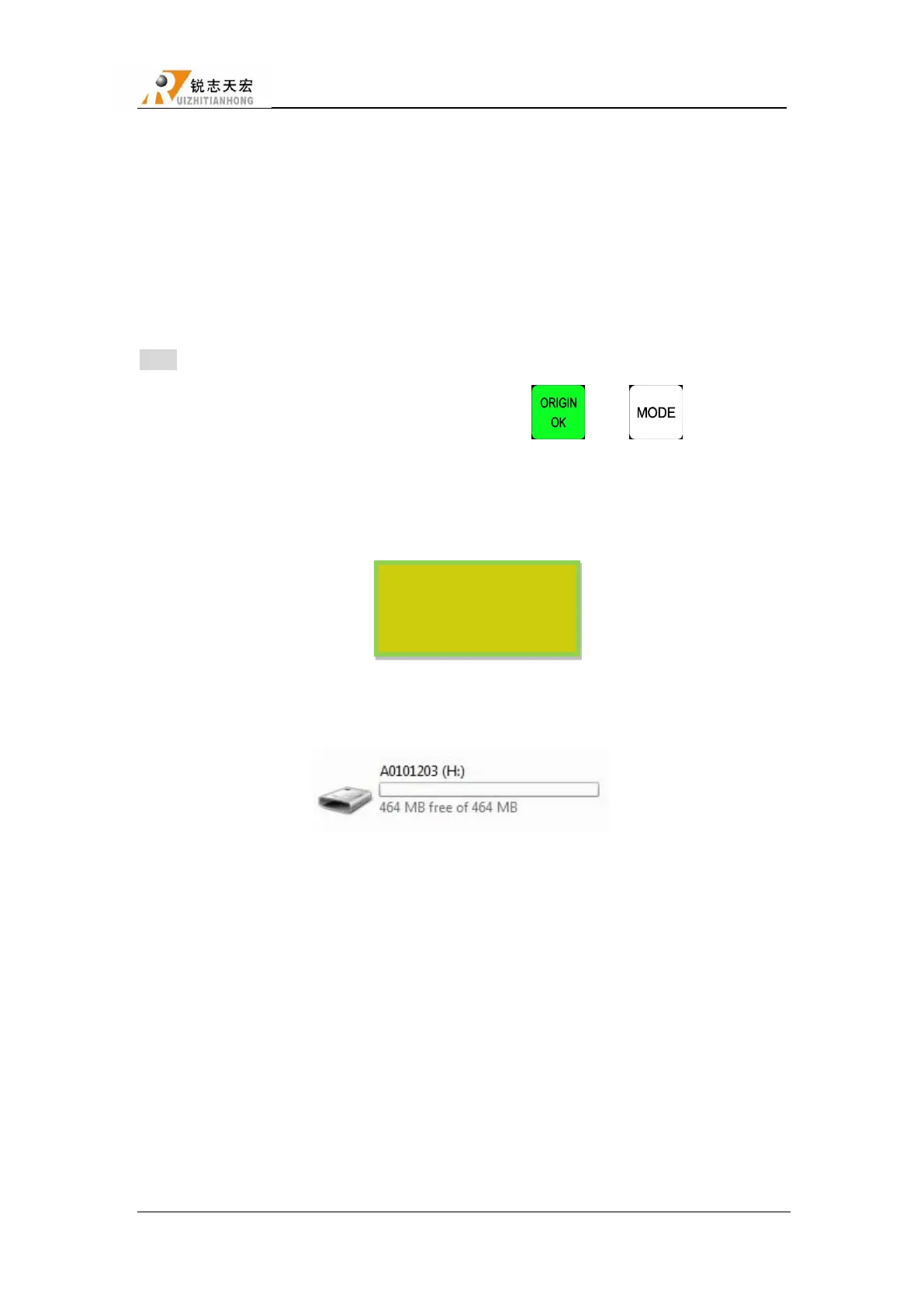
7. Open“My Computer”, and you will find portable storage device:
A0101203(H:) :Handle,Users can copy processing files to handle inner.
8. Connect handle and machine,Choose internal file to start processing.
NOTE:Users can check hardware type in Version View: “FlashDiskMode” is necessary or
not ,if not, users can not copy processing files from computer to handle inner.



 To Next Page