Beijing RichAuto S&T Co., Ltd.
Forging ahead and determined to win 16
3.4 Commissioning of the machine and control system
1. After turn on the power, users can manually move each axis and confirm the direction. If the
movement direction and definition direction are opposite, users can change the motor phase
sequence(A+、A-/B+、B-)or modify servo parameters.
2. According to the original location of the machine coordinates, users can enter into
menu-machine setup-home setup- home direction to reset it.
3. Double-press ― ‖-manual voltage setup(the upper arrows stand for input voltage)to
check whether the home switch is working.
The machine is in good connection if all the above setting is ok.
4. Menu Description
4.1 Menu category
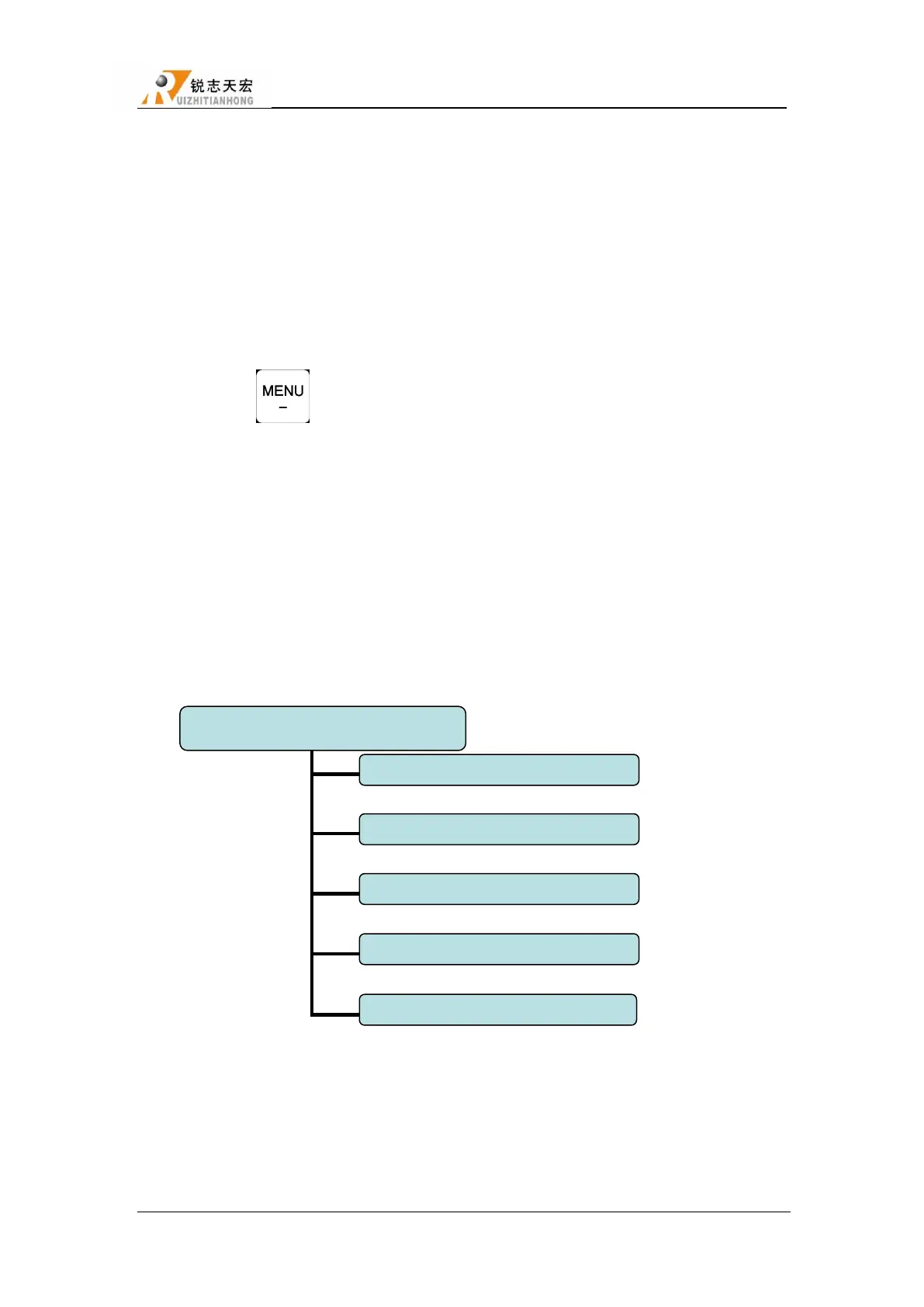
According to menu function,RichAuto sytem menu divided into:
4.2 Menu details
4.2.1 MACHINE SETUP
Users can set the parameters about machine hardware under‖Machine Setup‖. It is set by



 To Next Page