Beijing RichAuto S&T Co., Ltd.
Forging ahead and determined to win 34
follow:
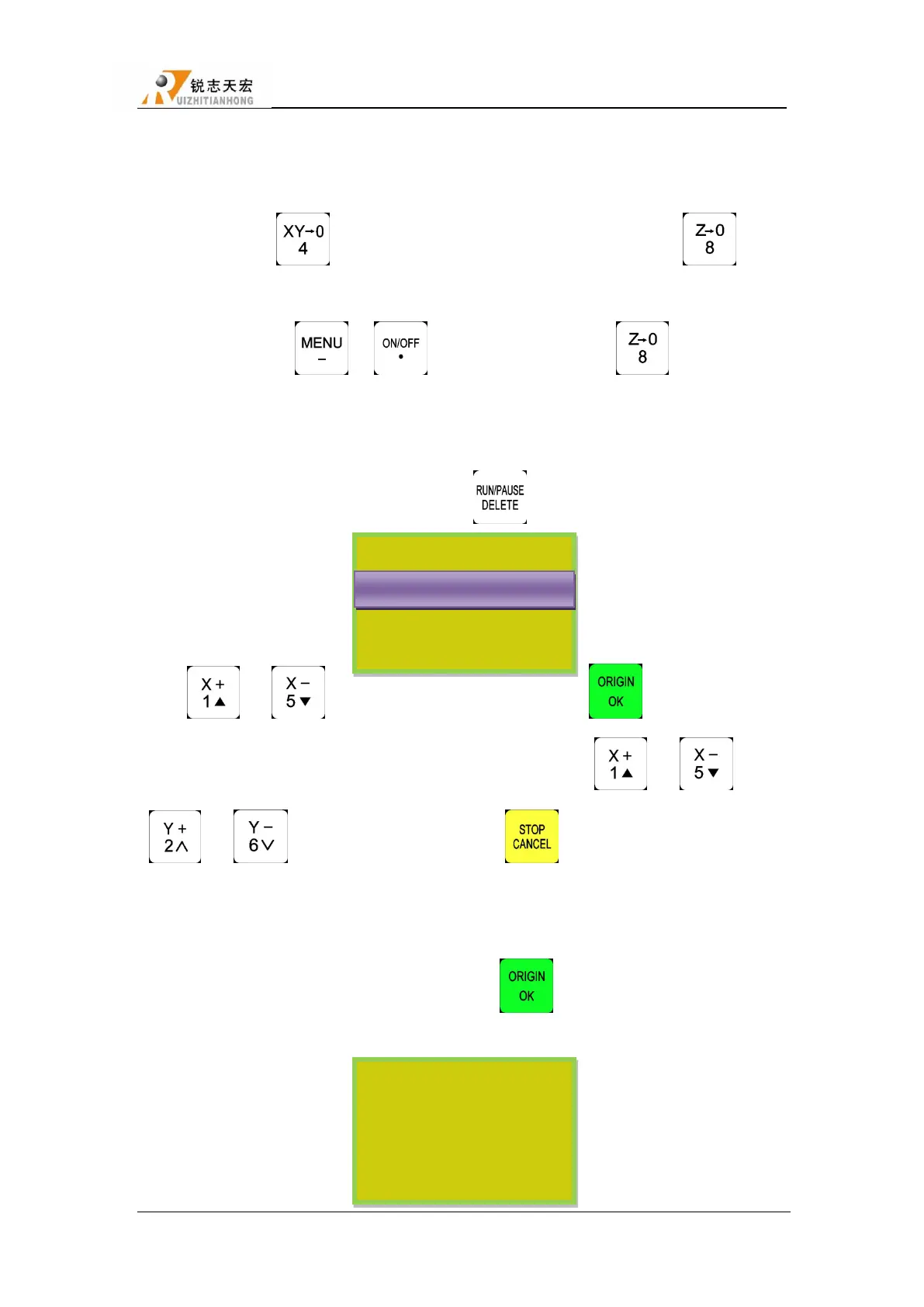
Move X,Y and Z to the position which will start to process the file on workpiece. Afterwards,
press zero clearing ― ‖ can set the origin of X,Y axis. Press zero clearing ― ‖ to set
the origin of Z axis. It should be noted that if user have already used the tool setting function which
combination button is ― ‖+― ‖, will no need to press the ― ‖ button.
5.4.2 Choose processing file
After determined the workpiece origin, press― ‖ will appears a dialog frame:
Press ― ‖、― ‖ to move the cursor and choose, press ― ‖ to enter into the list,
the screen will display three file name, choose the file by pressing ― ‖、― ‖. Press
― ‖、― ‖ to turn to the next page. Press ― ‖ to exit.
5.4.3 Set processing parameters
After choosing the processing file please press― ‖,enter into processing parameters
seeting, it includes work speed、travel speed(or Fast speed)、speed scale(speed ratio)、fall
down speed(or Z down ratio).
SelectWorkFile
选择 U 盘文件
Internal File
Recent File
UDisk File
U 盘文件件 WENJIAN
Set Work Param
WorkSpd 3000.000
FastSpd 3000.000
SpdScale 1.000
FallDown 0.200



 To Next Page