Beijing RichAuto S&T Co., Ltd.
Forging ahead and determined to win 51
2) The machine is equipped with C.A.D(Tool sensor)
Firstly, get in ―SYSTEM SETUP-Function Confi-ToolSet‖,choose Atuo.
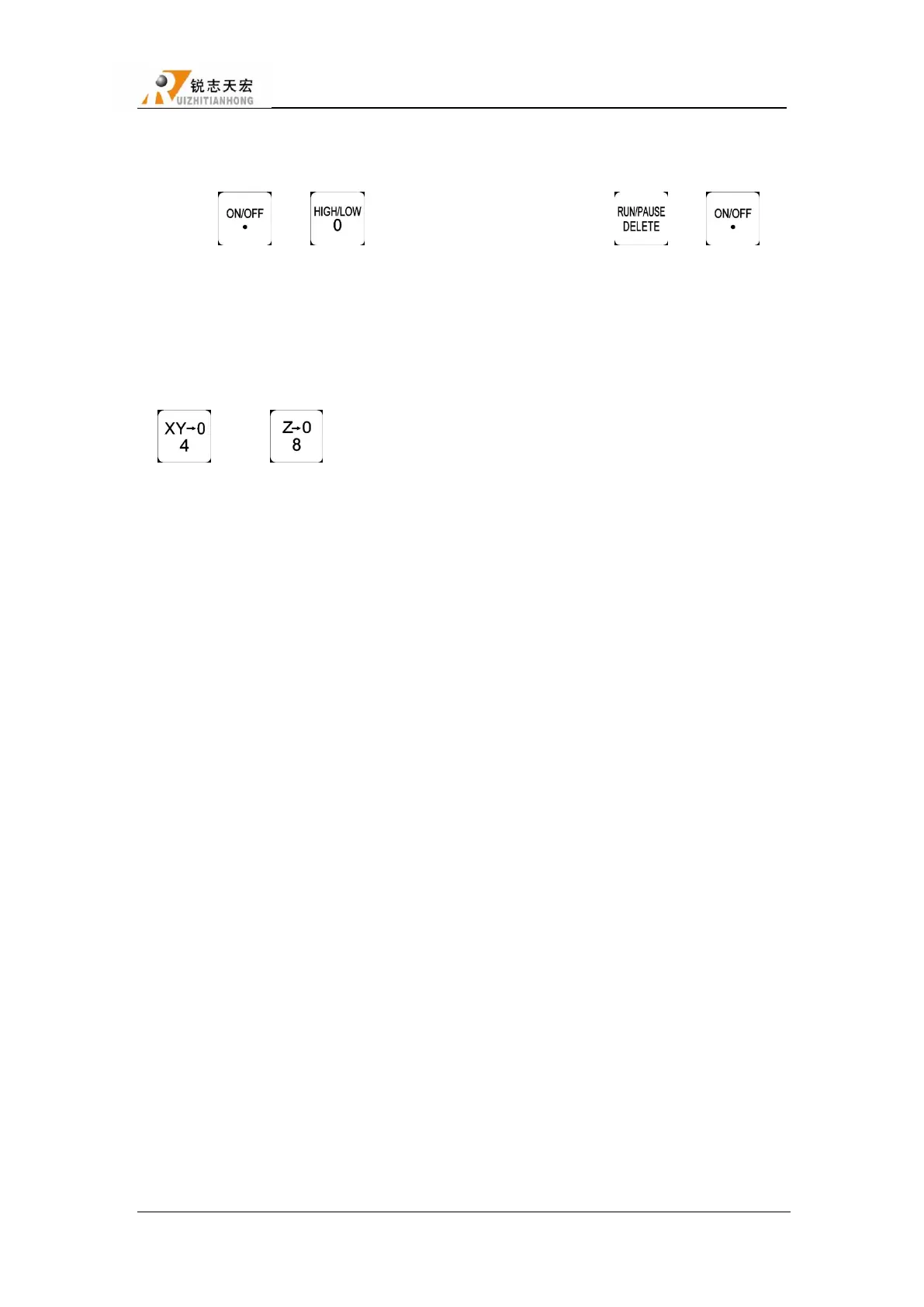
Press“ ”+ “ ”,switch to spindle 1,and then press“ ”+ “ ”,
system will automatically move Z axis to the surface of C.A.D(Tool sensor),after touching the
surface,system will automatically switch to spindle 2,repeat the same operations to calculate all
offsets.
After calculating all offsets,choose anyone of the spindles to set work origin,also press
“ ”and“ ”to confirm work origin.System will automatically confirm the work
origin of the other spindles according the offsets.
2. Cylinder Delay:Unit:ms(MACHINE SETUP)
Time of waiting cylinder rising or falling finished.
7.5 G code example
T1(Switch to spindle 1) T2(Switch to spindle 2)
M03(Spindle 1 CW) M03(Spindle 2 CW)
G00 X20 Y20 Z0 G00 X2 Y2 Z0
G01 X20 Y20 Z-2 G01 X2 Y2 Z-2
G01 X120 Y20 Z-2 G01 X12 Y2 Z-2
G01 X120 Y120 Z-2 G01 X12 Y12 Z-2
G01 X20 Y120 Z-2 G01 X2 Y12 Z-2
G01 X20 Y20 Z-2 G01 X2 Y2 Z-2
G00 Z20 G00 Z20
G00 X20 Y20 G00 X2 Y2
M05(Spindle 1 Off) M05(Spindle 2 Off)
T3,T4 same as T1,T2, the last line of the program can choose to write M30-- end of
program,and return to program top



 To Next Page