Beijing RichAuto S&T Co., Ltd.
Forging ahead and determined to win 50
spindle 2(note that positive or negative).
Same to spindle 3,4.
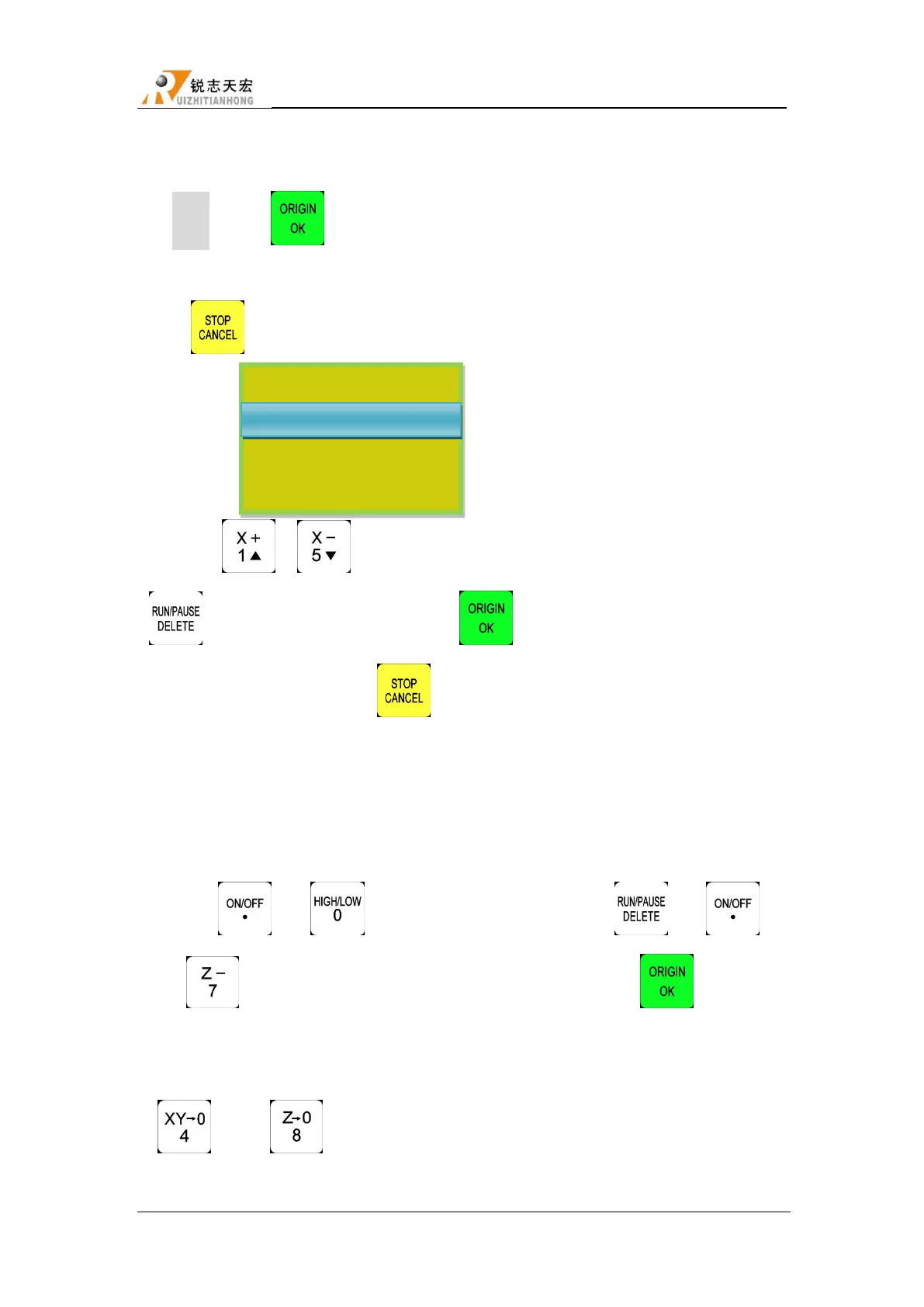
Steps:Press“ ”to get in “Tool Setup”, Screen displays “Press OK key to set tool
offset by manual mode,it’s very simple but not accurate,press cancel to set by mumber.”,and then
press“ ”,the screen shows:
Press ― ‖/― ‖ to move cursor to where users want to modify,and then press
― ‖,input the new number,and press ― ‖ to save.
After setting spindle 2,press “ ”,the screen will show the interface of ―SpindleOffset
of 3‖,same to spindle 4.
b) Offset of Z:
1) The machine is not equipped with C.A.D(Tool sensor)
Firstly, get in ―SYSTEM SETUP-Function Confi-ToolSet‖,choose Maunal.
Press“ ”+ “ ”,switch to spindle 1,and then press“ ”+ “ ”,
press“ ”to move Z axis to the surface of workpiece,and then press“ ”,system will
automatically switch to spindle 2,repeat the same operations to calculate all offsets.
After calculating all offsets,choose anyone of the spindles to set work origin,also press
“ ”and“ ”to confirm work origin.System will automatically confirm the work
origin of the other spindles according the offsets.
Spindle Offset of 2
Y axis 0.000
Z axis 0.000



 To Next Page