Beijing RichAuto S&T Co., Ltd.
Forging ahead and determined to win 27
Enter the password,press“ ”to save. The screen will display:
Restart the handle,and system will work normally.
NOTE:If engraving machine manufacturers forgot all password, you can contact our
company and tell us 20-digit original password under “SYSTEM SETUP-Probation pas”,we will
provide the new 20-digit password, entered the new number,and press “ ”to confirm.
After Cracking Password, restart the handle,and then you can work normally.
14. Auto Upgrade
If the system has new function,our company will provide upgrade file(extension ******.
PKG & shown as rz-xxxx), users can upgrade through the U disk, specific steps in Appendix 1. It
will not damage the original parameters.
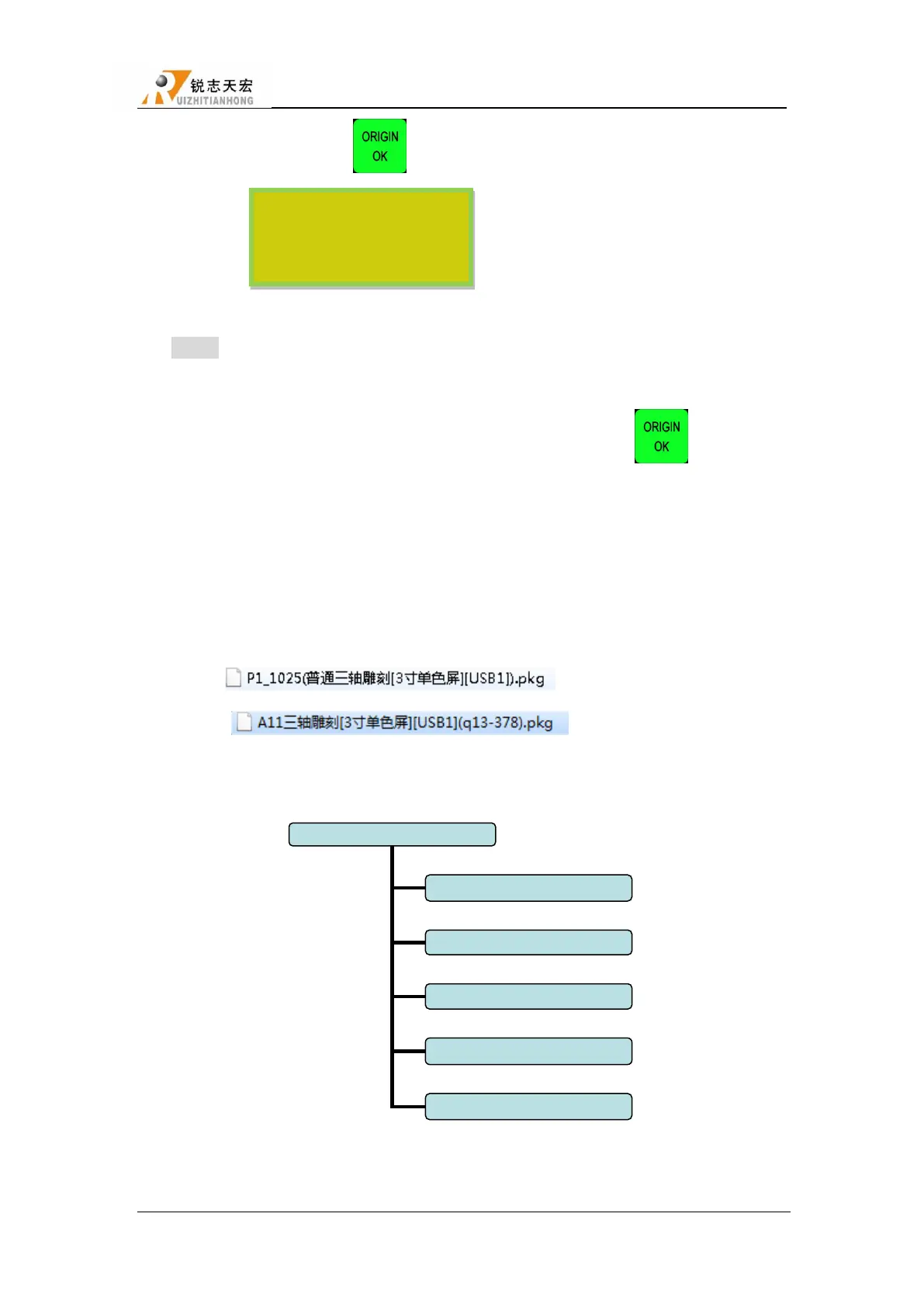
File fomat:
4.2.4 OPERATE FILE
Operate File Chart
1. Copy File
Copy files from U disk to Inner.
The time password is
updated successfully,please
restart the control system.



 To Next Page