Beijing RichAuto S&T Co., Ltd.
Forging ahead and determined to win 36
5.5.2 Pause & adjust position
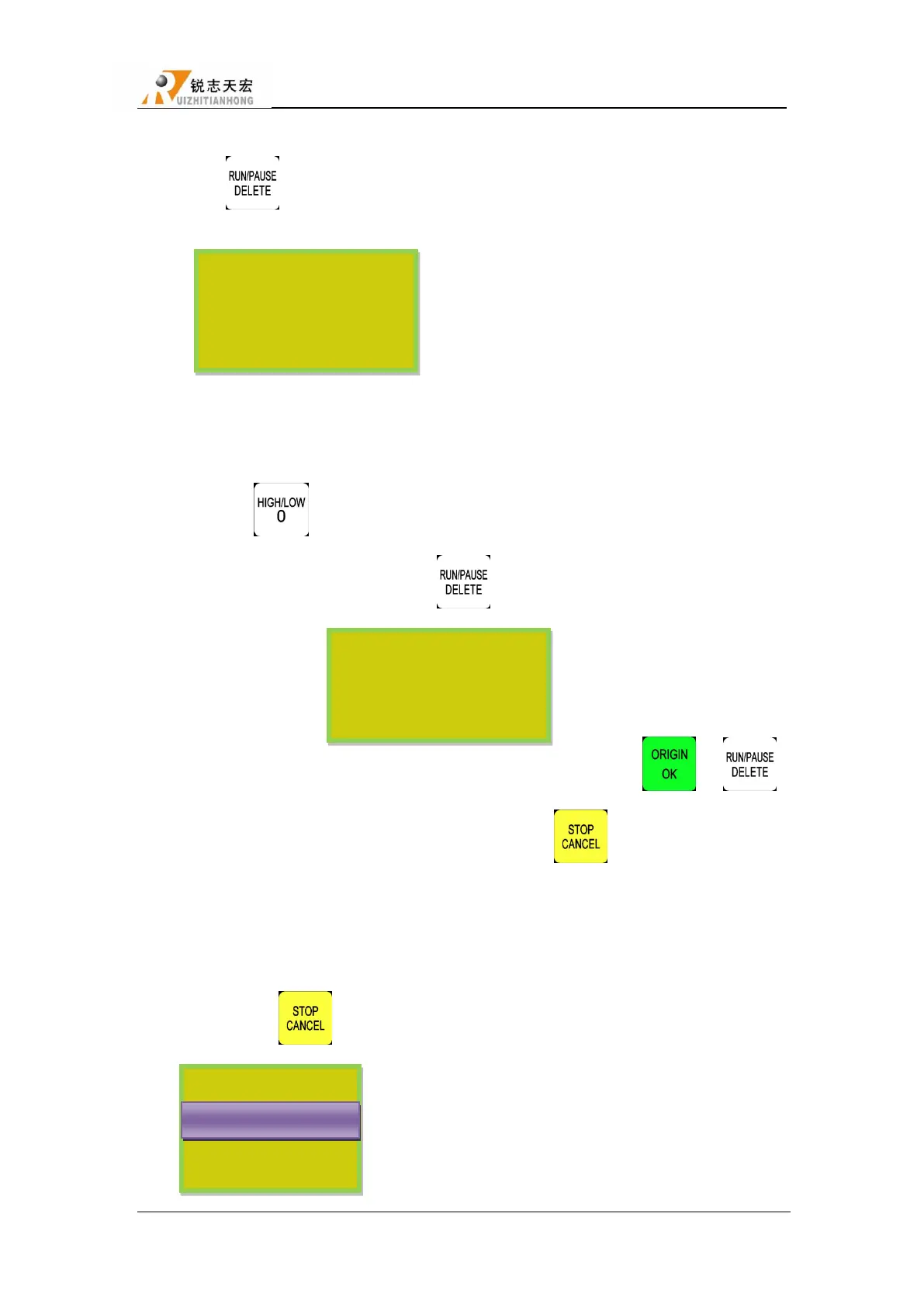
Press ― ‖ pause processing. The right upwards of screen will change from―MAUN‖
to ―PAUZ‖and machine paused processing except the rotating of spindle. Shown below:
At this moment, the user is allowed to adjust the position of X, Y and Z axis. The system
default motion mode is STEP. So that user can fine adjust each axis distance. Machine moves one
low or high speed grid distance every step. Meanwhile, user can change the speed mode to high
mode just press ― ‖.
When the adjustment is finished, press ― ‖ again, screen shows below:
The system asks the user whether save the modified position. Press ― ‖/ ― ‖
the system will start processing in modified position, press ― ‖, system will back to the
position before modifying.
5.5.3 Breakpoint processing & power down protection
1) Breakpoint processing
If user presses ― ‖ during process of processing, the screen shows below:
1X 7.000 PAUS
1Y 8.000 S2
1Z -2.000 H SP
User will start
1X 7.200 PAUS
1Y 41.300 S2
1Z -0.200 H SP
Restore Position?
Save break?
保存断点
Discard break
Save break
U 盘 文 件 件
WENJIAN



 To Next Page