Beijing RichAuto S&T Co., Ltd.
Forging ahead and determined to win 66
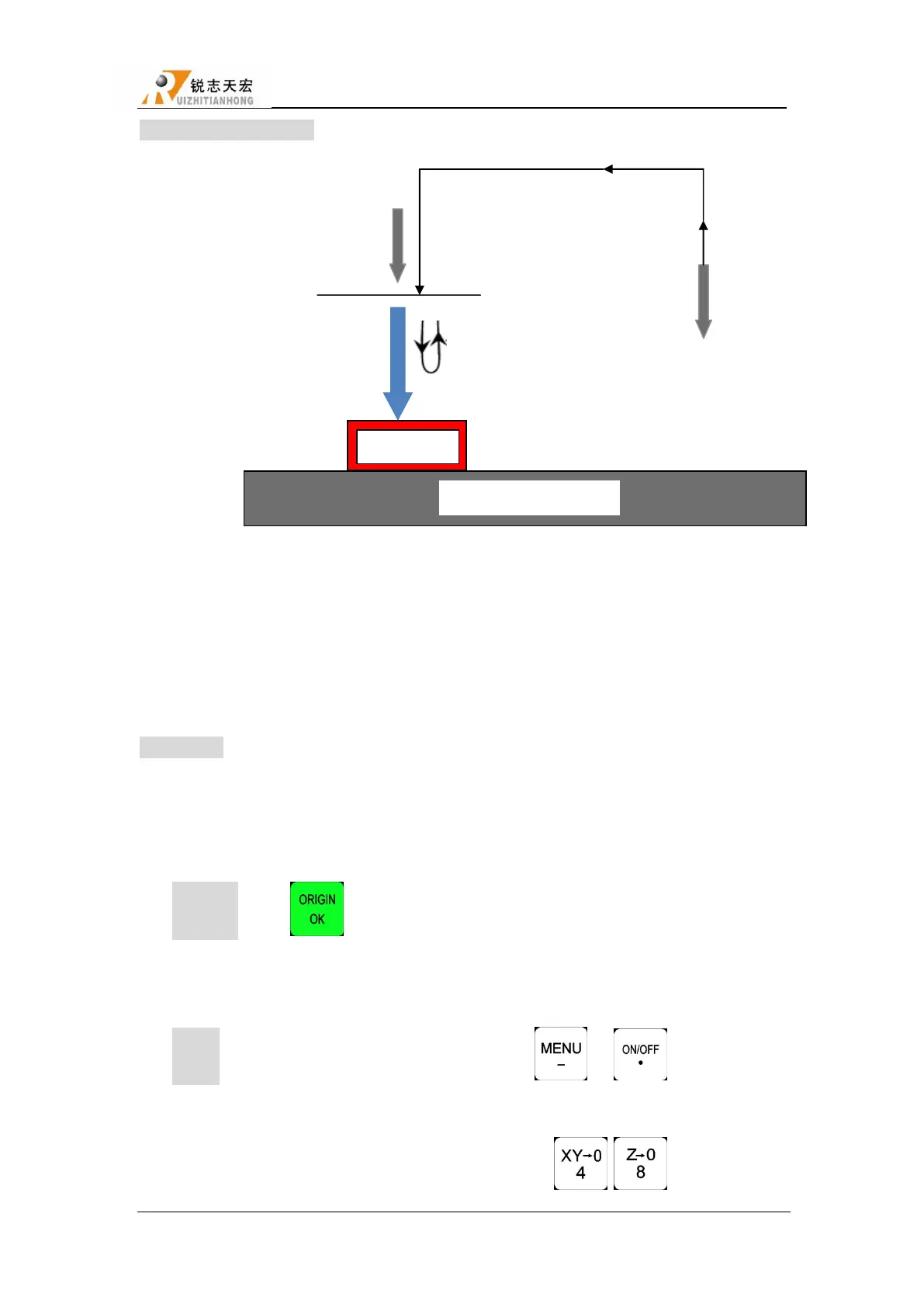
Fixed calibration process:
2.Up after tool setting
Fixed calibration refers to measurement operation at a certain fixed position on the machine.
During actual maching,tool length and tool holder position will change after tool change
because of tool breakage or other reasons.On this occasion,users can conduct fixed calibration to
re-confirm the tool length offset.
Instructions:
1) Set tool sensor position
Get into ―MACHINE SETUP-C.A.D Position‖ to set tool sensor position,including
―Inplace‖&―Inposition‖
Inposition:Press― ‖,screen displays―Press OK key to set point position by manual
mode,it’s very simple but not accurate,press cancel to set by number‖. Recommend manual
mode.
Inplace:Move X,Y,Z axis above the tool sensor,press ― ‖+― ‖.
2) Tool setting of first time/after tool changing
1. Manual move Z axis to the surface of workpiece,and press― , ‖to set workpiece
Position before
tool setting
Fix this position
according to the position
of tool sensor
1.Automatically locate to the
Specified position rapidly



 To Next Page