1.Replacement and Adjustment
32
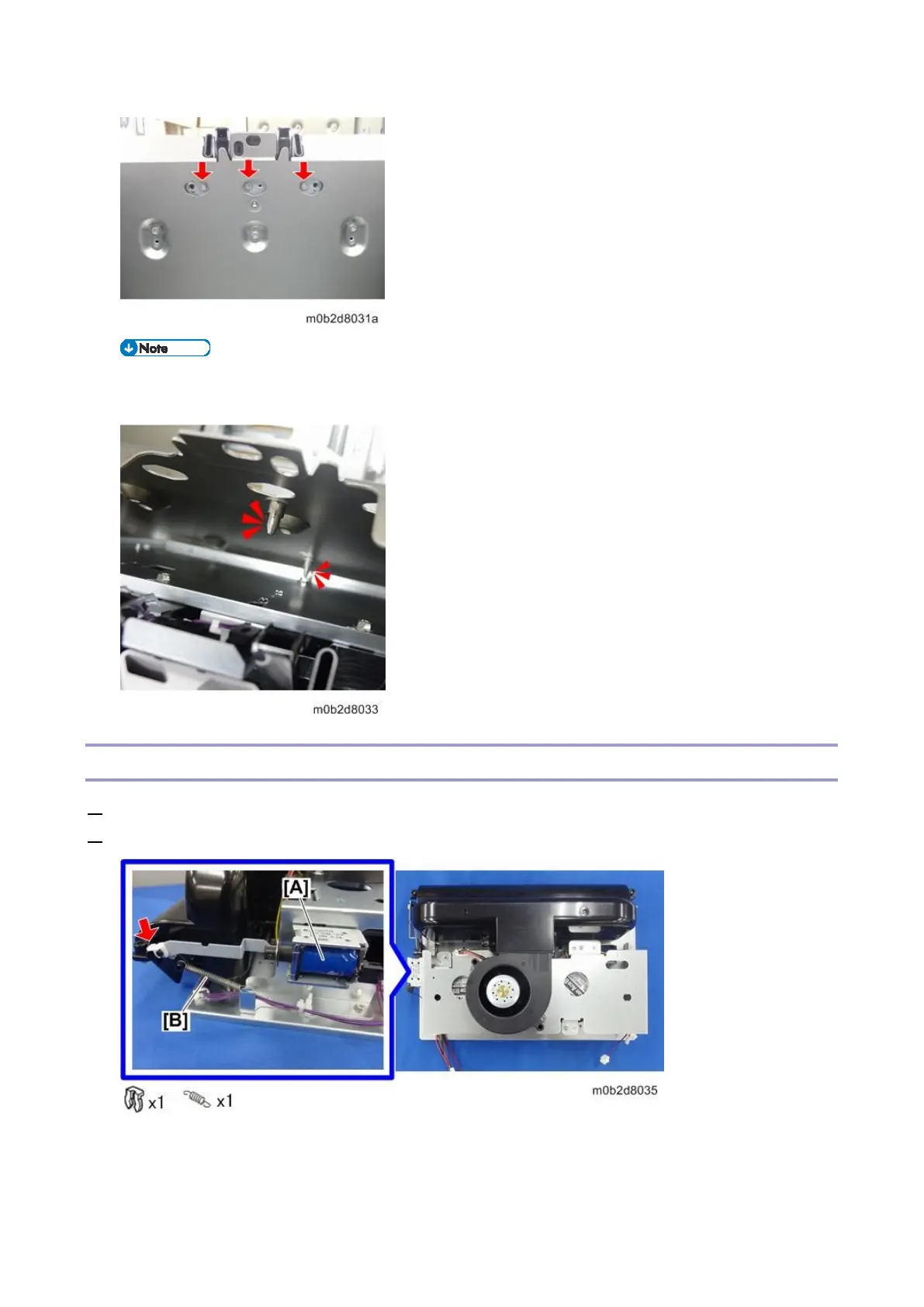
When installing the float/separation/return fan duct, make sure that the two position adjustment
pins shown below are inserted in the holes in the duct.
Float/Separation/Return Fan Bracket
1. Remove the float/separation/return fan duct (Float/Separation/Return Fan Duct)
2. Remove the clip (red arrow) of the float fan shutter solenoid [A] and spring [B].









 To Next Page