1.Replacement and Adjustment
49
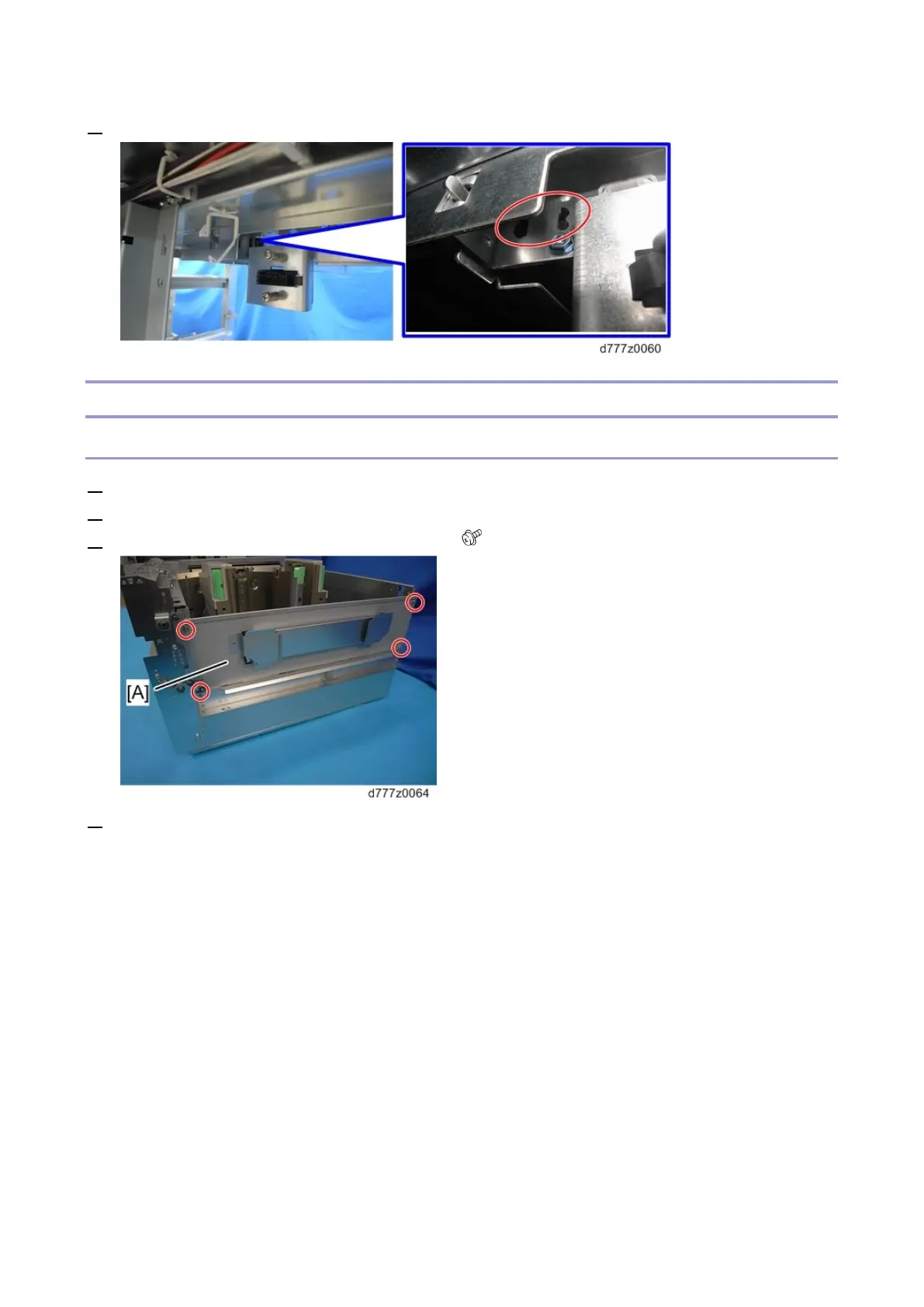
6. Remove the pawl of the tray upper limit sensor.
Side Fences (Front, Rear)
Common Procedure for Removing the Side Fences (Front, Rear)
1. Remove the tray front cover. (Tray Front Cover (Tray 1, 2))
2. Remove the paper tray. (Paper Tray)
3. Remove the plate [A] from the end fence side. ( x4).
4. Turn the wire pick-up roller [A] at the rear of the paper tray in a clockwise direction to raise the









 To Next Page