1.Replacement and Adjustment
72
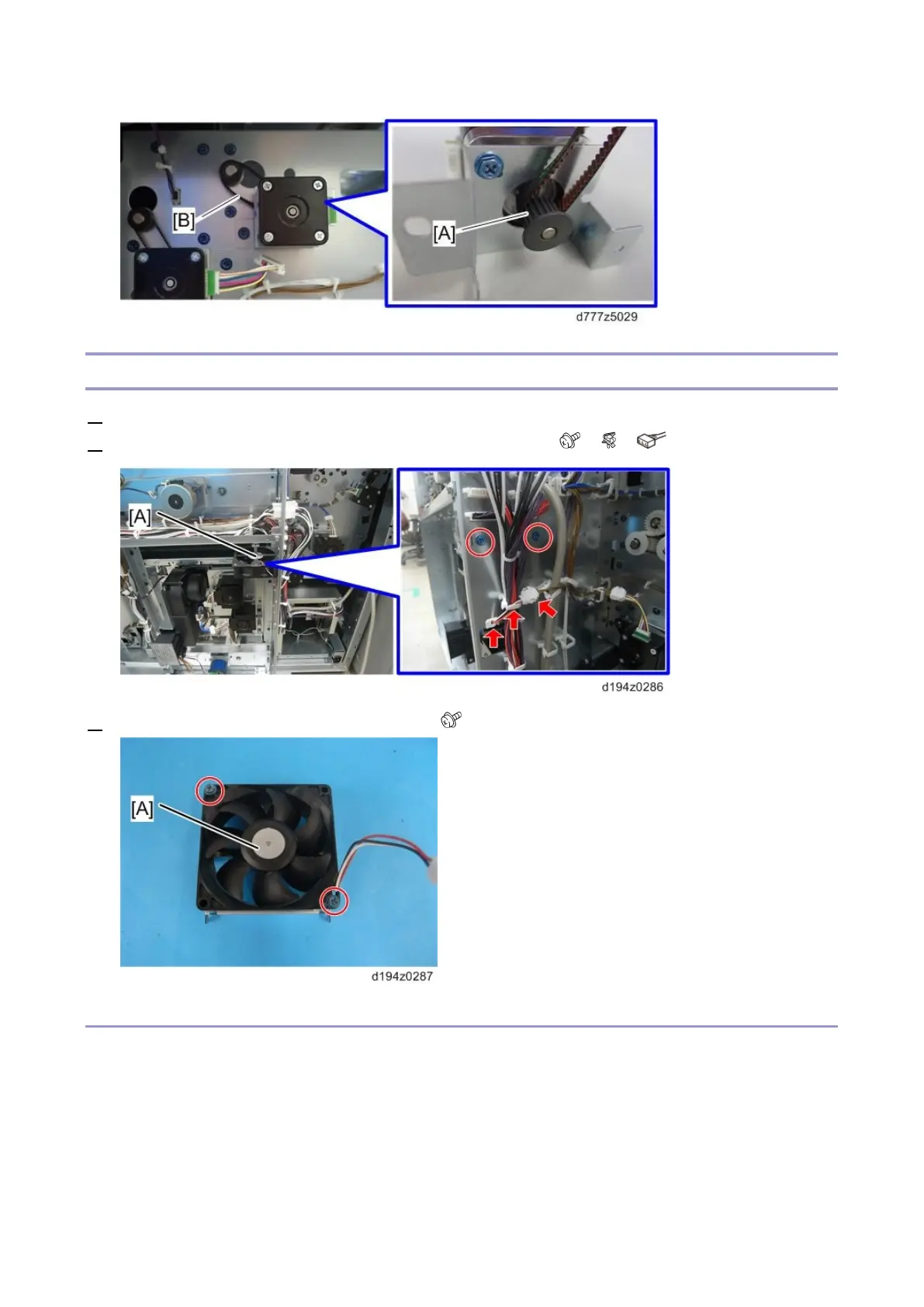
Transport Motor Cooling Fan
1. Remove the rear right and left covers (Rear Right Cover, Rear Left Cover).
2. Remove the transport motor cooling fan [A] with the bracket ( x2, x2, x1).
3. Remove the transport motor cooling fan [A] ( x2)
Re-installation
Install the transport motor cooling fan so that its label faces as shown below.









 To Next Page