9.1 CALIBRATION PROCEDURE OF
PHOTOMETER 5010
SUBJECT: CUVETTE TEMPERATURE
RIELE BERLIN Photometer 5010 / V4 9.1.2 25.08.2003
For additional information see chapter 3.4 – SERVICE TOOLS.
g. Perform a system initialization by applying service program item 1 – S1 - System initialization.
h. Enter the service program item 8 – S8 Temperature functions.
i. Select the temperature 25 °C by using service program item 1 – S8.1 - Temperature regulation
on / off. Activate the temperature control by selecting ON and 25 °C.
j. Check the temperature control by using service program item 5 – S8.5 - Temperature required /
actual.
As long as temperature is not stabilized, the character 16 of the first line is alternately showing a
“T” or a black rectangle. It needs minimum five minutes until a stabilized temperature level is
reached. Wait 10 minutes furthermore.
k. Read the displayed measurement of DMM in Ohm. Look up in the table of resistance the
appropriate set of values. Calculate by performing a linear interpolation the assigned temperature
value (see chapter 9).
l. Make an automatic temperature calibration by using service program item 4 – S8.4 - Temperature
calibration.
m. Check the temperature control by using service program item 5 – S8.5 - Temperature required /
actual.
As long as temperature is not stabilized, the character 16 of the first line is alternately showing a
“T” or a black rectangle. It needs minimum five minutes until a stabilized temperature level is
reached. Wait 5 minutes furthermore.
n. Read the displayed measurement of DMM in Ohm. Look up in the table of resistance the
appropriate set of values. The temperature value should show the desired value.
o. Read the required value (first value in the second line) and subtract the value 3000. The result is
called temperature value. Note this value in calibration protocol combined with adaptor type and
temperature level.
See for additional information in chapter 4.40 – MOTHER BOARD – Thermal adjustment.
p. Repeat above mentioned steps with the temperature levels 25 °C, 30 °C and 37 °C for both types
of adaptors.
6. Documentation
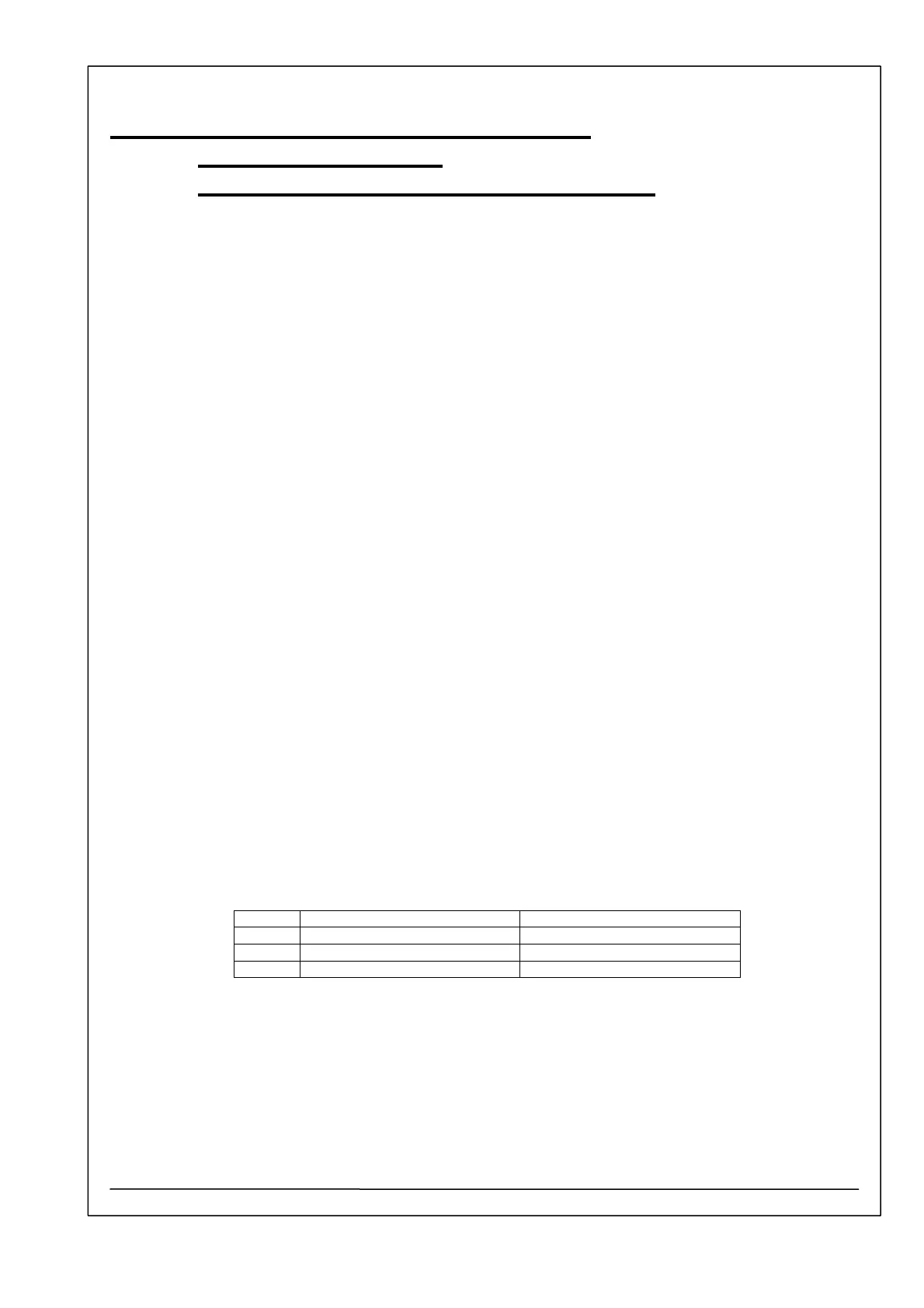
For documentation use a form containing following table:
Single cuvette adaptor Flow-through adaptor
25 °C Temperature value Temperature value
30 °C Temperature value Temperature value
37 °C Temperature value Temperature value
7. Requirements for the Digital Multimeter (DMM)
The DMM for the resistance-measurements has to fulfil the following requirements:
• 12 month accuracy of resistance measurements
within the 0 – 30 KOhm range: 0.05 % + 2 digits
• Current for resistance measurement: ≤ 15 µA
• Latest Calibration Certificate: not older than 12 months
If the 24 months resistance-accuracy fulfils the above accuracy requirements, the latest
Calibration Certificate can be ≤ 24 months old.



 To Next Page