6.5 INITIALIZATION OF BOOTSTRAP
RIELE BERLIN Photometer 5010 / V4 6.12 25.08.2003
If the display of Photometer 5010 shows black rectangles in the first line after switching on the instrument,
the bootstrap is destroyed. The bootstrap has to be initialized by using an EPROM containing a valid
operating system.
Following procedure is recommended:
1. Switch off Photometer 5010 and disconnect the mains cord.
2. Be sure working with flow-through system.
3. Turn device on its top side.
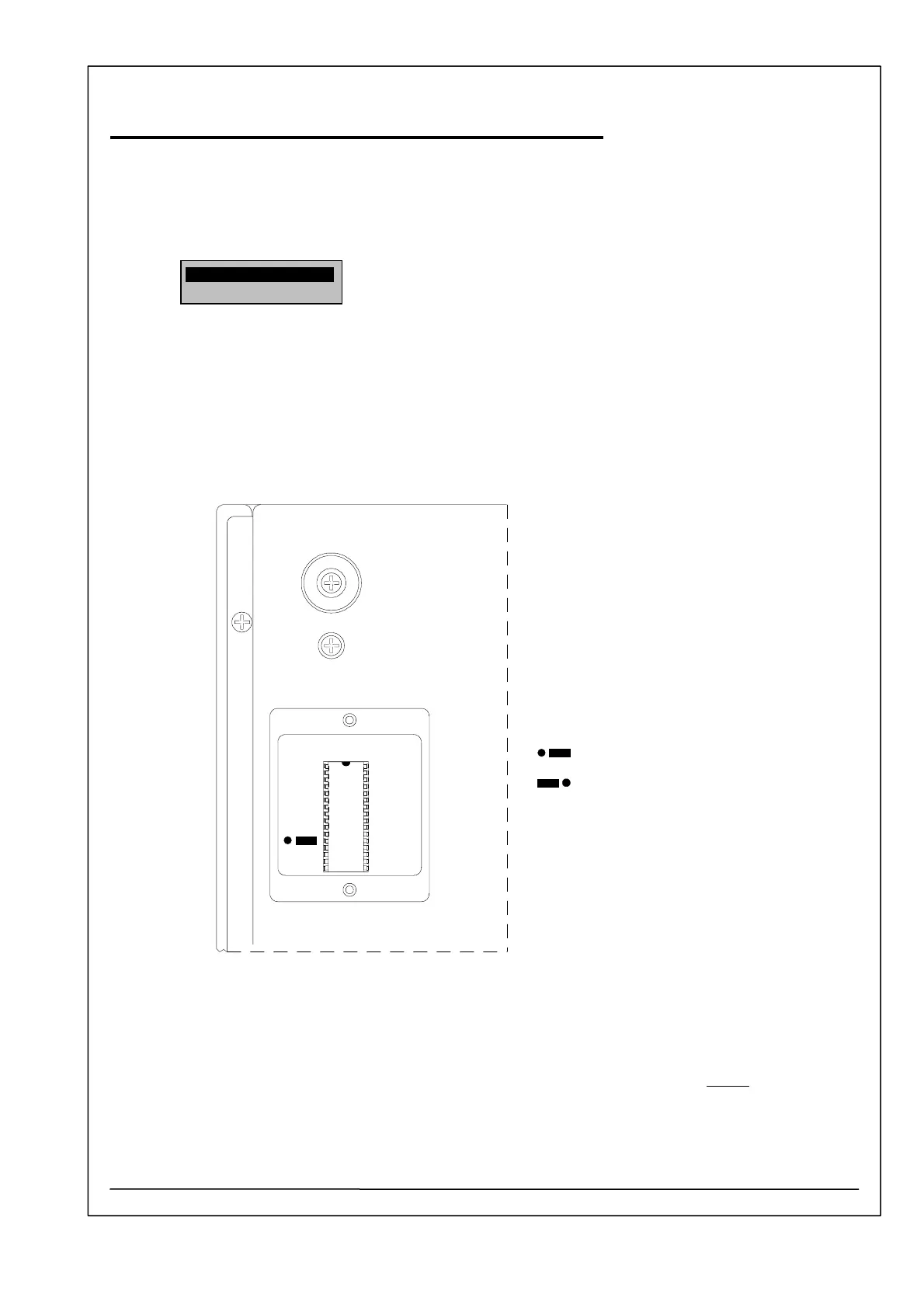
4. Dismantle lid of FLASH MEMORY or EPROM.
FLASH MEMORY
Jumper position
Normal
Bootstrap
Jumper
5. Replace the FLASH MEMORY by an EPROM containing a valid operating system (see Service
Manual chapter 6.2). Notice that electrostatic discharge can destroy the FLASH MEMORY or
EPROM and the motherboard of Photometer 5010. Avoid to produce shortcuts on the pcb.
Some pins and connections are connected to the power supply (battery) of the RAM.
6. The position of the jumper beside the FLASH MEMORY IC 14 (29F010) has to be normal
.
7. Turn device on its bottom side.
8. Connect PC and Photometer 5010 with a data interface cable.
9. Connect Photometer 5010 with the mains and switch it on.



 To Next Page