4.44 PRINTER CONTROLLER PCB ID 5010-020
RIELE BERLIN Photometer 5010 / V4 4.44.1 20.09.2003
Function Description
The printer controller pcb is a microprocessor subsystem. The printer mechanism is driven by the printer
controller pcb.
Location
Top case
Replacement
The Photometer 5010 has to be opened. The top case has to be separated from the bottom case.
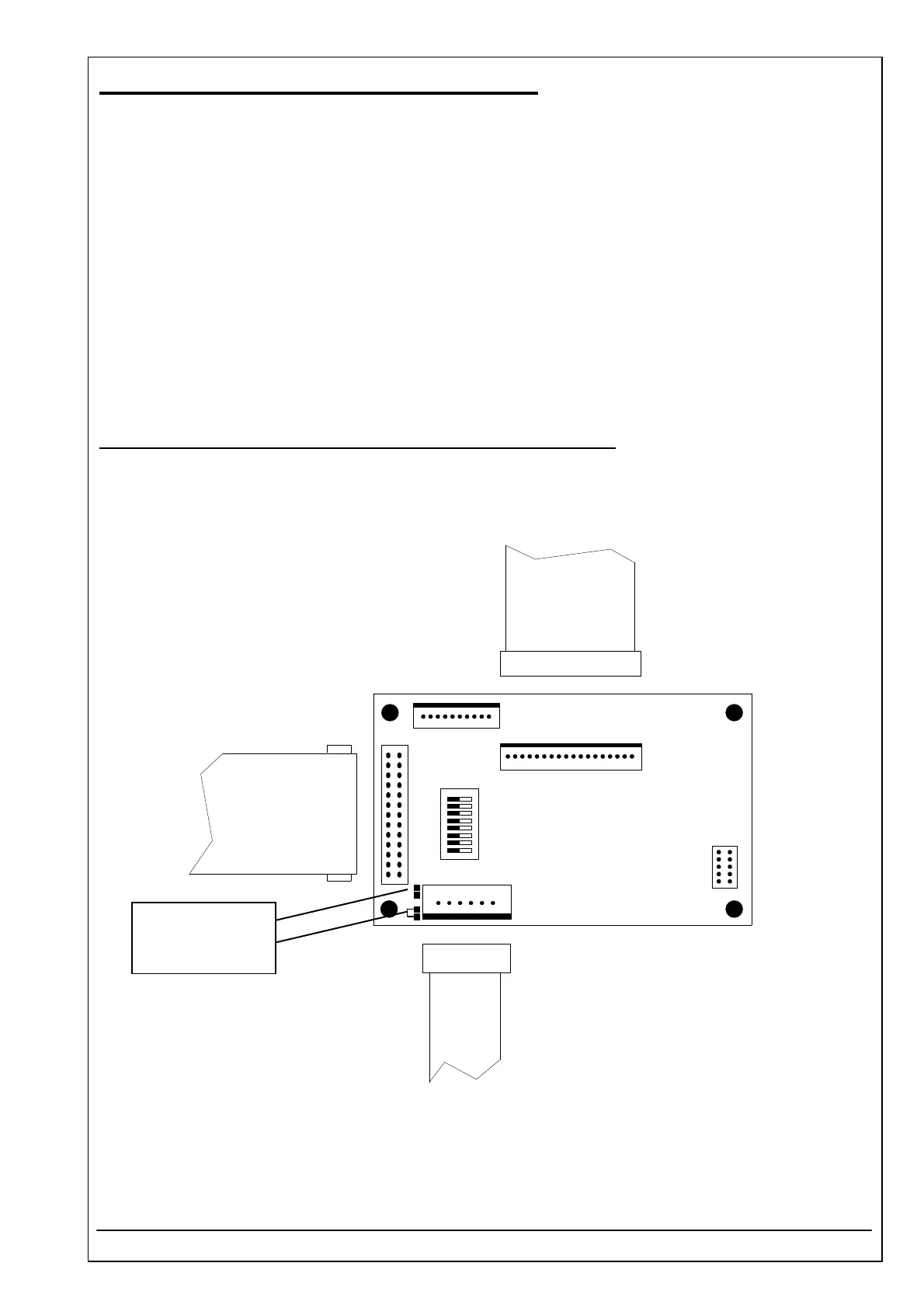
Unplug conectors CN1, CN2 and CN4.
Remove four screws fixing pcb.
Installation
All switches of SW1 have to be set to OFF.
In case of using the spare part: printer controller pcb ID 1707418001
The solder strap B14 has to opened and the solder strap B16 has to closed.
For installation proceed in reverse order.
CN1
CN4
CN2
SW1
CN6
CN5
1
1
1
1
1
1
8
6 pin
26 pin
18 pin
solder strap B14
solder strap B16



 To Next Page