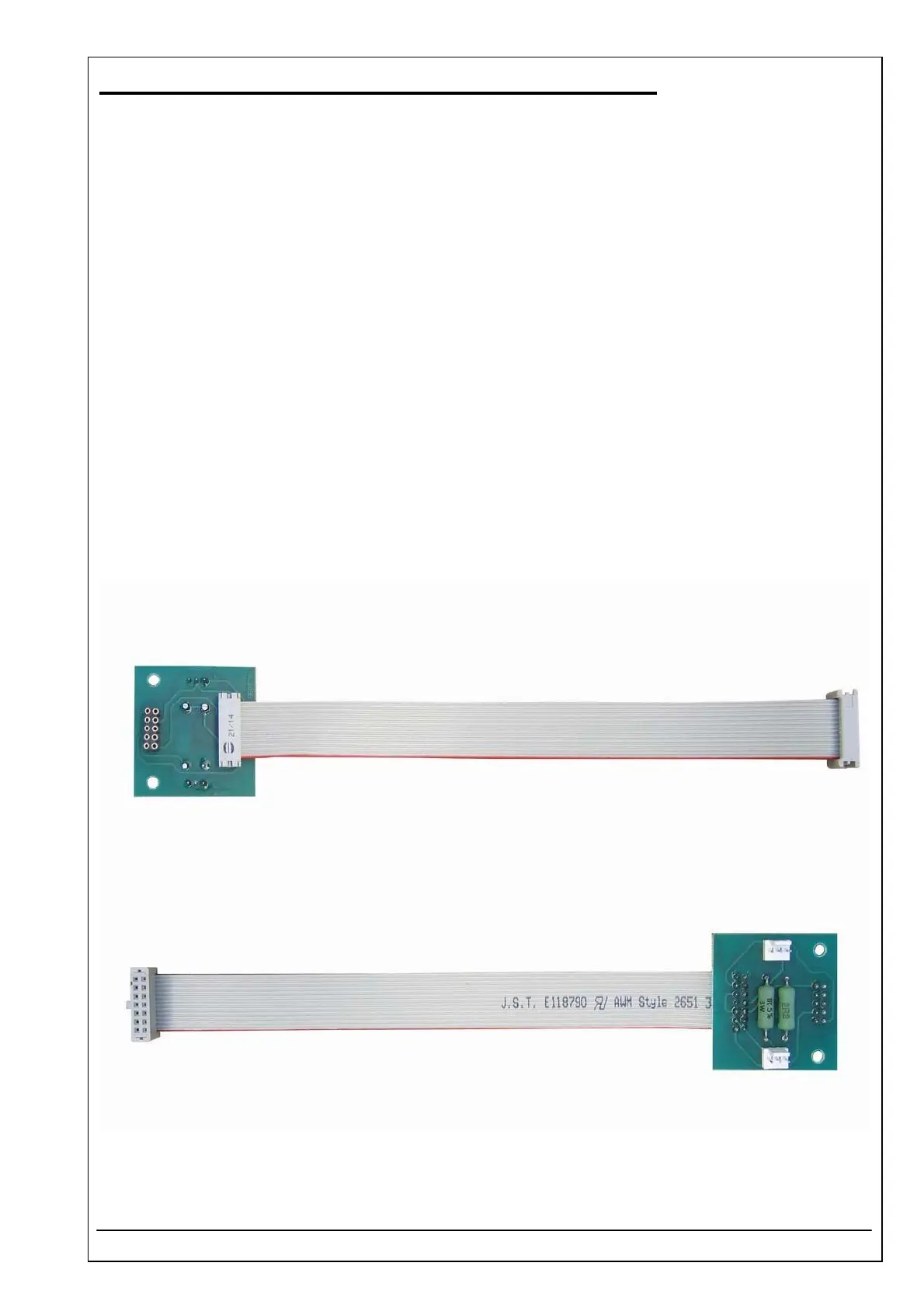
4.43 CUVETTE CONNECTION PCB RR-103-V4 ID 5010-019
RIELE BERLIN Photometer 5010 / V4 4.43.1 05.09.2003
Function Description
The cuvette connection pcb connects:
• Mother board pcb RR-115
• Flow through cuvette adaptor or standard cuvette adaptor
• Heating unit
• Bubble detector for sip control
Location
Optical unit
Replacement
The Photometer 5010 has to be opened. The top case has to be separated from the bottom case.
Remove optical unit (see chapter 4.10).
Remove 4 screws of cuvette adaptor well (incl. heating unit) and 2 screws between cuvette adaptor well and
heating unit.
Unscrew board and disconnect plug.
Installation
For installation proceed in reverse order.
See also exploded view, chapter „Dismantling“



 To Next Page