6.2 EXCHANGE OF EPROM
RIELE BERLIN Photometer 5010 / V4 6.6 25.08.2003
The software of the Photometers 5010 is structured as follows:
• operating system
• method data
• text data
The program can be distributed in an EPROM IC14 (27C512). The EPROM is marked with a label e.g.:
P100 V4.xa
dd.mm.yyyy
Replacement of EPROM
1. Before start of replacement empty tube system absolutely by [WASH] and the wash lever.
2. Switch off the device and disconnect the mains cord.
3. Turn device on its top side.
4. Dismantle lid of EPROM.
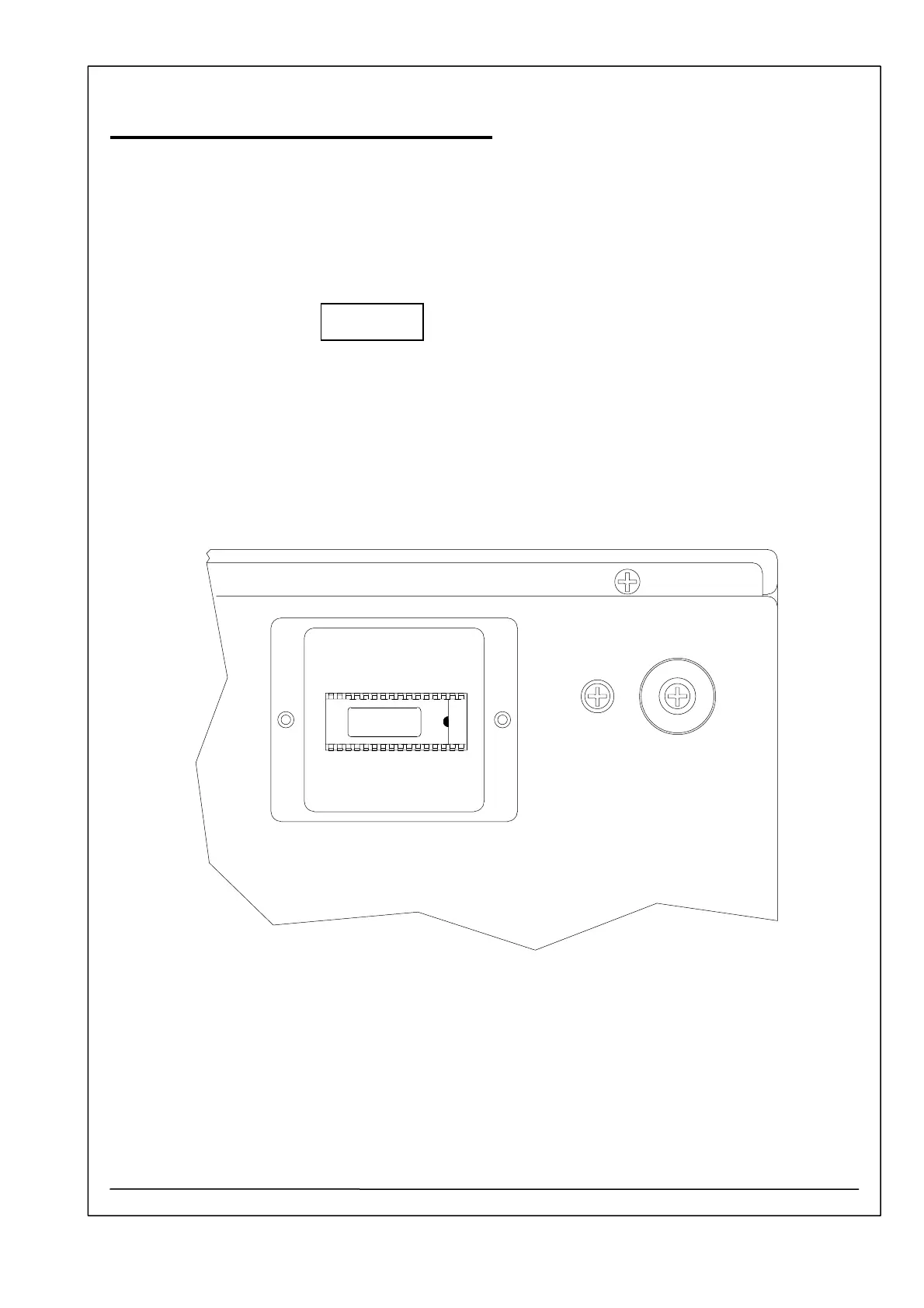
5. The EPROM become visible as shown below:
P100 V4.xa
dd.mm.yyyy
6. Replace the EPROM by using an IC extractor. Notice that electrostatic discharge can destroy the
EPROM and the motherboard of Photometer 5010. Avoid to produce shortcuts on the pcb. Some
pins and connections are connected to the power supply (battery) of the RAM.
7. Close lid.
8. Turn device on its bottom side.
9. Connect device with the mains and switch it on.



 To Next Page