3.3 SERVICE TOOLS
RIELE BERLIN Photometer 5010 / V4 3.3.1 19.09.2003
SELECTION OF SERVICE TOOLS
In the service program level there are functions influencing special basic parameters of the instrument.
Because they are allowed to be changed divergent from the work configuration only in exceptions
and only by
trained staff, their unintentional selection is protected by a password.
Program selection
: Change to service program selection with [MODE].
Confirm with [LF].
Enter password [13467]. Confirm with [ENTER].
The service level will be opened until to the next shutdown of the device.
Service tools selection
: Direct selection of desired service tool, i.e. input of
concerning item no. (see table) and confirming with [ENTER], or by scrolling
through all service tools with [+] ... [+].
Abort of service tool selection and change back to program selection with
[BREAK].
A service tool can be broken off with [BREAK] at an any time. Then a change is
carried out back to the selection of service tools.
After working off a service tool the return is carried out to the selection of service
tools.
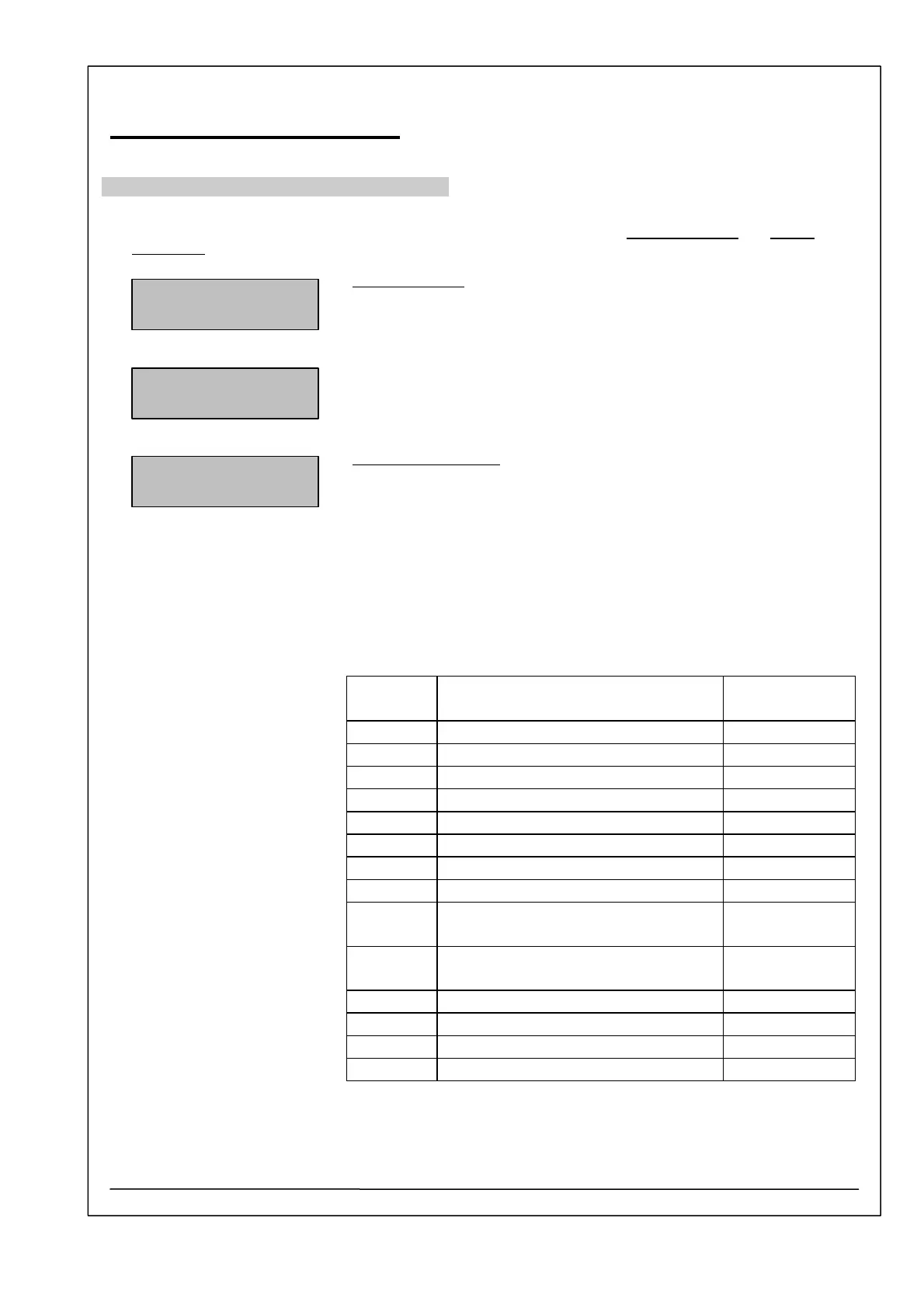
Item no. Service tool Description
in chapter
1 System initialization S1
2 Free methods initialization S2
3 Parameter initialization S3
4 Serial number S4
5 Boost mode S5
6 Filter select S6
7 Automatic Result S7
8 Temperature functions S8
9 Block Code Character from
method
S9
10 Analog-digital converter
correction
S10
11 Voltages S11
12 Reduction of lamp voltage S12
13 Attribut of PCB layout S13
14 Patients data initialization S14
METHOD NO.
INPUT 1-250
PASSWORD 13467
SERVICE TOOLS
INPUT 1-n/+
SERVICE TOOLS



 To Next Page