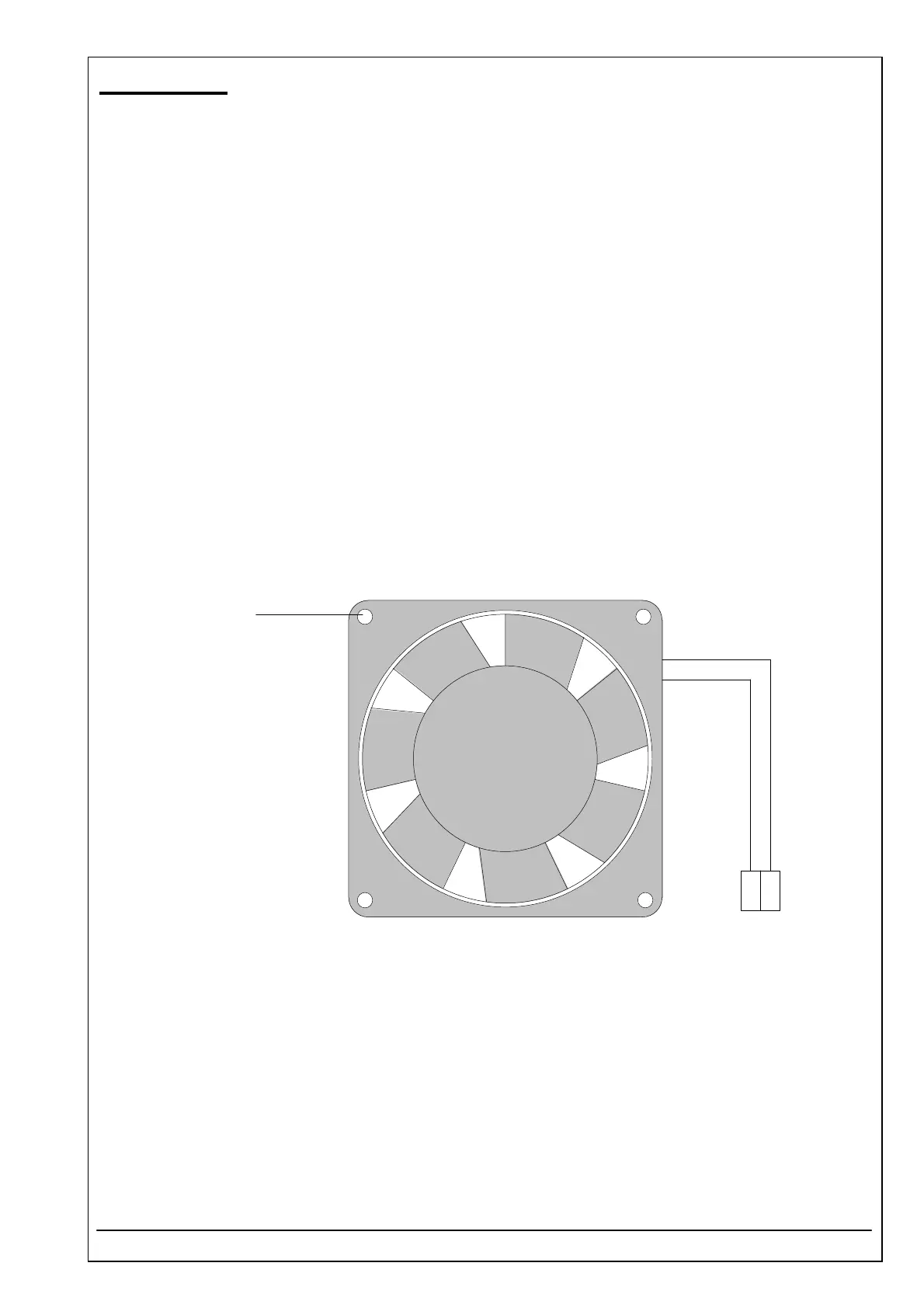
4.50 FAN ID 1706985001
RIELE BERLIN Photometer 5010 / V4 4.50.1 22.09.2003
Function Description
The fan has a nominal voltage of 12 VDC.
The fans blows the air out of the system for inside cooling.
Location
Backside of Photometer 5010, basis plate.
The plug P3 ist connected with the plug ST3 on the mother board pcb RR-115.
Replacement
The Photometer 5010 has to be opened. The top case has to be separated from the bottom case.
Unplug P3 from the mother board pcb RR-115.
Remove the four screws (A).
Clean air vents.
Installation
For installation proceed in reverse order.
See also exploded view, chapter „Dismantling“
1
2
P3
rd
bl
A



 To Next Page