4.15 PELTIER ELEMENT ID 1707370001
RIELE BERLIN Photometer 5010 / V4 4.15.1 23.08.2003
Function Description
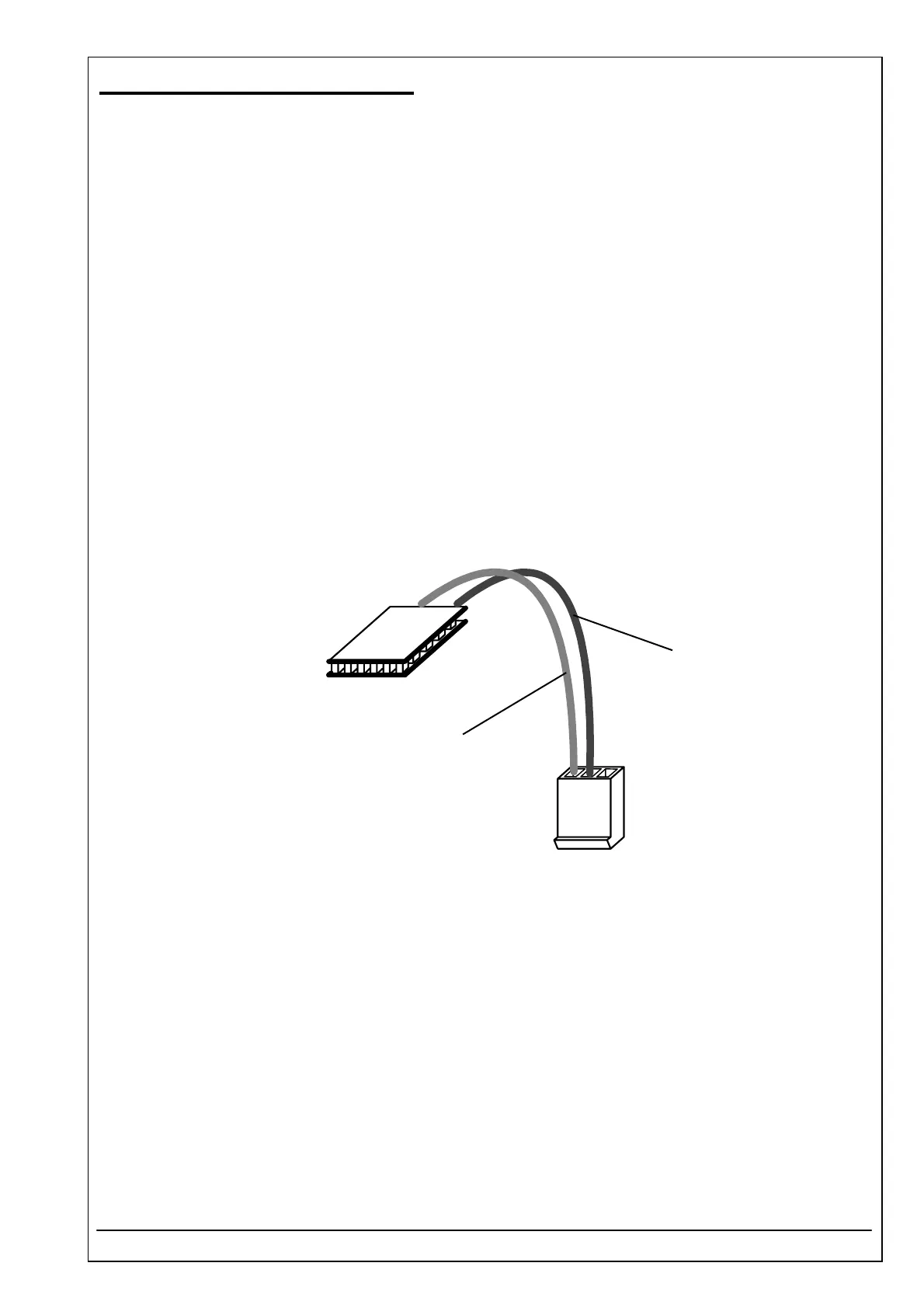
A peltier element is used to cool the cuvette adaptor.
Location
Optical unit
Replacement
The Photometer 5010 has to be opened. The top case has to be separated from the bottom case.
Remove optical unit (see chapter 4.10)
Loosen 4 screws of cuvette adaptor well with heating unit and 2 screws between cuvette adaptor well and
heating unit.
Loosen 2 clamp screws (glued) of Peltier element
Installation
For installation proceed in reverse order.
Take care that the 2 clamp screws are equally tightened. Put one drop screw glue on each thread tip.
Put heat conducting paste on the Peltier element.
Clamp Peltier element only so tight that it cannot be moved by hand.
See also exploded view, chapter „Dismantling“
c
o
l
d
black
red
P4



 To Next Page