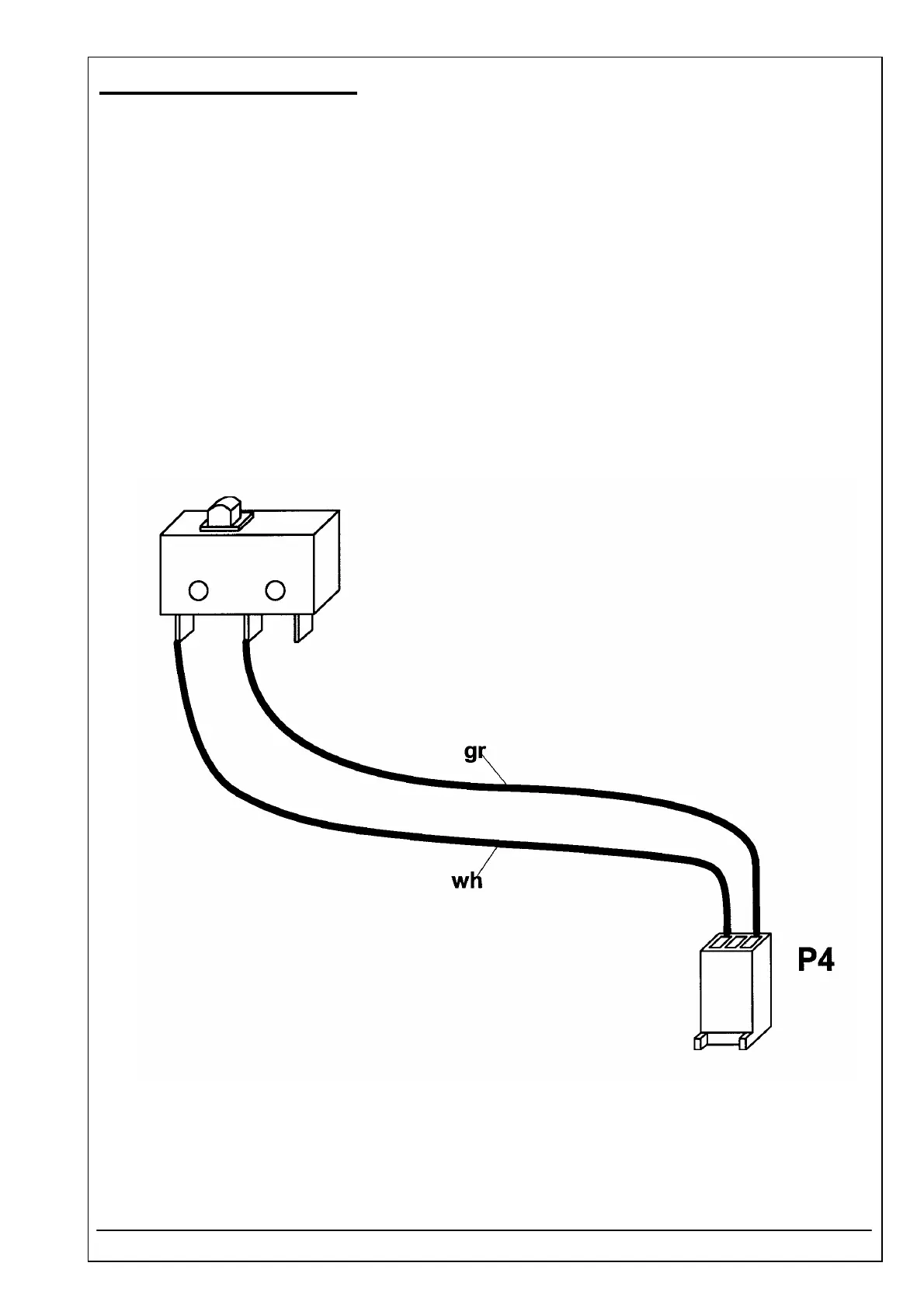
4.33 MICROSWITCH ID 1707248001
RIELE BERLIN Photometer 5010 / V4 4.33.1 11.05.2004
Function Description
The microswitch is pressed by the sipping lever, its signal starts the peristaltic pump.
Location
Top case
Replacement
The Photometer 5010 has to be opened. The top case has to be separated from the bottom case.
Disconnect plug P2 of display unit.
Remove microswitch by a screw driver and clean frame from remaining glue.
Installation
For installation proceed in reverse order.
Use for example glue „Delomet Typ 2301“.
See also exploded view, chapter „Dismantling“



 To Next Page