4.31 DISPLAY GLASS ID 1706934001
RIELE BERLIN Photometer 5010 / V4 4.31.1 04.09.2003
Function Description
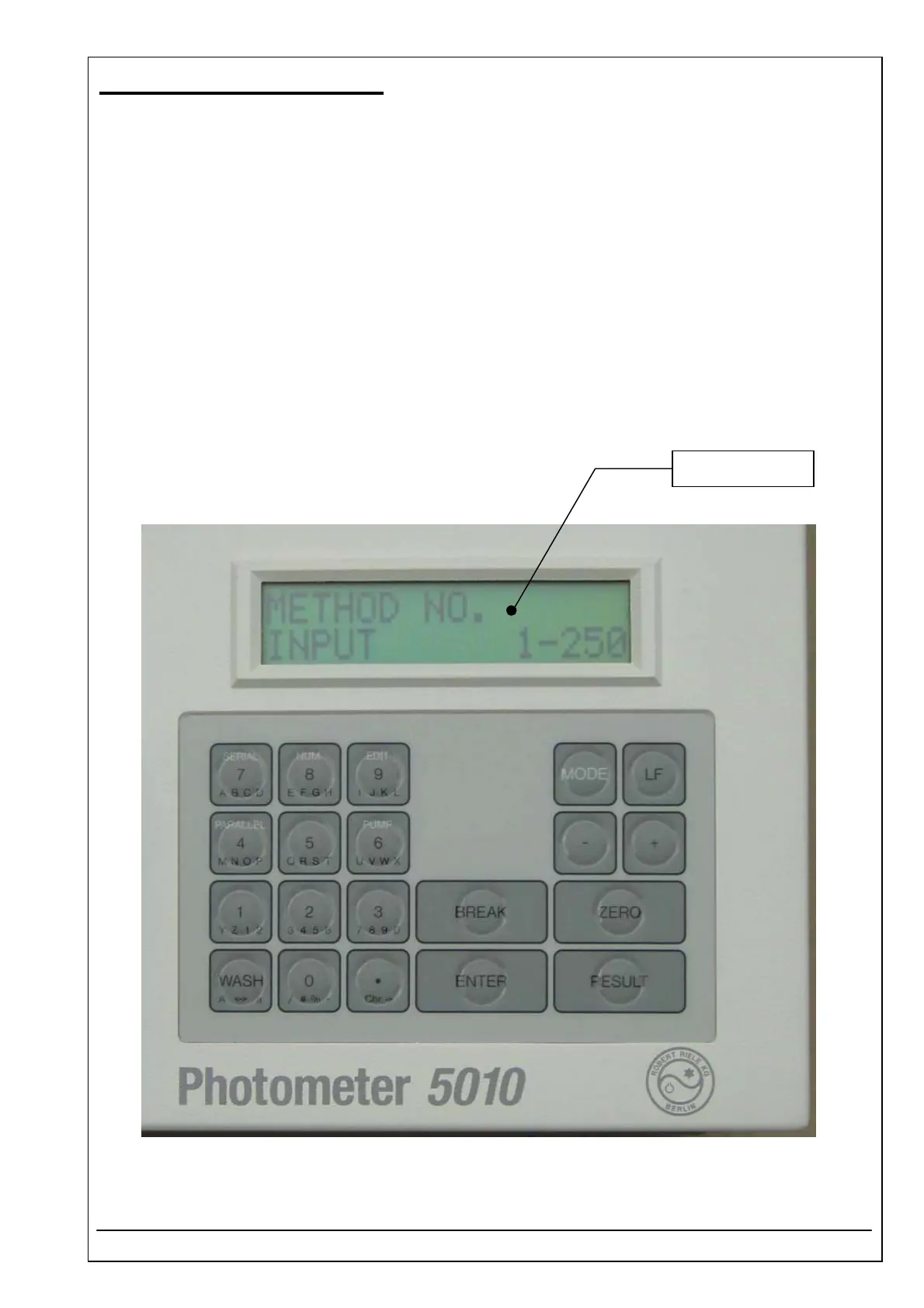
The display glass protects the LCD against mechanical damaging and liquid spill over.
Location
Top case
Replacement
The Photometer 5010 has to be opened. The top case has to be separated from the bottom case.
Remove display unit (see 4.42)
Remove old display glass and clean frame from remaining glue.
Installation
For installation proceed in reverse order.
Glue new display glass (use for example glue „Delomet Typ 2301“)
See also exploded view, chapter „Dismantling“
Display glass



 To Next Page