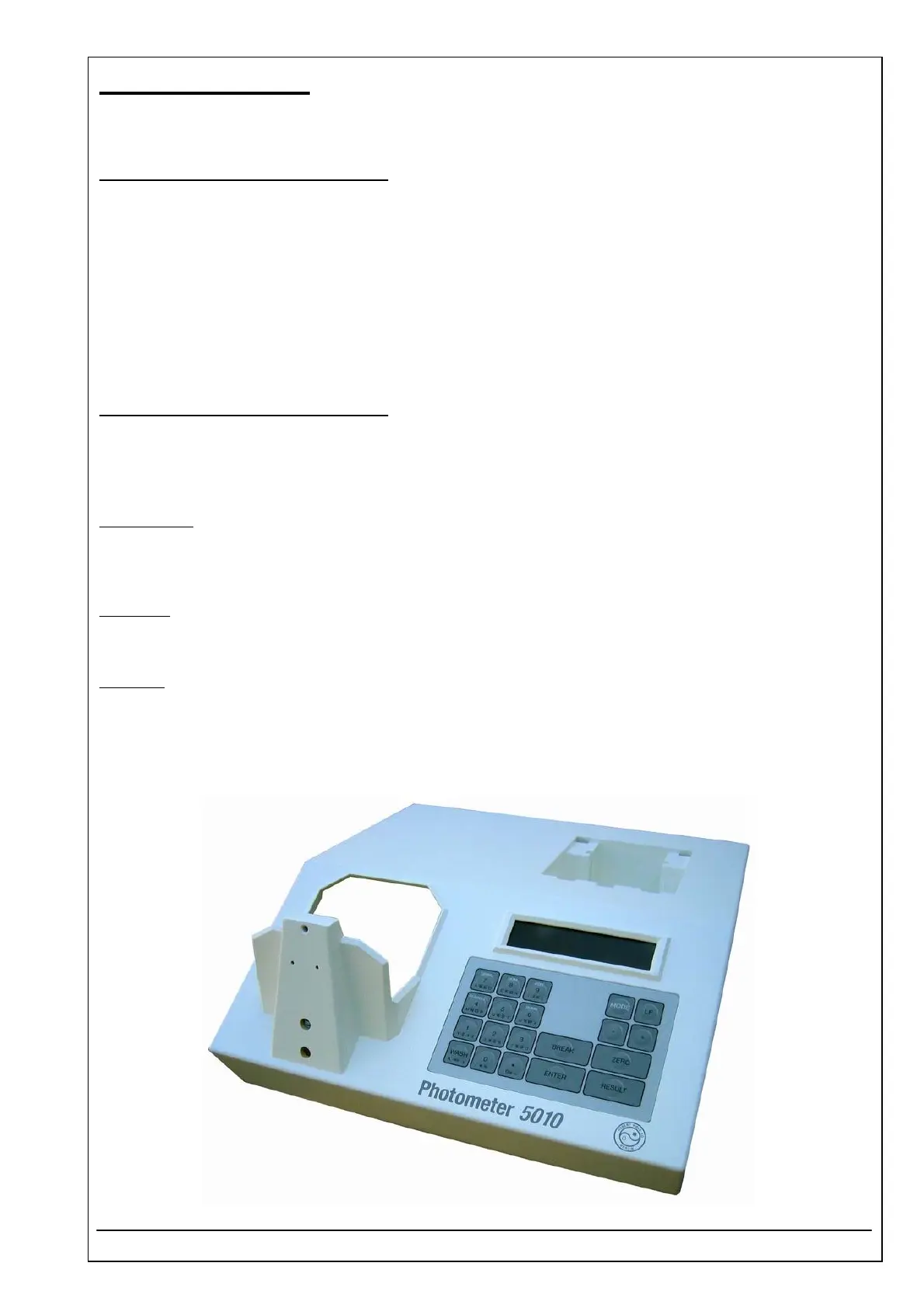
4.30 TOP CASE ID 5010-008
RIELE BERLIN Photometer 5010 / V4 4.30.1 09.09.2003
Function Description
The top case is one of the two main parts of the housing. It is assembled with:
see
• Display glass 4.31
• Microswitch 4.33
• Keyboard 4.34
Location
Top case
Replacement
The Photometer 5010 has to be opened. The top case has to be separated from the bottom case.
For dismantling of see
• Metal tube inlet 4.32
• Printer mechanism 4.35
• Display unit 4.42
• Printer controller 4.44
Sipping lever:
Remove pin from sipping lever.
Loosen 2 screws of bearing holding the metal tube inlet and remove both.
For installation into new top case proceed in reverse order.
Sliding lid:
Loosen guide rail at the top case and remove it together with sliding lid.
Remove spring bearing.
For installation into new top case proceed in reverse order.
Important
: Be informed spring tension is factory adjusted to a certain force.
Special tool and adjustment gauge is necessary.
Installation
See also exploded view, chapter „Dismantling“



 To Next Page