6.3 DOS: DOWNLOAD TO FLASH MEMORY
RIELE BERLIN Photometer 5010 / V4 6.8 25.08.2003
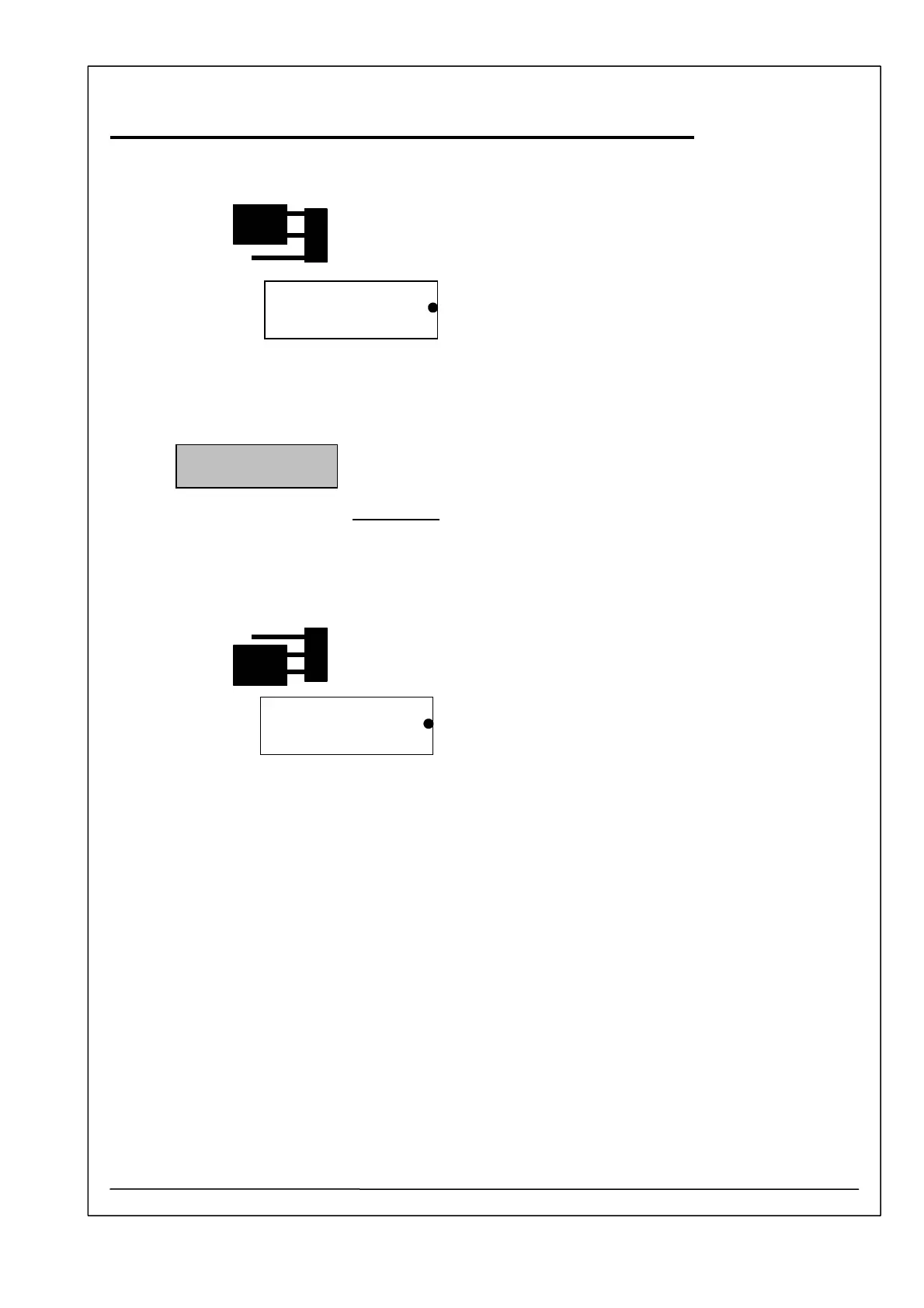
14. Change the position of the jumper beside the FLASH memory IC 14 (29F010).
Jumper position: Bootstrap
15. Turn device on its bottom side.
16. Switch on Photometer 5010.
17. If the Photometer 5010 shows the dialog:
Personal computer: Start the program file DL_5010.EXE.
Select item 4 -> RESUME after malfunction.
The file P_100.HEX will be loaded. A progress bar shows the transferring of
the file. The operation needs a time of approximate three minutes.
IMPORTANT:
Be sure that during this operation there is no power fail. Do not
interrupt the running program.
After end of operation the PC application is closed.
18. Switch off Photometer 5010.
19. Change the position of the jumper beside the FLASH memory IC 14 (29F010).
Jumper position: Normal
20. Switch on Photometer 5010. The display shows the start menue.
DOWNLOAD Vx.x
PLEASE WAIT
FLASH memory
29F010
FLASH memory
29F010



 To Next Page