SmartLab: Automated Multipurpose X-ray Diffractometer 99
Measurements
This section introduces basic operating procedures for typical measurements. For
detailed information, refer to the SmartLab Guidance Reference Manuals, the Parts,
and Package Measurements Help Topics of the online help section of the SmartLab
Guidance software.
Preparing for measurements
1 Make sure that the OPERATE lamp on the main panel is lighting up in
green.
2 Launch SmartLab Guidance. Click Package Measurement under the
Task menu.
3 Click the Startup button to turn on the x-ray.
For information on the startup procedure, refer to Section 2.1 of the CBO Maintenance
Package Measurement Help Topic of the online help section of the Smartlab Guidance
software.
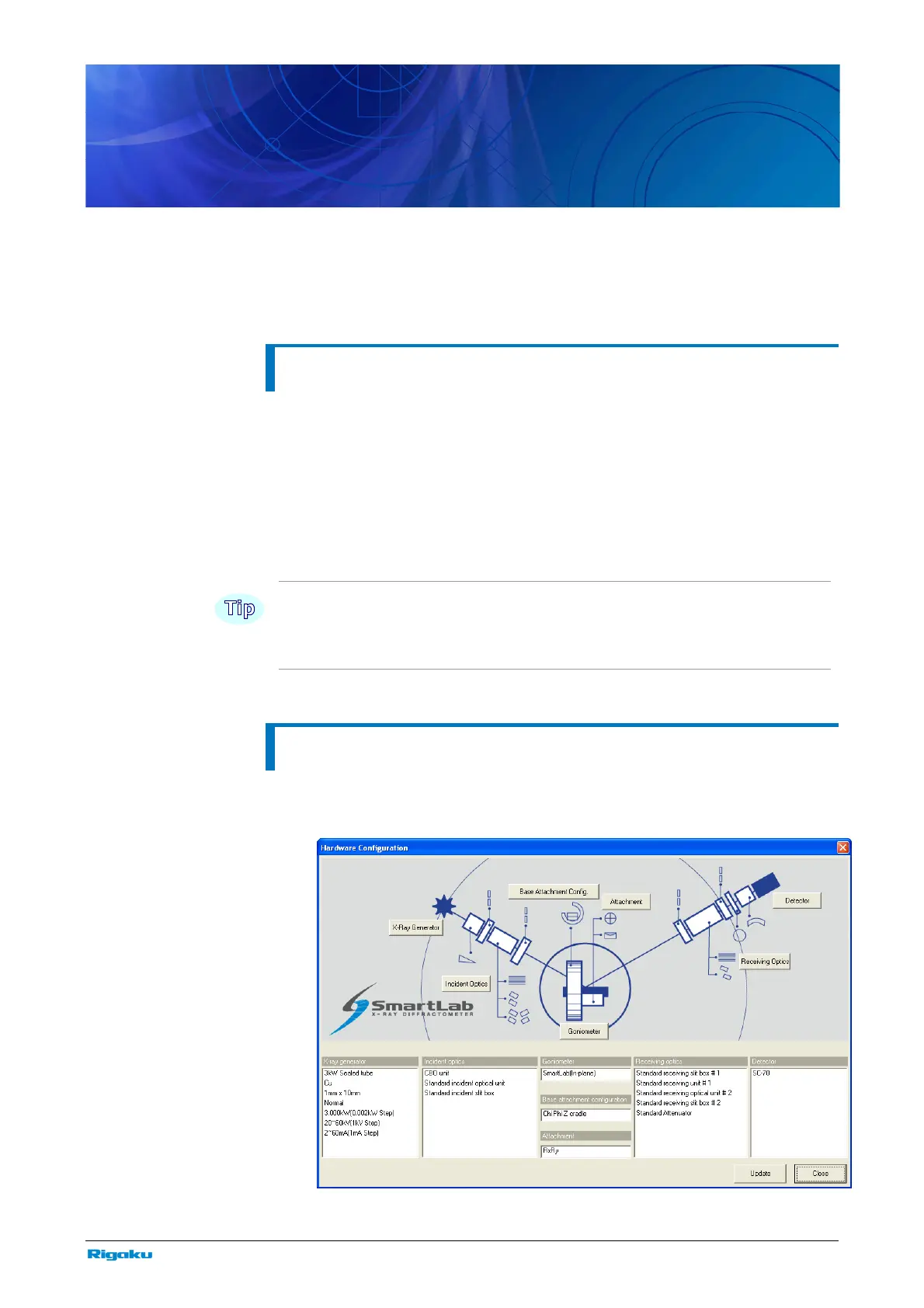
Setting the hardware configuration
1 Click Hardware Configuration in the Options menu to open the
Hardware Configuration dialog box.



 To Next Page