SmartLab: Automated Multipurpose X-ray Diffractometer 85
Attachments
You can switch between attachments with various adjust axes for different
measurement purposes.
Described below is the method for changing attachments.
1 Click Manual Control under the Control menu. Move the chi axis to 0°
and the phi axis to 0°.
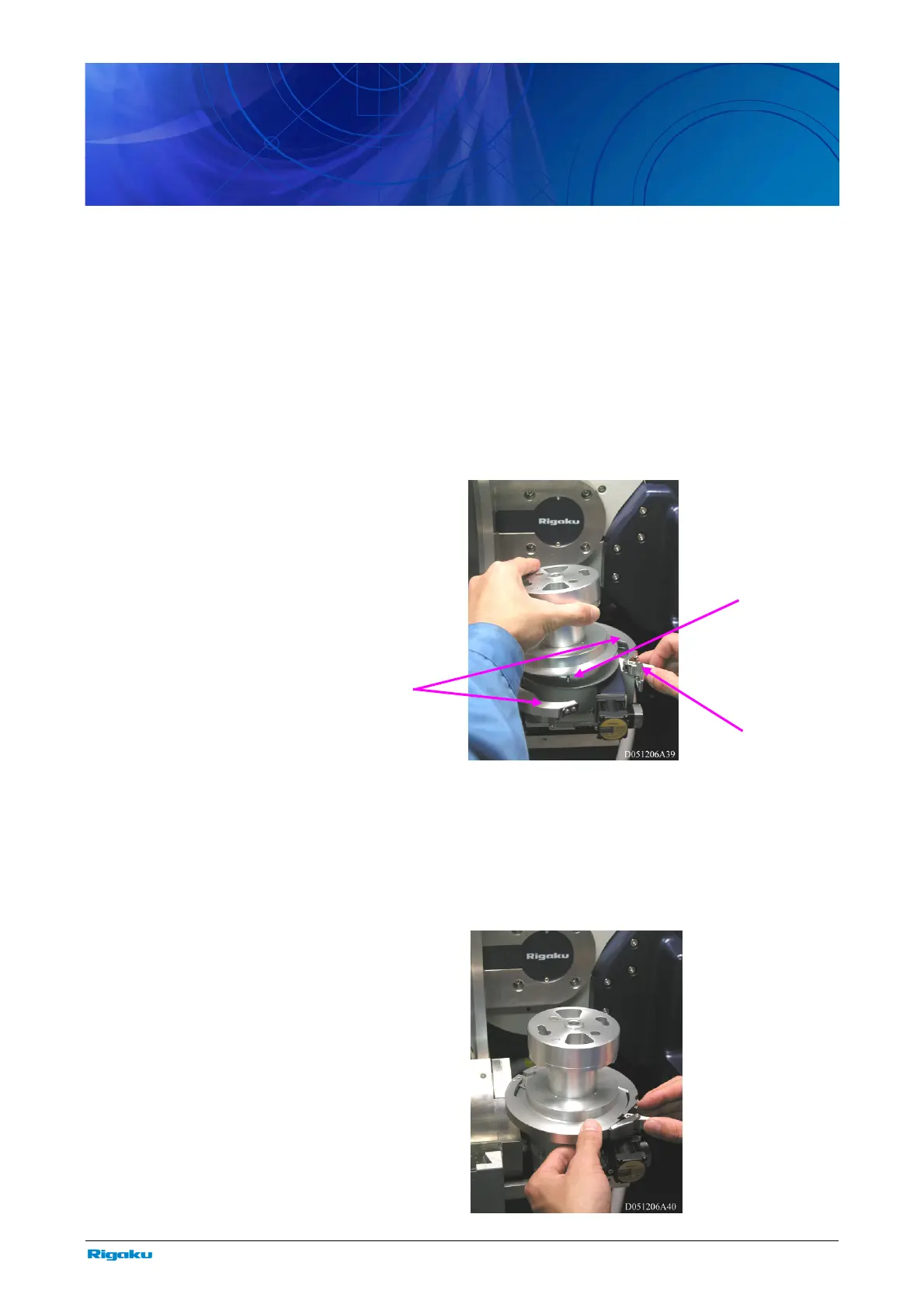
2 Release the hook.
3 Open the clasps for the right and left sides. Remove the attachment.
4 Make sure the right and left clasps are open.
5 Install the attachment by aligning the groove of the attachment with
the pin on the front.
6 Close the clasps and engage the front hook.
Pin
Hoo
Clasps



 To Next Page