Turning On and Off SmartLab
20 SmartLab: Automated Multipurpose X-ray Diffractometer
For detailed information on initialization, refer to Section 14 of the “Reference Manual”
Help Topic of the online help section of the SmartLab Guidance software.
Startup
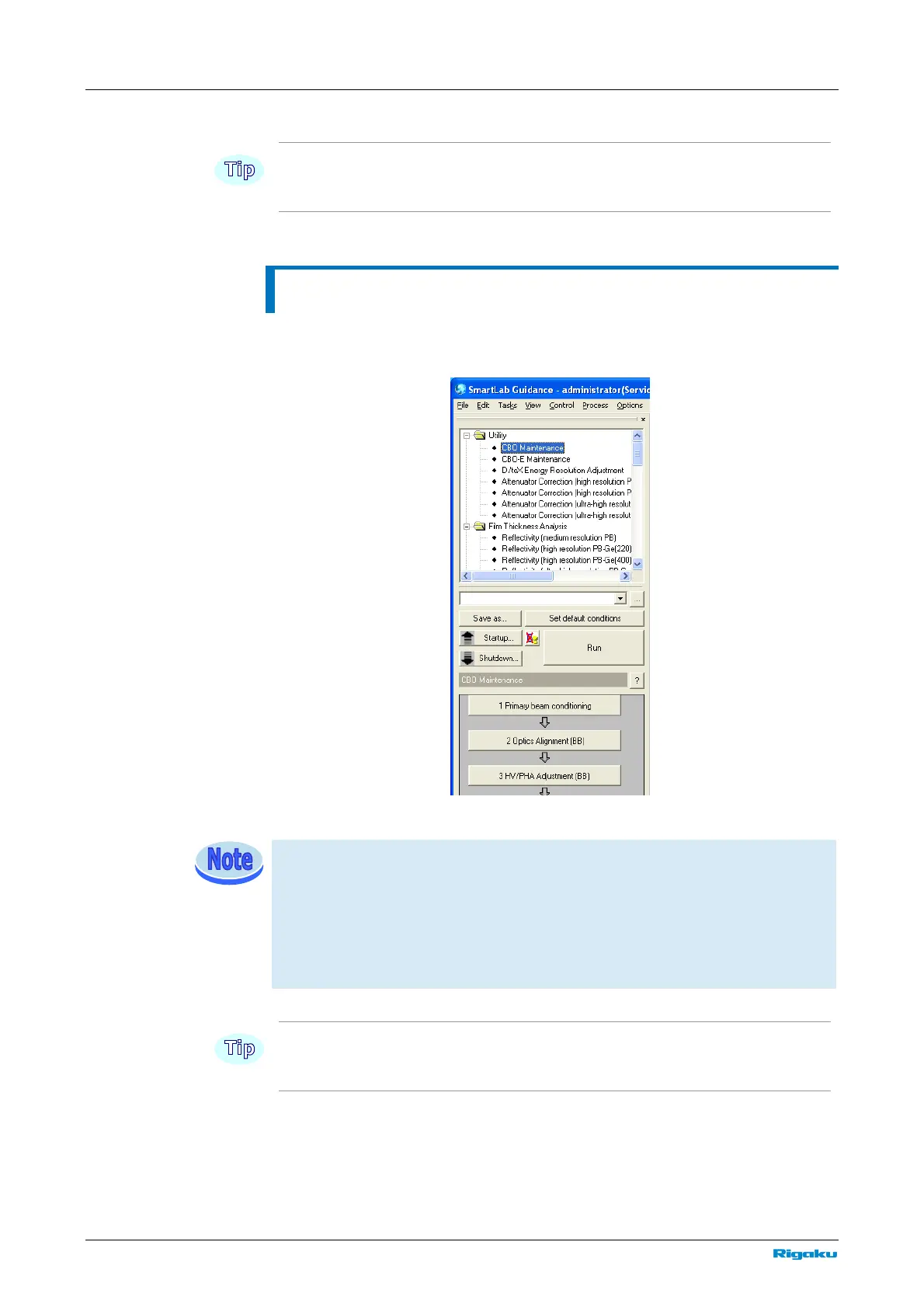
Click Package Measurement under the Task menu and click Startup on the
displayed Package Measurement flow bar.
Startup
When not using the water circulation pump, make sure the cooling water is flowing
properly. If the cooling water is not flowing or the amount, pressure of water are
incorrect, an alarm will be issued and remain active for three minutes after the
startup procedure is initiated. Adjust the water volume to shut off the alarm within
three minutes, then repeat the startup procedure. For information on how to adjust
the water volume, refer to the instruction manual of the water circulation pump.
For the startup procedure, refer to Section 2.1 of the “CBO Maintenance Package
Measurement” Help Topic of the online help section of the SmartLab Guidance software.



 To Next Page