Wafer sample plates and sample spacers
SmartLab: Automated Multipurpose X-ray Diffractometer 91
Installing and removing sample spacers
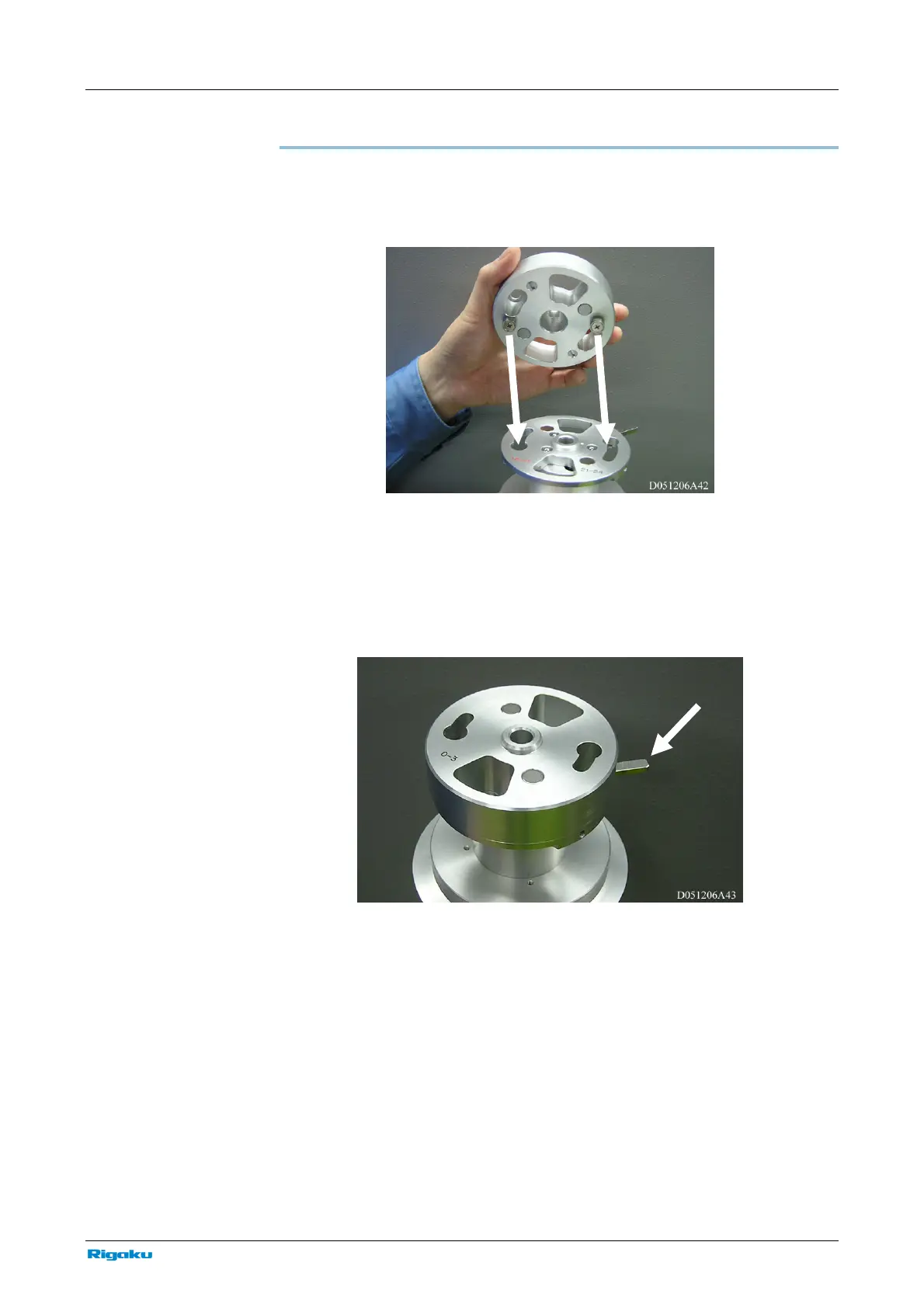
To mount a sample spacer to an attachment, align the sections indicated by the
arrows in the figure below, then turn the sample spacer clockwise to secure it in
place.
Installing the sample spacer on the attachment
To remove the sample spacer from the attachment, apply pressure to the bar
indicated by the arrow in the figure below, then turn the sample spacer
counterclockwise.
Removing the attachment



 To Next Page